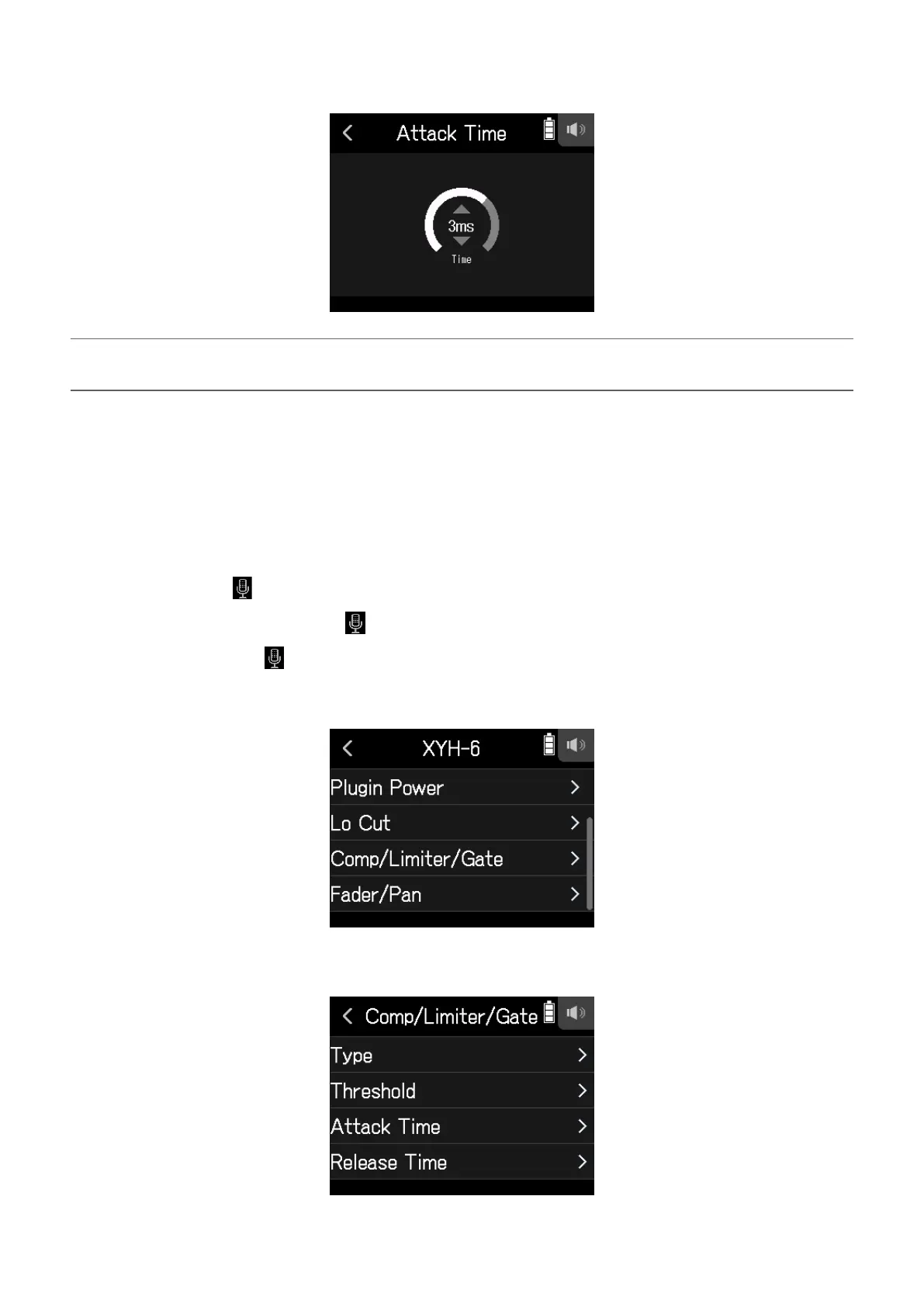
4.
Slide the slider to adjust the time.
HINT
This can be set from 1 to 4 ms.
█
Setting the release time
This sets the amount of time until compression stops after the input signal goes below the threshold.
1.
Open the Track Setting Screen in the app.
Tap in the following order:
• FIELD app screen >
> select track
• MUSIC app screen > select track >
• PODCAST app screen > > select track
2.
Tap Comp/Limiter/Gate.
3.
Tap Release Time.
36



 To Next Page