4.
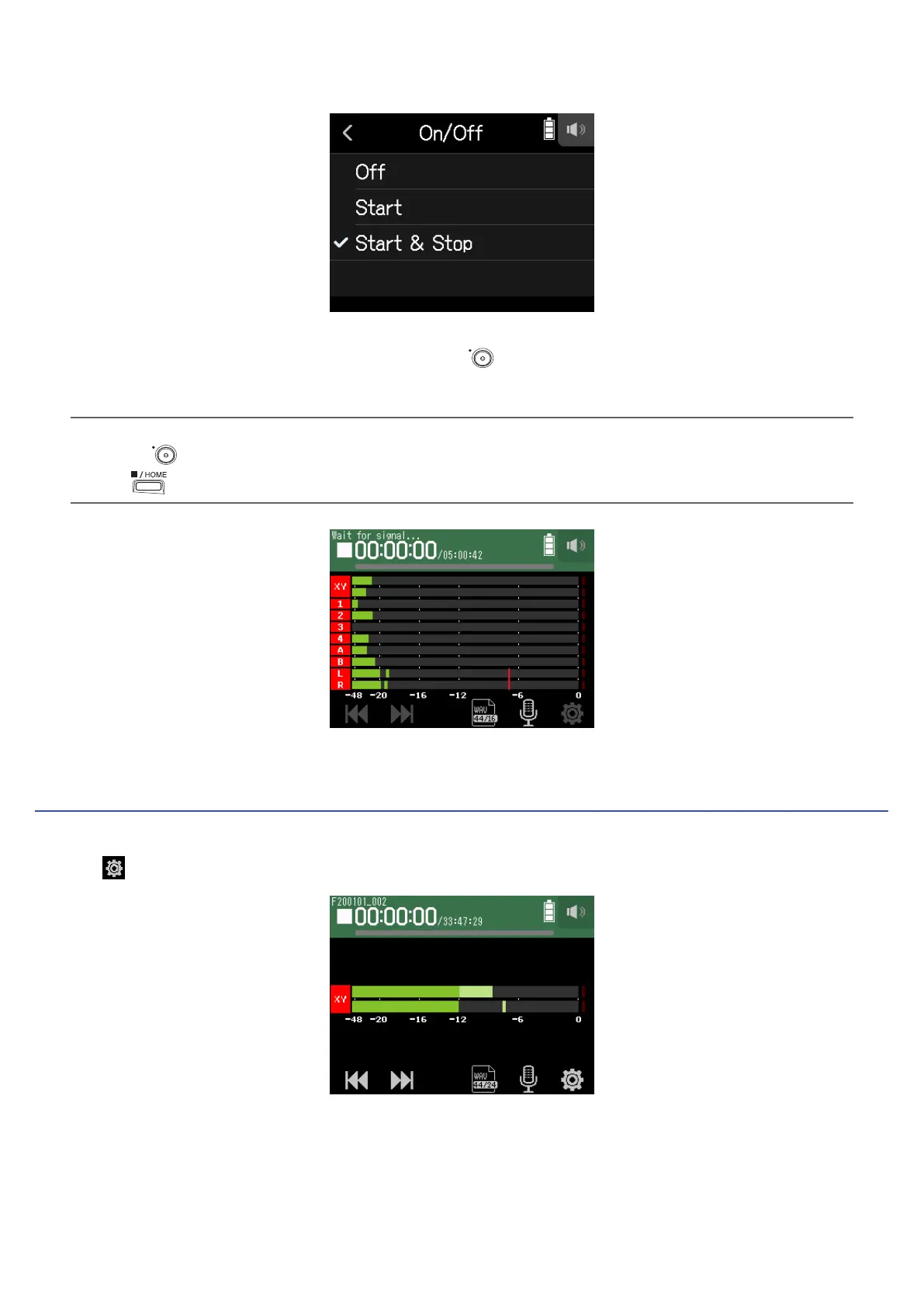
Tap Start or Start & Stop.
5.
Return to the top screen of the FIELD app, and press .
This will start automatic recording standby.
HINT
• Pressing
again will start recording immediately.
• Press
to end recording standby or stop recording.
Setting automatic recording start/stop levels
1.
Tap .
49



 To Next Page