2.
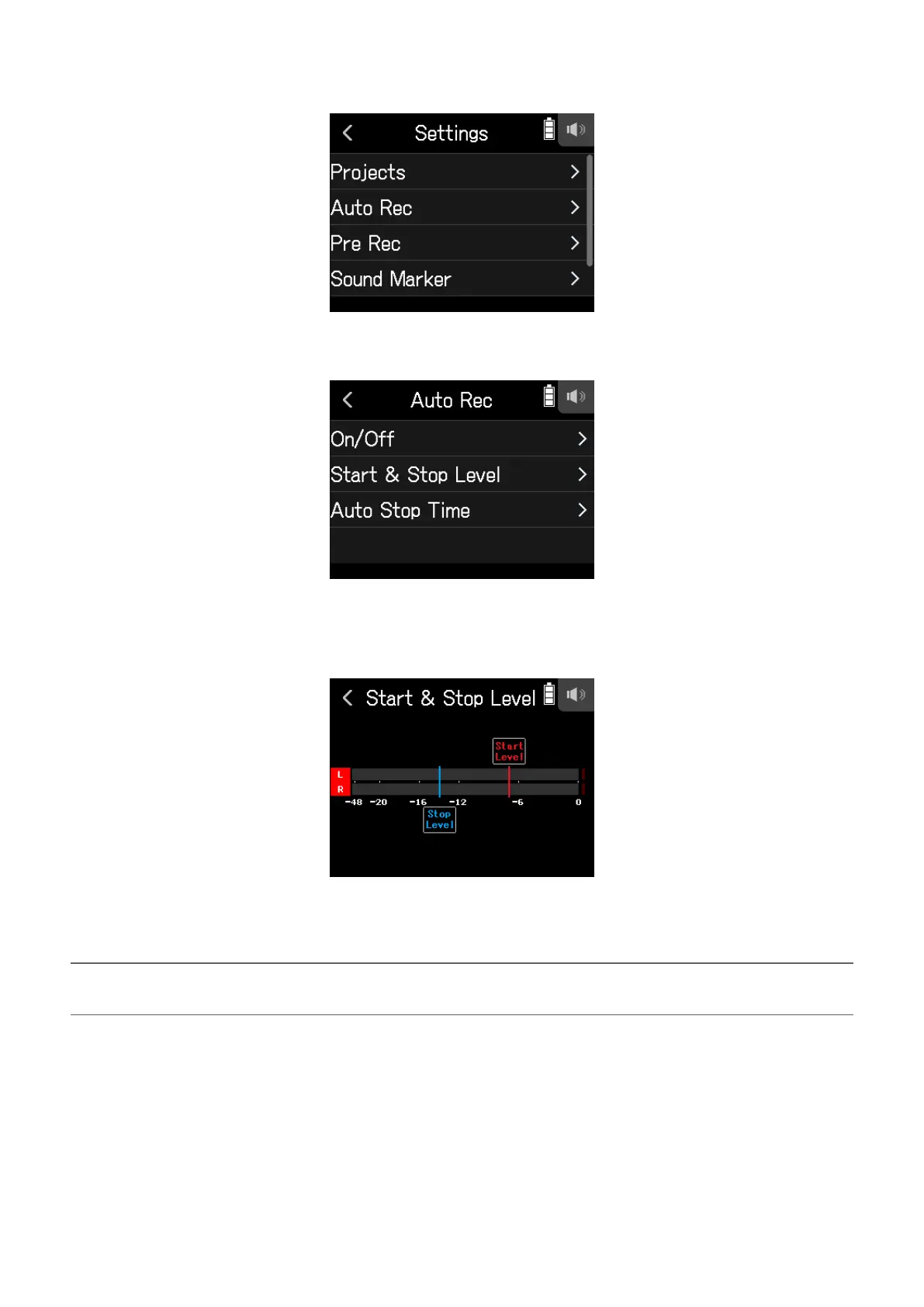
Tap Auto Rec.
3.
Tap Start & Stop Level.
4.
Slide Start Level and Stop Level left and right to set their levels.
• The red line shows the recording start level, and the blue line shows the recording stop level.
Recording will start automatically when the input level exceeds the set start level.
Recording will stop automatically when the input level becomes lower than the set stop level.
HINT
This can be set from −48 to 0 dBFS.
50



 To Next Page