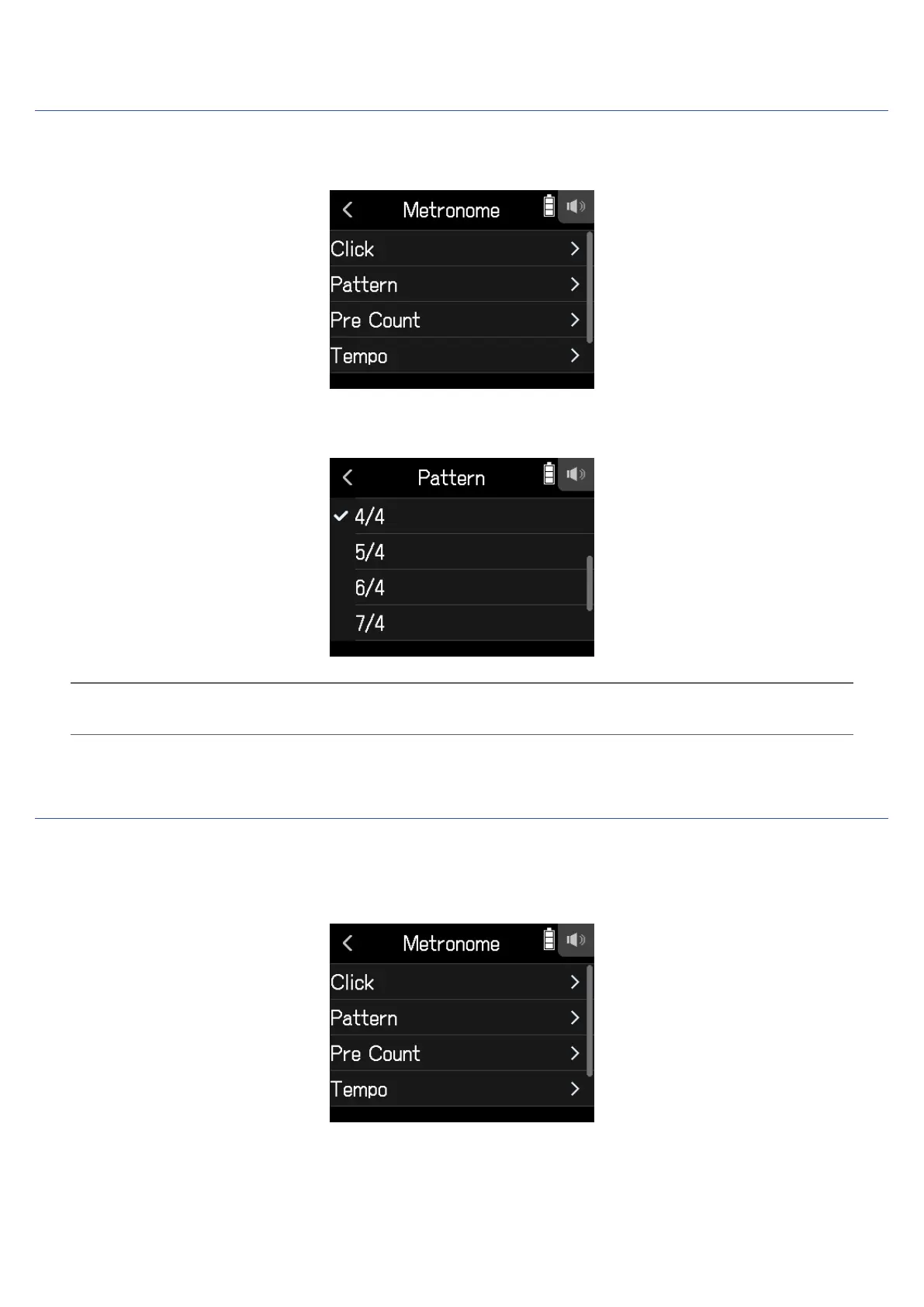
Selecting the metronome pattern
1.
Tap Pattern on the Metronome Settings Screen.
2.
Tap a pattern to select it.
HINT
This can be set to 0/4, 1/4, 2/4, 3/4, 4/4, 5/4, 6/4, 7/4, 8/4 or 6/8.
Setting the precount
A metronome count can be sounded before starting recording/playback.
1.
Tap Pre Count on the Metronome Settings Screen.
67



 To Next Page