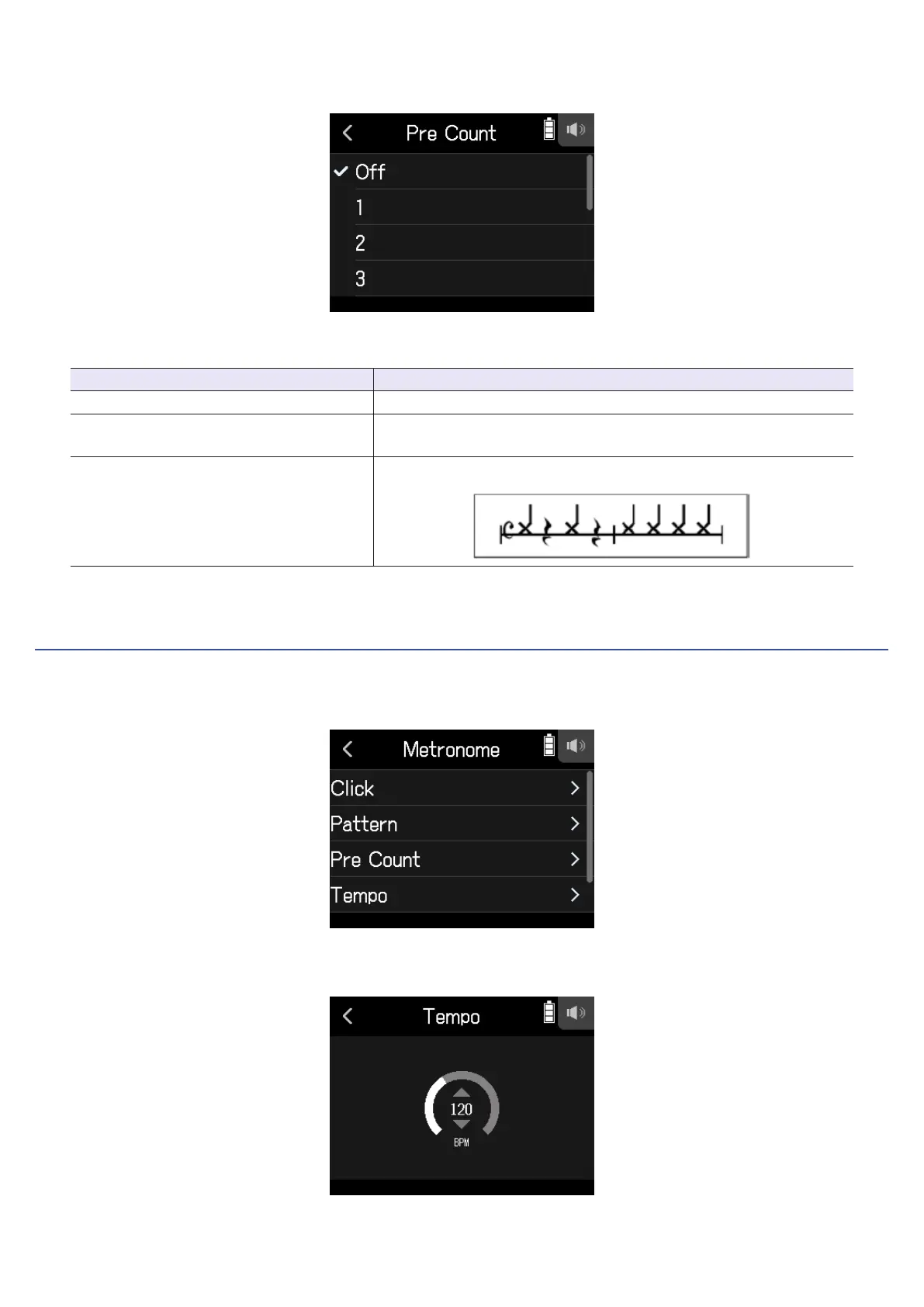
2.
Tap a setting to select it. (See the table below.)
Select a setting from below.
Setting Explanation
Off No precount will sound.
1–8
Before recording/playback, the precount will sound for the set
number of times (1–8).
Special
Before recording/playback, the precount will sound as shown below.
Setting the metronome tempo
1.
Tap Tempo on the Metronome Settings Screen.
2.
Slide the tempo slider up and down to set the desired tempo.
68



 To Next Page