Adjusting the display contrast
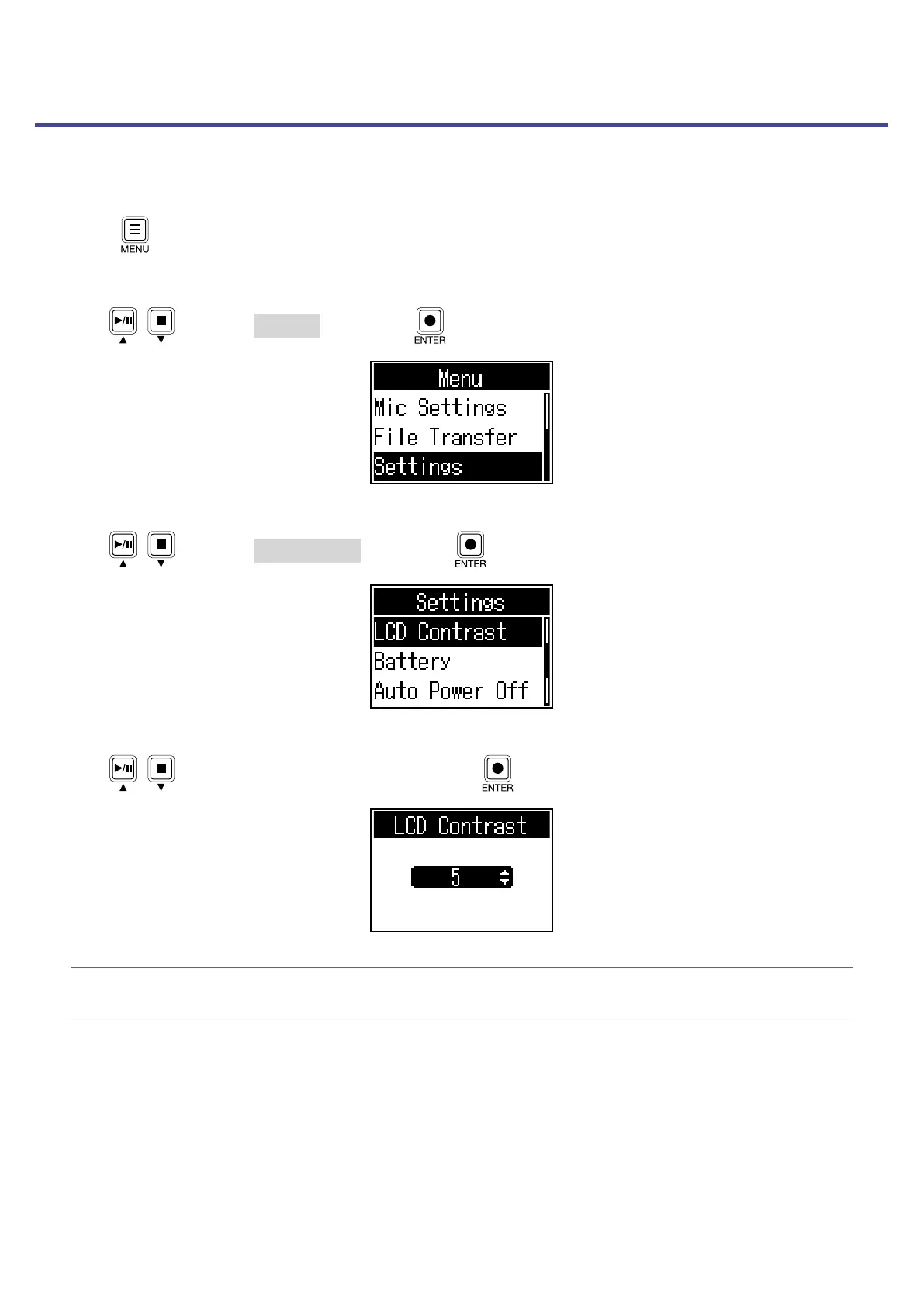
Adjust the contrast if the display is difcult to read because it appears too light or dark.
1.
Press .
This opens the Menu Screen.
2.
Use / to select Settings, and press .
3.
Use / to select LCD Contrast, and press .
4.
Use / to select the setting value, and press .
HINT
This can be set from 1 to 10.
43



 To Next Page
 Loading...











