Adjusting the levels of each SOUND PAD
The playback levels can be adjusted separately for each SOUND PAD.
If the SOUND PAD levels differ signicantly, they can be made more consistent.
1.
Press .
This opens the Menu Screen.
2.
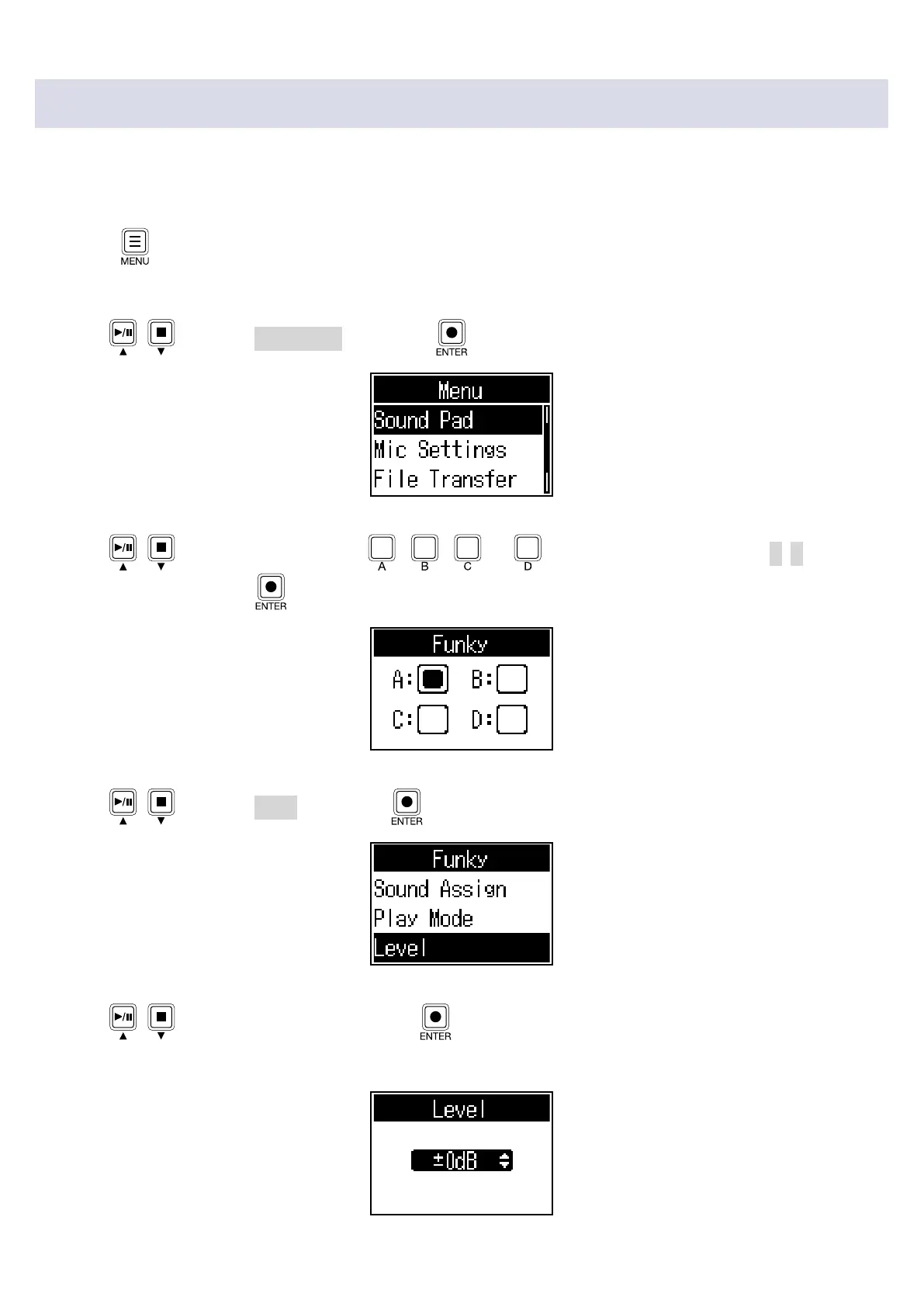
Use / to select Sound Pad, and press .
3.
Use / (or press SOUND PAD , , or ) to select the SOUND PAD (A–D) for level
adjustment, and press
.
4.
Use / to select Level, and press .
5.
Use / to adjust the level, and press .
Levels can be set from -48dB – +10dB (in 30 steps).
37



 To Next Page
 Loading...











