Setting playback methods for each SOUND PAD
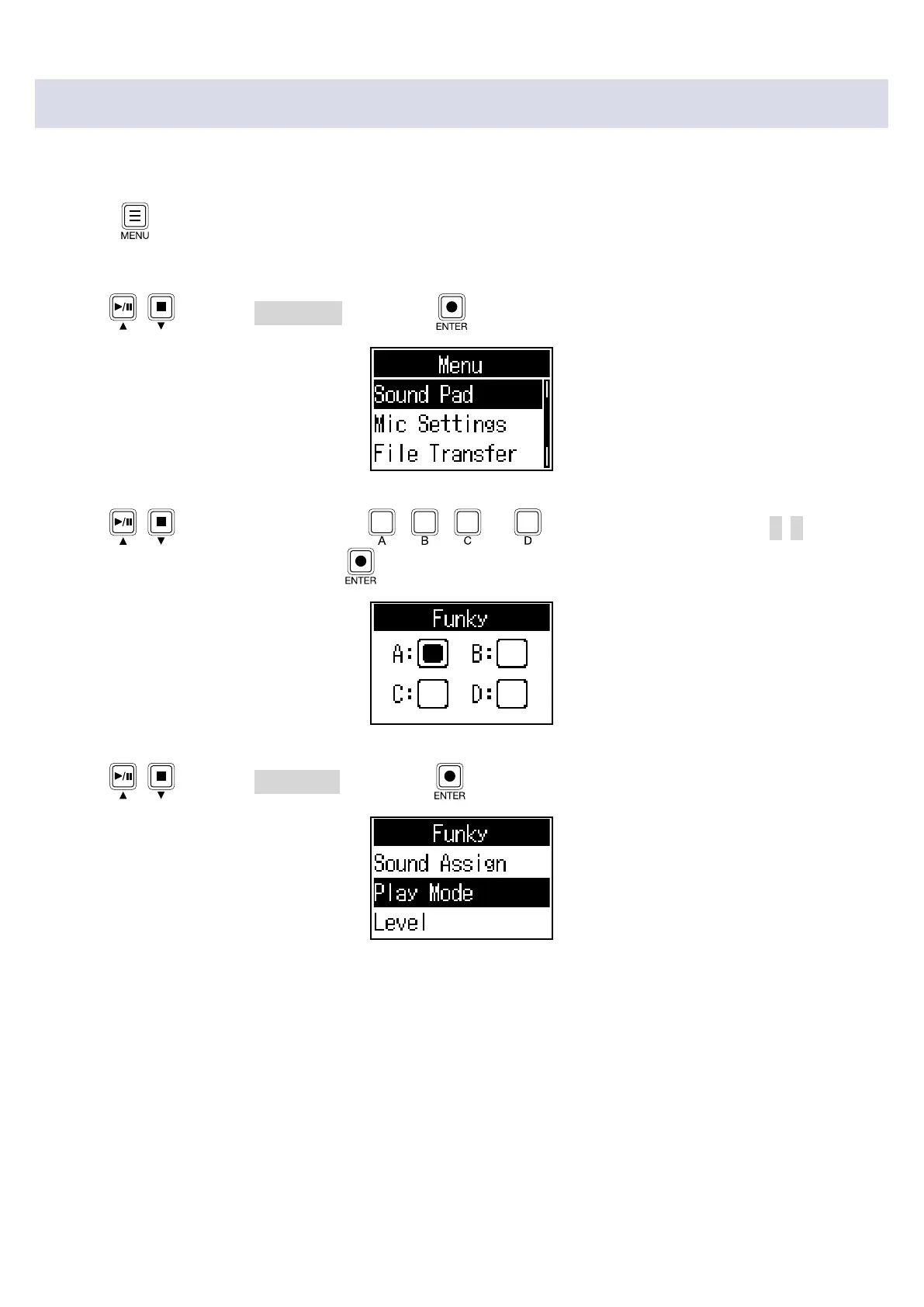
The sound playback method used when each SOUND PAD is pressed can be set.
1.
Press .
This opens the Menu Screen.
2.
Use / to select Sound Pad, and press .
3.
Use / (or press SOUND PAD , , or ) to select the SOUND PAD (A–D) for
playback mode setting, and press
.
4.
Use / to select Play Mode, and press .
35



 To Next Page