■
Adjusting the tone
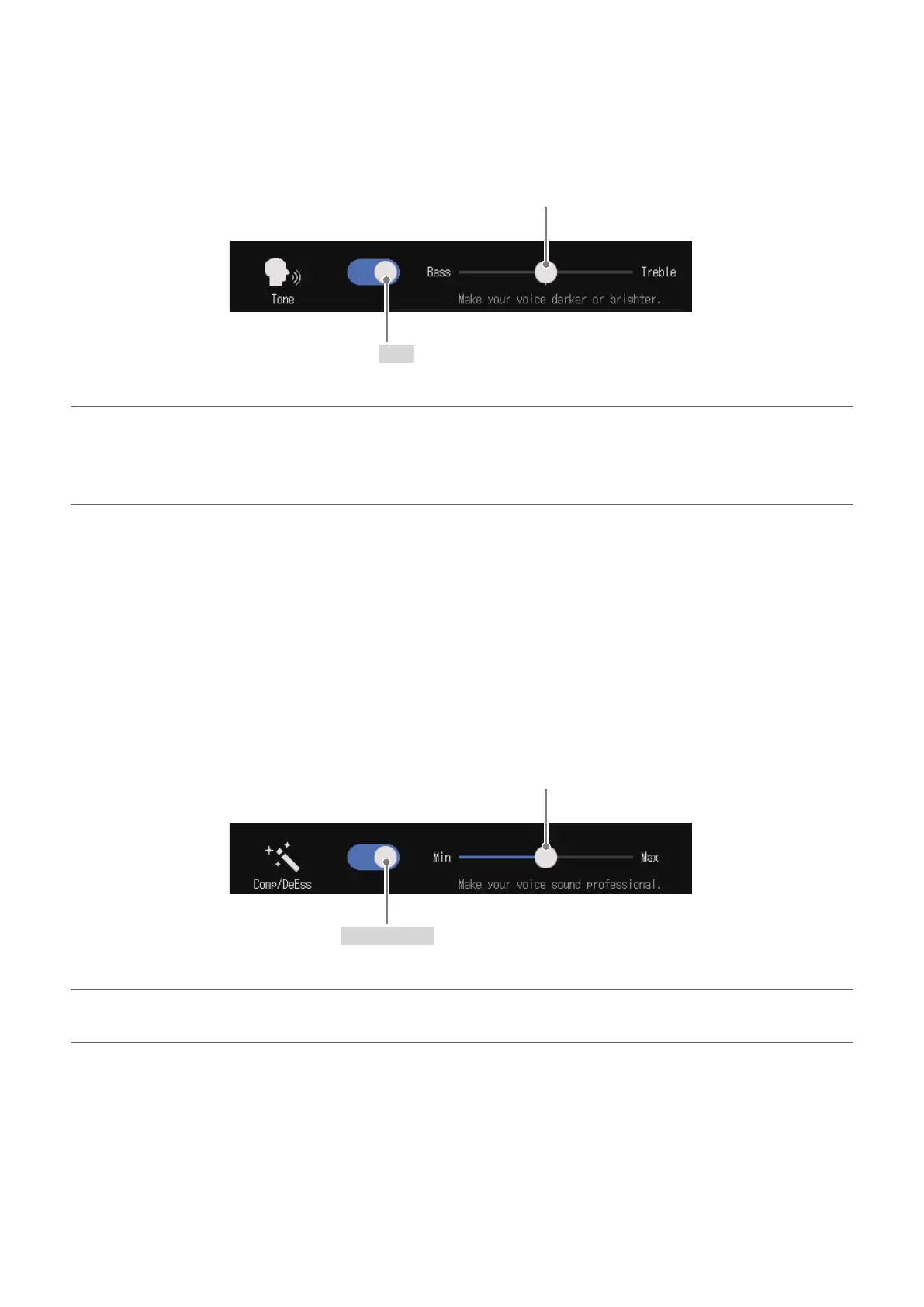
This adjusts the tone, emphasizing low or high frequencies in the voice.
This turns Tone on/off.
Slide to adjust the vocal emphasis.
• Left: emphasize low frequencies
• Right: emphasize high frequencies
HINT
•
With the
P8
, when the slider is in the middle, both low and high frequencies will be slightly
emphasized.
•Double-tap the slider or the bar to reset it to the default value.
■
Adjusting the compressor/de-esser
Compressor and de-esser functions can make voices easier to hear. Turn it on or off, and adjust the
amount of the effect.
•Compressor: This compresses input sounds when they exceed a set level, making them quieter and
evening out the overall volume.
•De-esser: This makes voices sound nicer by suppressing sibilant sounds, which are created through gaps
between teeth when “s” sounds are pronounced, for example.
This turns Comp/DeEss on/off.
Slide to adjust the amount of the effect.
The effect increases to the right.
HINT
Double-tap the slider or the bar to reset it to the default value.
33



 To Next Page
 Loading...







