Modifying the date and time
The date and time are stored in recorded les, and the date and time recording started are used in the
le name. Having the correct date and time set is helpful when looking for les, for example, by allowing
content to be identied by names.
1.
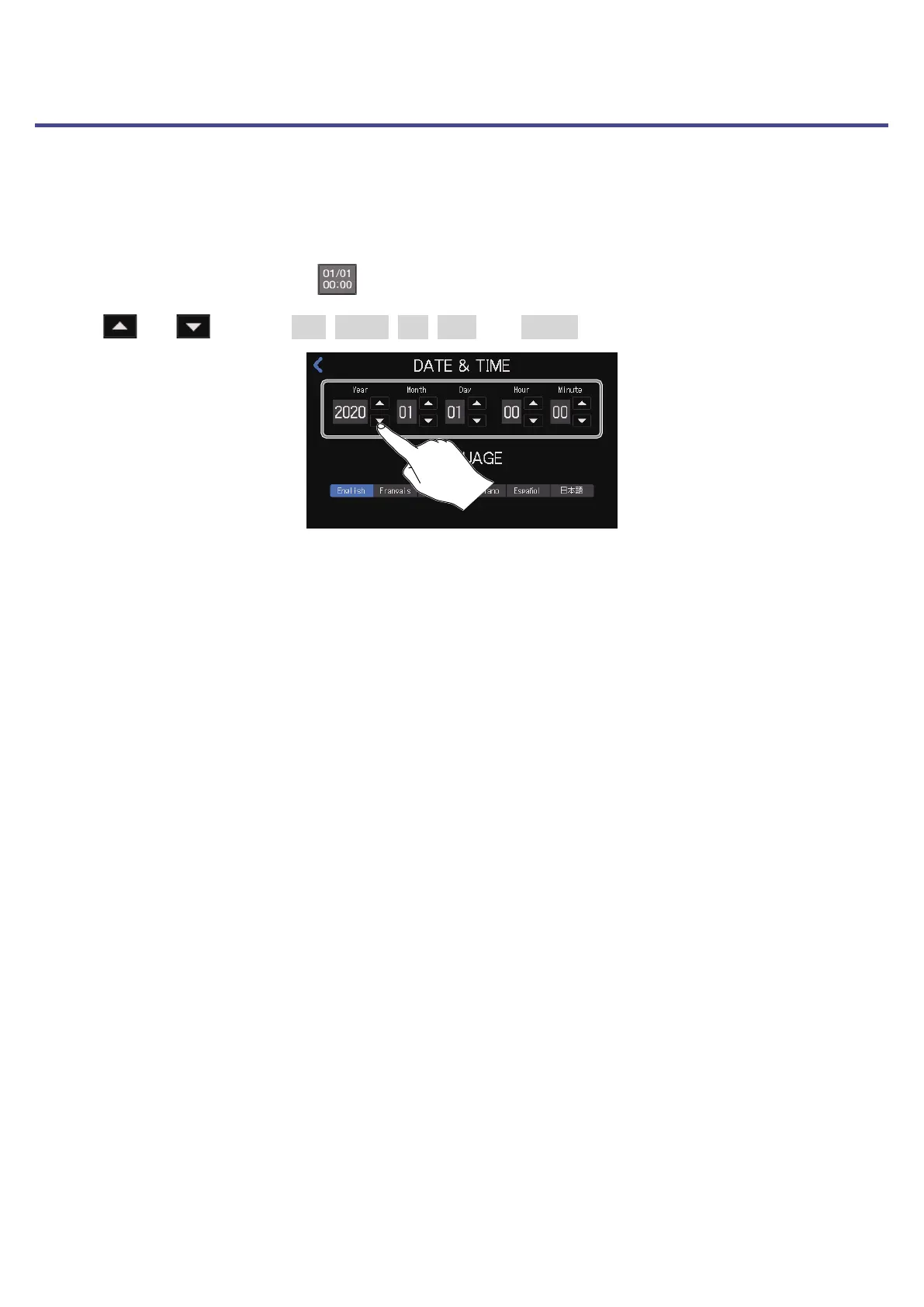
Tap the date and time display ( ) on the Home Screen.
2.
Tap and to set the Year, Month, Day, Hour, and Minute.
74



 To Next Page
 Loading...







