Combining multiple les into one in specic order
Multiple les can be combined to create one le for distribution.
Regular openings and endings can be added to episodes, and short sound effects can be inserted for
scene changes between conversations.
Audio le for
opening
Recorded
conversation 1
Audio le for scene
change
Recorded
conversation 2
Audio le for
ending
Combination example
■
File format overview
Audio les in the following formats can be combined.
•Format: WAV
•Sample rate: 44.1 kHz
•Bit rate: 16/24-bit
•Mono/stereo
NOTE
•When combining les, the names of unsupported les will be gray and they will not be selectable or an
error pop-up message will appear when one is selected.
•Some les that are not supported when combining can be selected on the File List Screen and
converted to a compatible le format in advance. After conversion, such les can be combined.
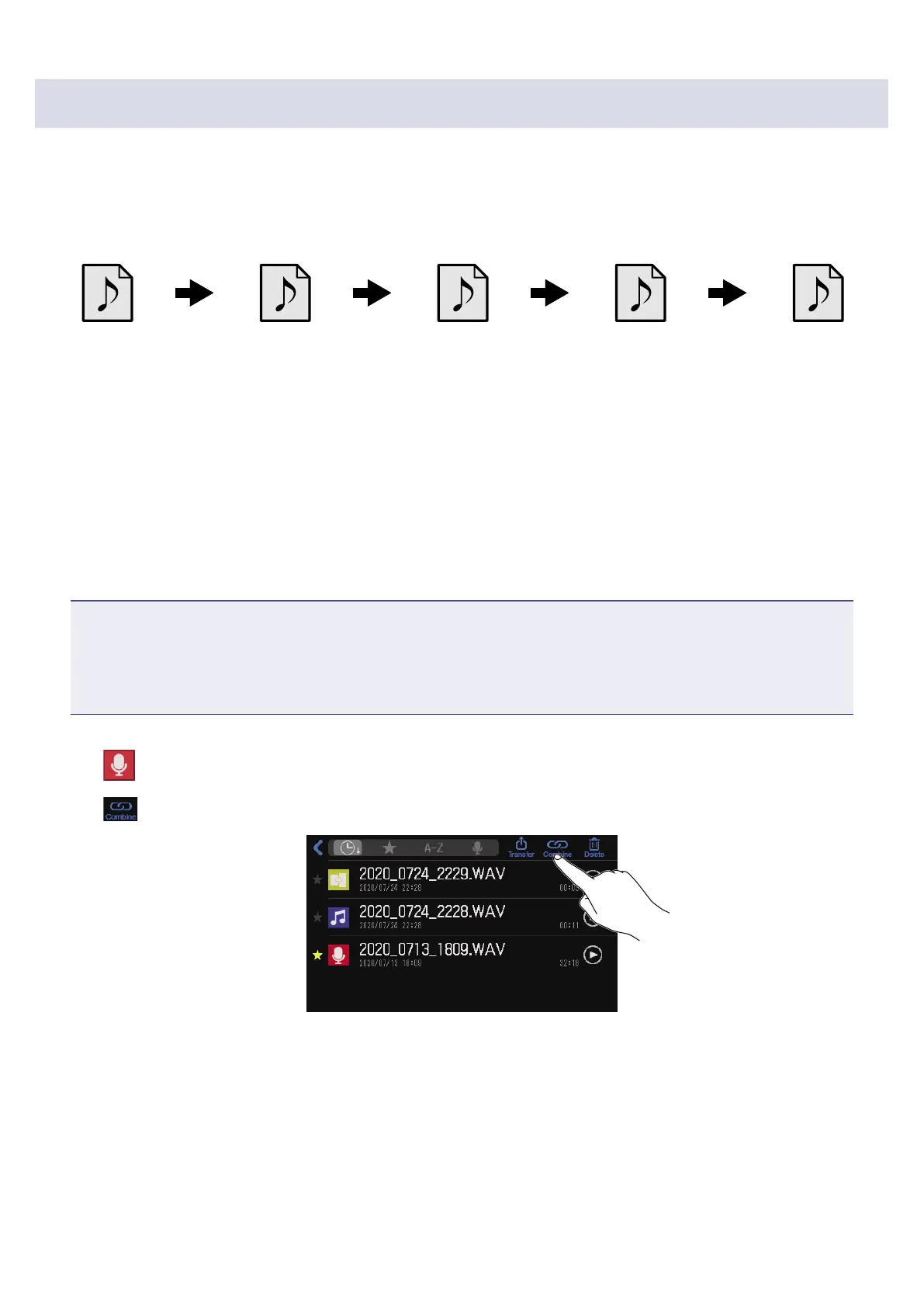
1.
Tap on the Home Screen.
2.
Tap .
52



 To Next Page
 Loading...







