Setting the battery type
Set the type of battery used correctly so that the amount of remaining battery charge can be shown
accurately.
1.
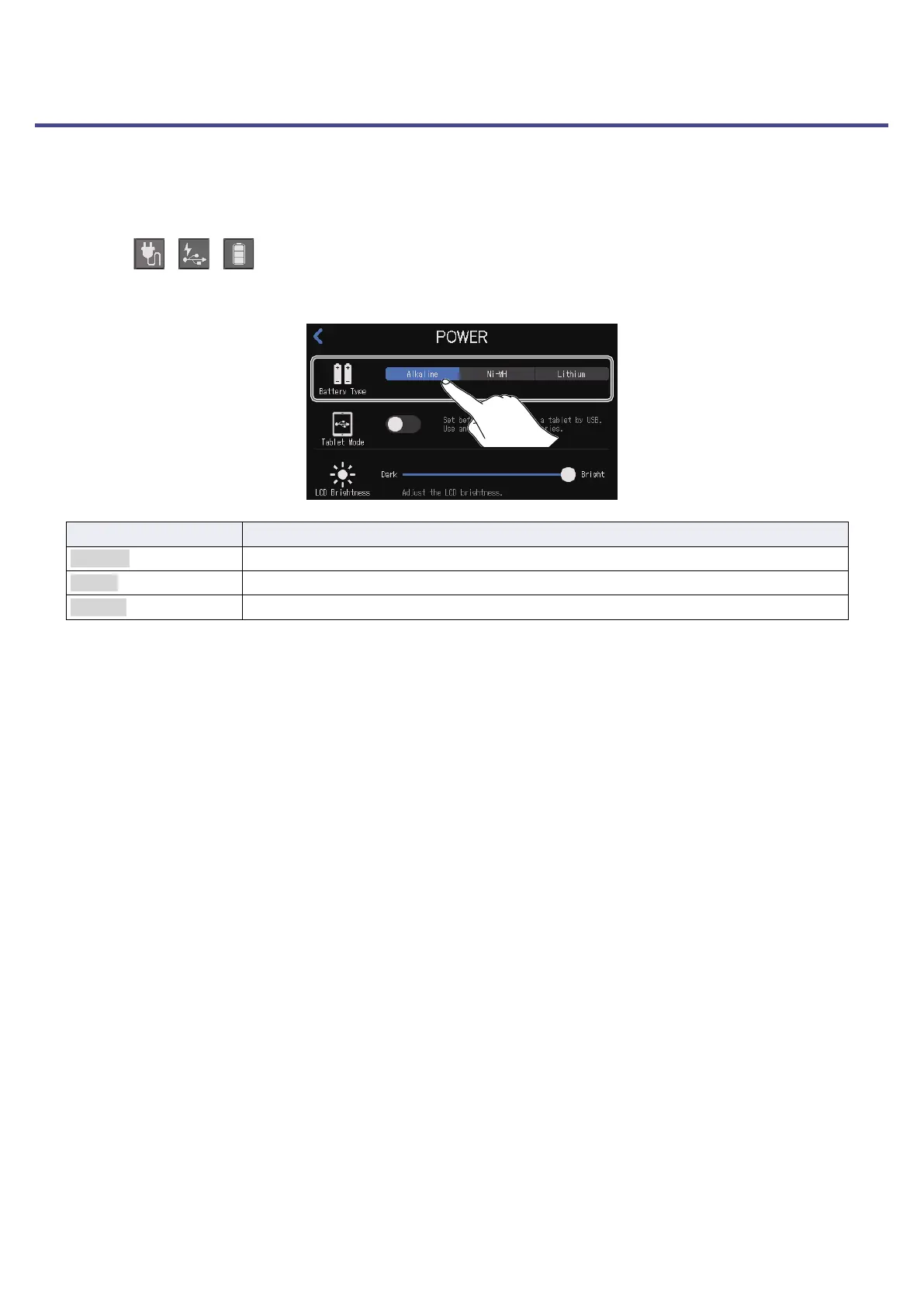
Tap the / / power button on the Home Screen.
2.
Tap the type of battery used.
Setting Explanation
Alkaline Alkaline batteries
Ni-MH Nickel-metal hydride batteries
Lithium Lithium batteries
76



 To Next Page
 Loading...







