Adjusting the levels of each SOUND PAD
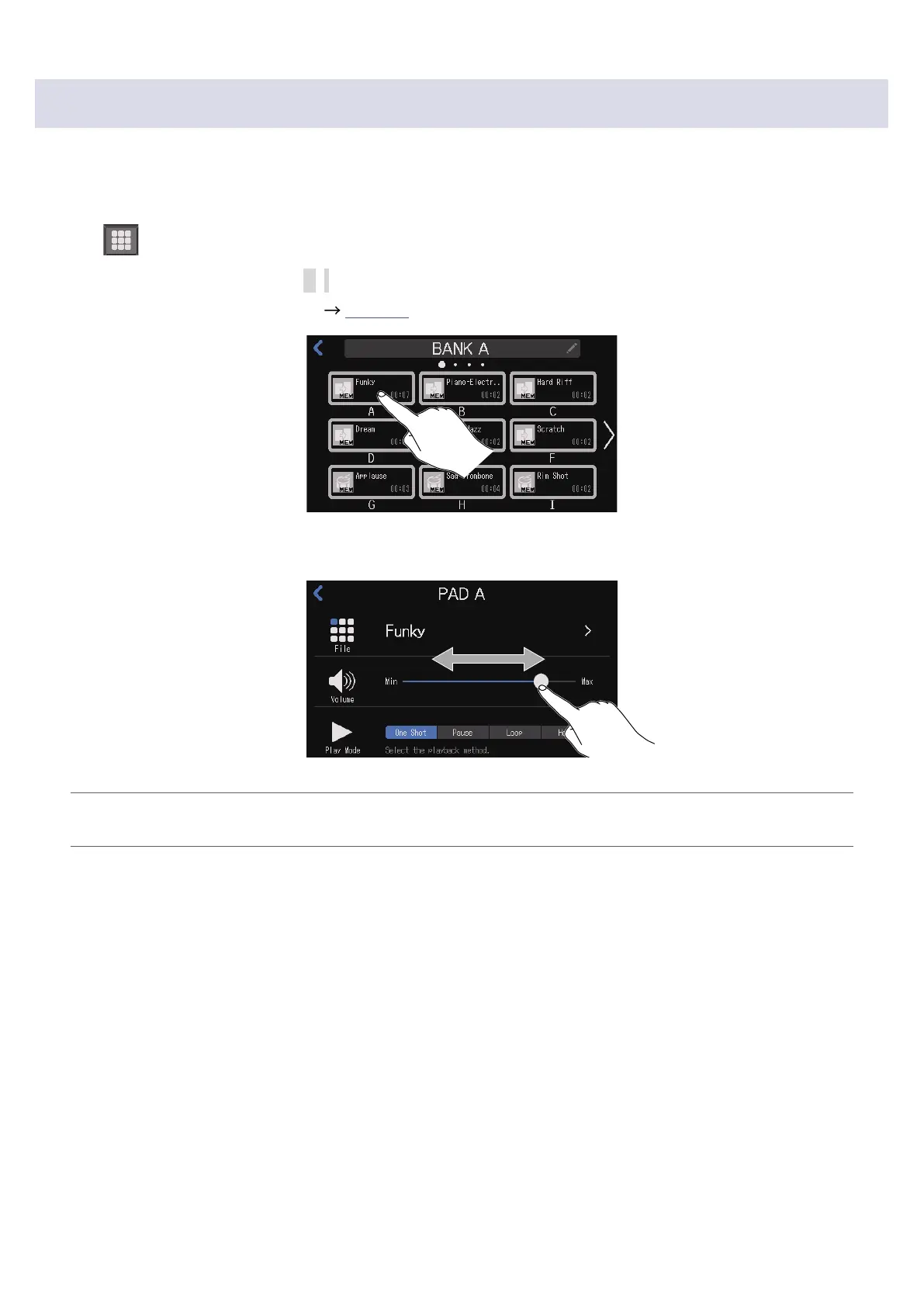
Playback levels can be adjusted separately for each SOUND PAD.
If playback levels differ signicantly, they can be made more consistent.
1.
Tap on the Home Screen.
2.
Tap the SOUND PAD button (A–I) for which you want to change the level.
Change the bank as necessary (
page 42).
3.
Slide to adjust the level.
HINT
Double-tap the slider or the bar to reset it to the default value.
46



 To Next Page
 Loading...







