page 23
A10 Thunder Series 6430(S) ADC/CGN
Sliding Rail Kit Installation
1. With the front of the chassis facing you, lift the chassis and carefully insert the inner rails attached
to the chassis into the rail.
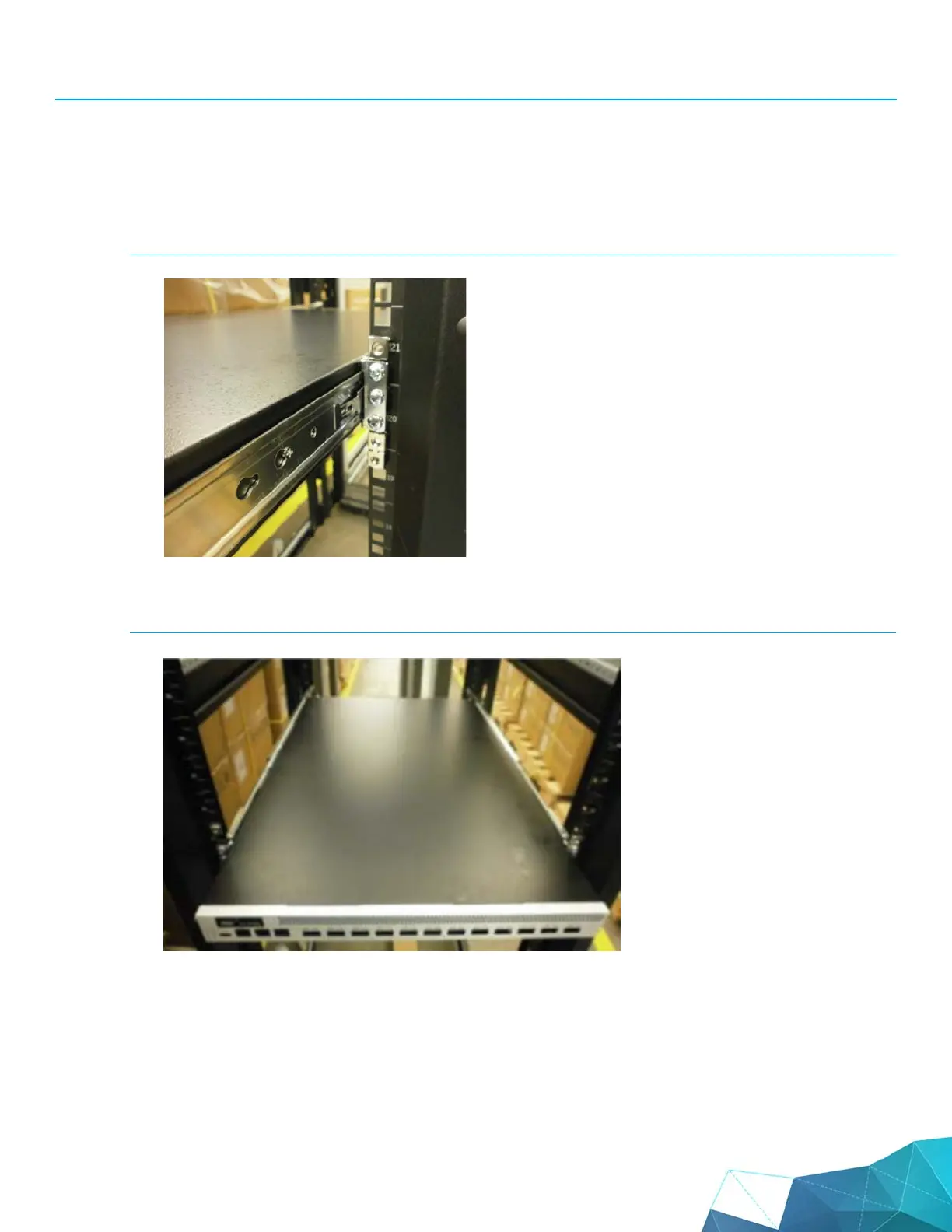
2. Gently push the chassis into the rack until the finger tab locks into place.
FIGURE 18 Finger tab locked:
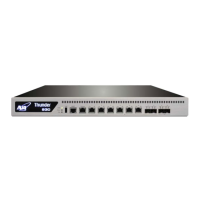
3. Continue pushing until the chassis is completely inserted into the rack.
FIGURE 19 Rack insert:


 To Next Page