Commissioning
System Manual
108
6.4.4 Adding via automatic search
For the certification of devices, first the entire system is searched in the "Smart Access Point"
for available devices.
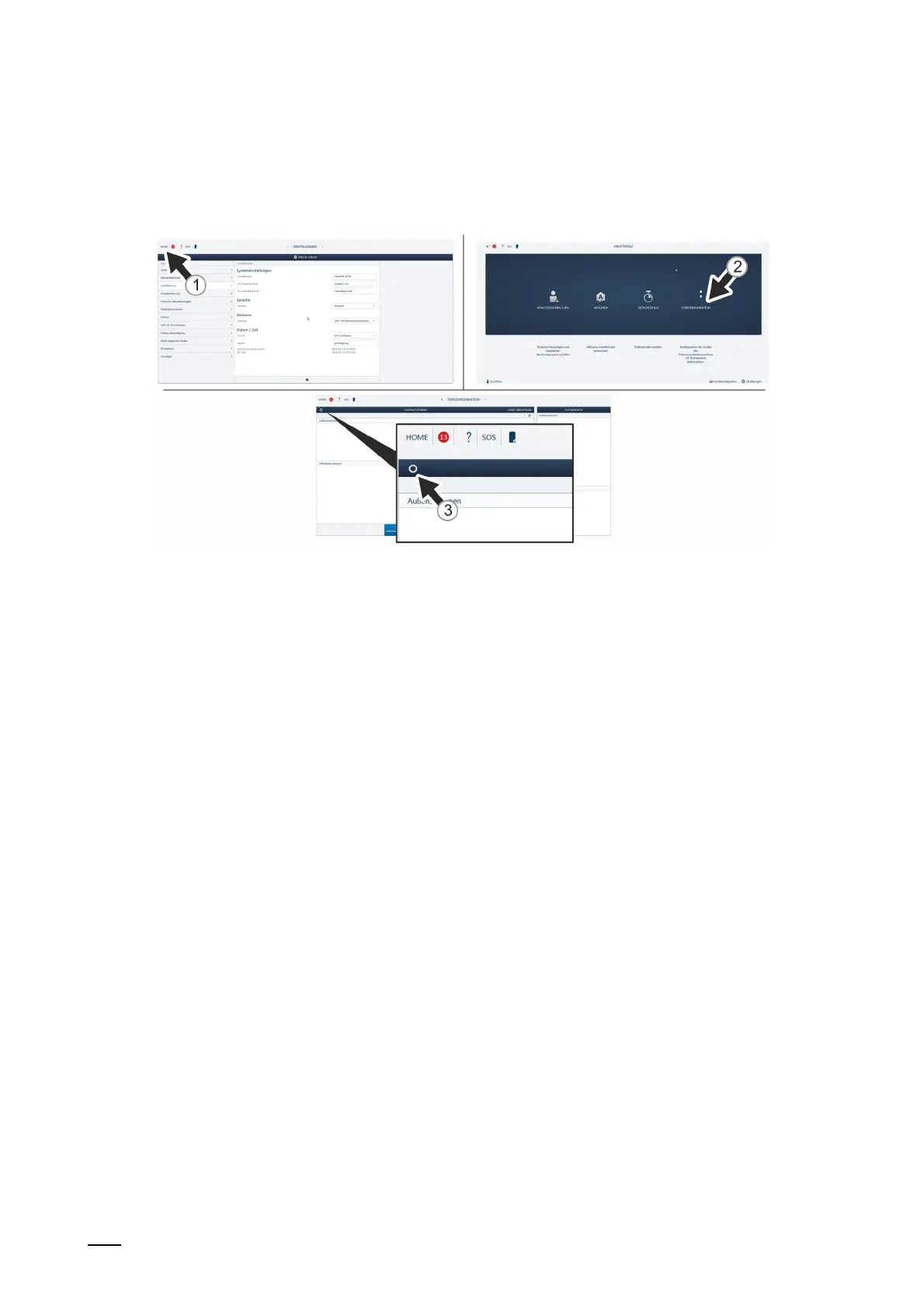
Fig. 87: Door communication: Searching and certifying
Use the following steps to search for devices automatically:
1. Connect a PC with the "Smart Access Point".
– More detailed information for connecting, see chapter 6.4.3 “Reconnect the "Smart
Access Point"“ on page 105.
2. Navigate to function "Searching and certifying".
– Call up the main menu [1], if it is not yet displayed.
– Switch to door communication [2].
– The circular button of function "Searching and certifying" is located at the top left [3].















 To Next Page