Case studies
System Manual
148
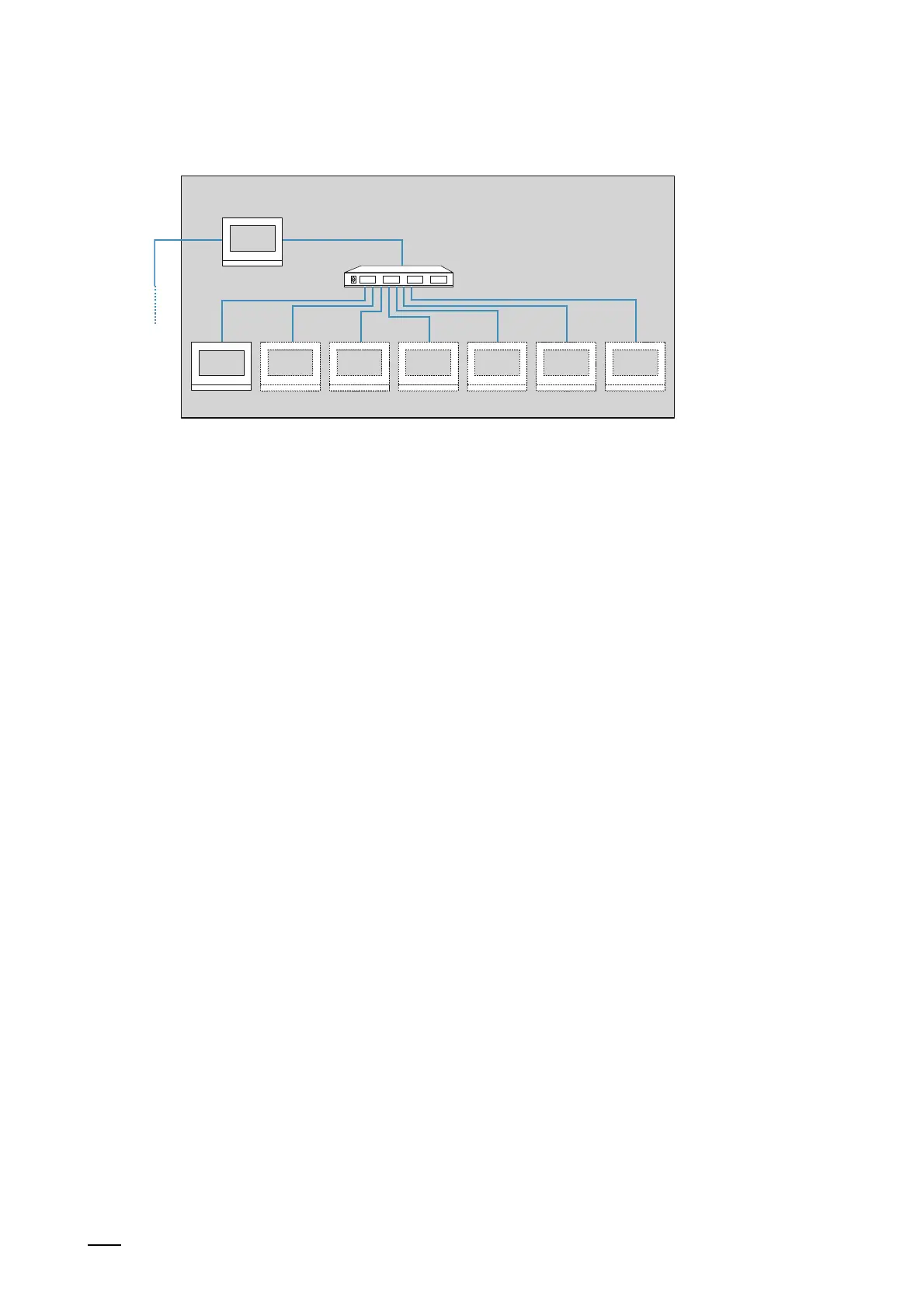
7.3.3 Connection of PoE switch / LAN-LAN
PEo
LAN 1 LAN 2
Master
02 03 04 05 06 07 08
Fig. 132: Adding a units network PoE switch / LAN-LAN
This version allows up to 7 additional indoor stations (02 - 08) to be added in a unit as extension
units.
Use the following steps to add additional indoor stations:
1. Search for devices in the "Smart Access Point".
– Connect a PC with the "Smart Access Point".
– In the main menu of the "Smart Access Point", change to the "Door communication"
function.
– Search for all devices in the building network including the master indoor station.
Switch to the 1st indoor station
2. Prepare the 1st indoor station (Master) for the operation of an indoor station.
– In the 1st indoor station change to the "System settings" / "Network settings" function.
– Set a fixed IP address and the sub-net mask in the "Network settings" for the LAN
connection "LAN 2".
– Disable the "Obtain IP address automatically" function.
– IP address: 192.168.1.200
– Sub-net mask: 255.255.255.0
Change to further indoor stations
3. Configure the additional indoor station (extension unit) for operation.
– Change to the "Settings" / "Local settings" function in the additional indoor station.
– Set the following points in the "Local settings" function:
■
Physical address (physical address, see chapter 6.2.3 “Indoor stations IP Touch 7
and Guard unit“ on page 68).
Apart from the device number the physical address of the extension unit is identical
with the master address.
■
Mode: Extension unit
■
Device number: For the first additional indoor station the device number is set
automatically on 02. Each additional indoor station must be correspondingly counted
upwards.















 To Next Page