Commissioning
System Manual
83
6.3 Commissioning of a system — Step 2: Commissioning "Smart Access Point"
6.3.1 Overview
Commissioning of the "Smart Access Point" system is carried out in 3 sections.
– Please observe the order of the steps. They are dependent on each other.
1. Connect the "Smart Access Point" via WLAN with a
computer and call up the website of the "Smart
Access Point".
see chapter 6.3.2 “Connecting a PC with the
"Smart Access Point ““ on page 83
2. Make a preliminary decision about the system mode. see chapter 6.3.3 “Preliminary information:
Selection of the system mode“ on page 87
3.
Run through the wizard with selection of the system
mode.
see chapter 6.3.4 “Commissioning the
"Smart Access Point"“ on page 89
6.3.2 Connecting a PC with the "Smart Access Point “
Attention! Loss of data
The "Smart Access Point" safely integrates the device found into the system with
the aid of certificates. This makes encrypted communication between all devices
possible.
■
Perform a backup after commissioning.
– If the Smart Access Point becomes defective, without a backup you
would need to re-commission the entire system.
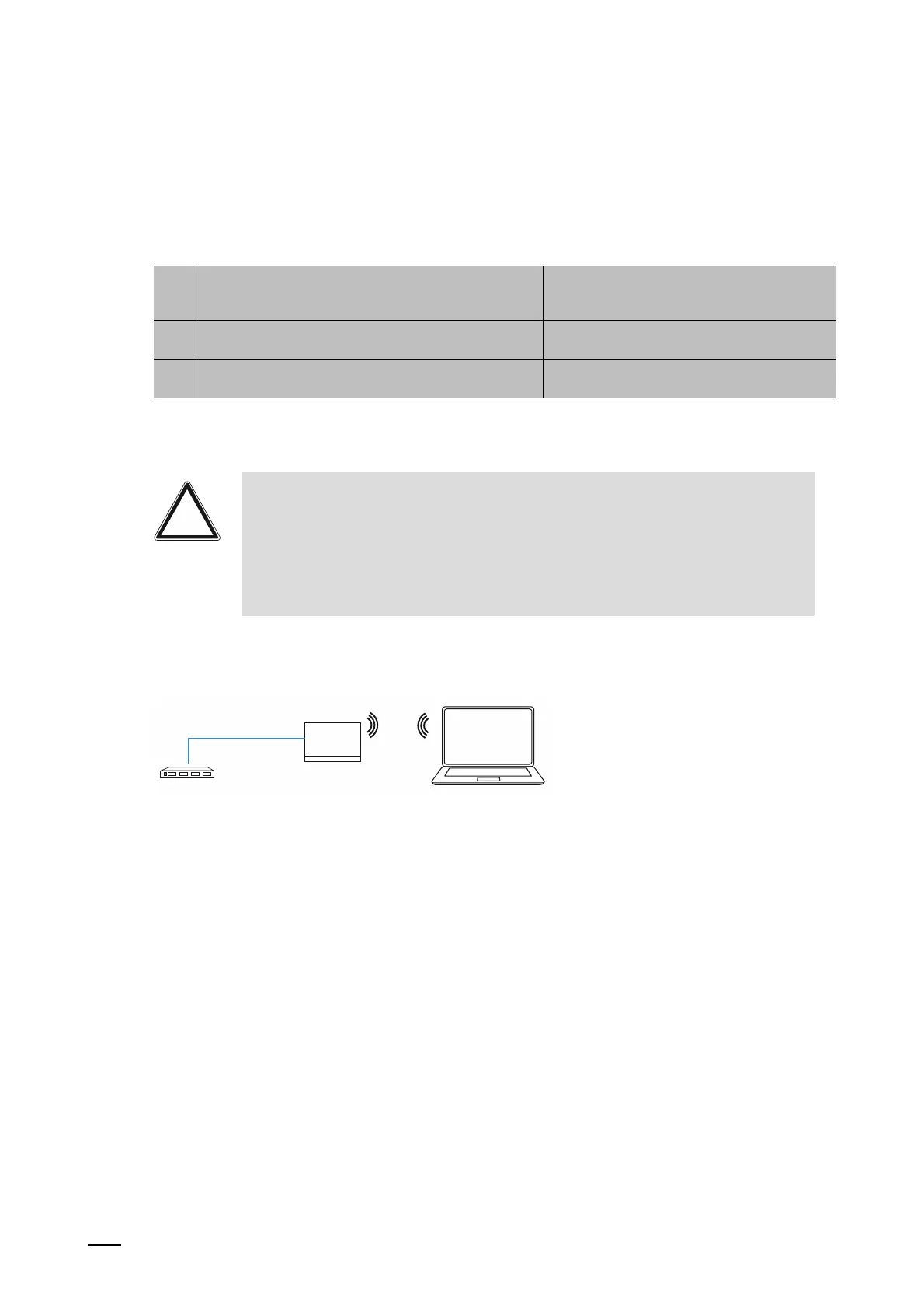
Boot up the "Smart Access Point"
PEo
Fig. 58: Principle: Connecting the "Smart Access Point" with PC (initial connection)















 To Next Page