Commissioning
System Manual
129
6.9.3 Changing name entries
The change of a name entry is not transmitted automatically to all linked devices. The name
entry is changed in three main steps:
■
Change the entry of the indoor station.
■
Delete the old entry in the outdoor station.
■
Import the new entry of the indoor station into the outdoor station.
To change the name entries, perform the following steps:
1. Connect a PC with the "Smart Access Point".
– More detailed information for connecting, see chapter 6.4.3 “Reconnect the "Smart
Access Point"“ on page 105.
2. In the main menu of the "Smart Access Point", change to the "Door communication"
function.
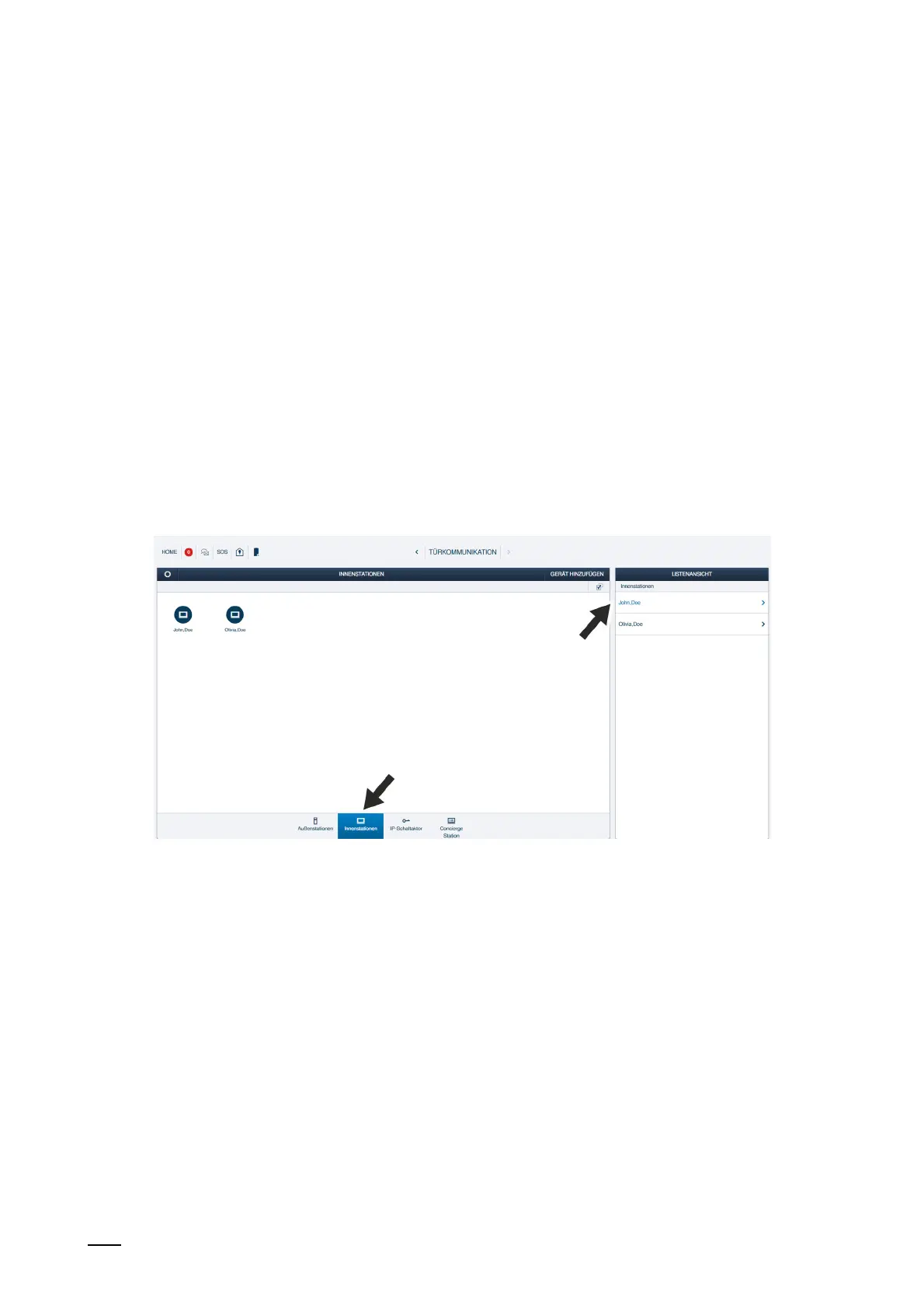
Changing the entry of the indoor station
Fig. 107: Changing name: Select indoor station
1. Change to the indoor stations and select the desired indoor station.















 To Next Page