Case studies
System Manual
151
3. Prepare the home network.
■
For this, set up the LAN connections of the additional indoor stations (extension units) in
the "Local settings" / "Home network port".
– LAN/WLAN version: Set it on LAN.
– LAN/LAN version: Set it on the 1st LAN connection "LAN1".
Change to the "Smart Access Point".
4. Add the extension unit manually to the project in the "Smart Access Point".
– By saving in step two of adding, the extension unit receives a certificate from the "Smart
Access Point".
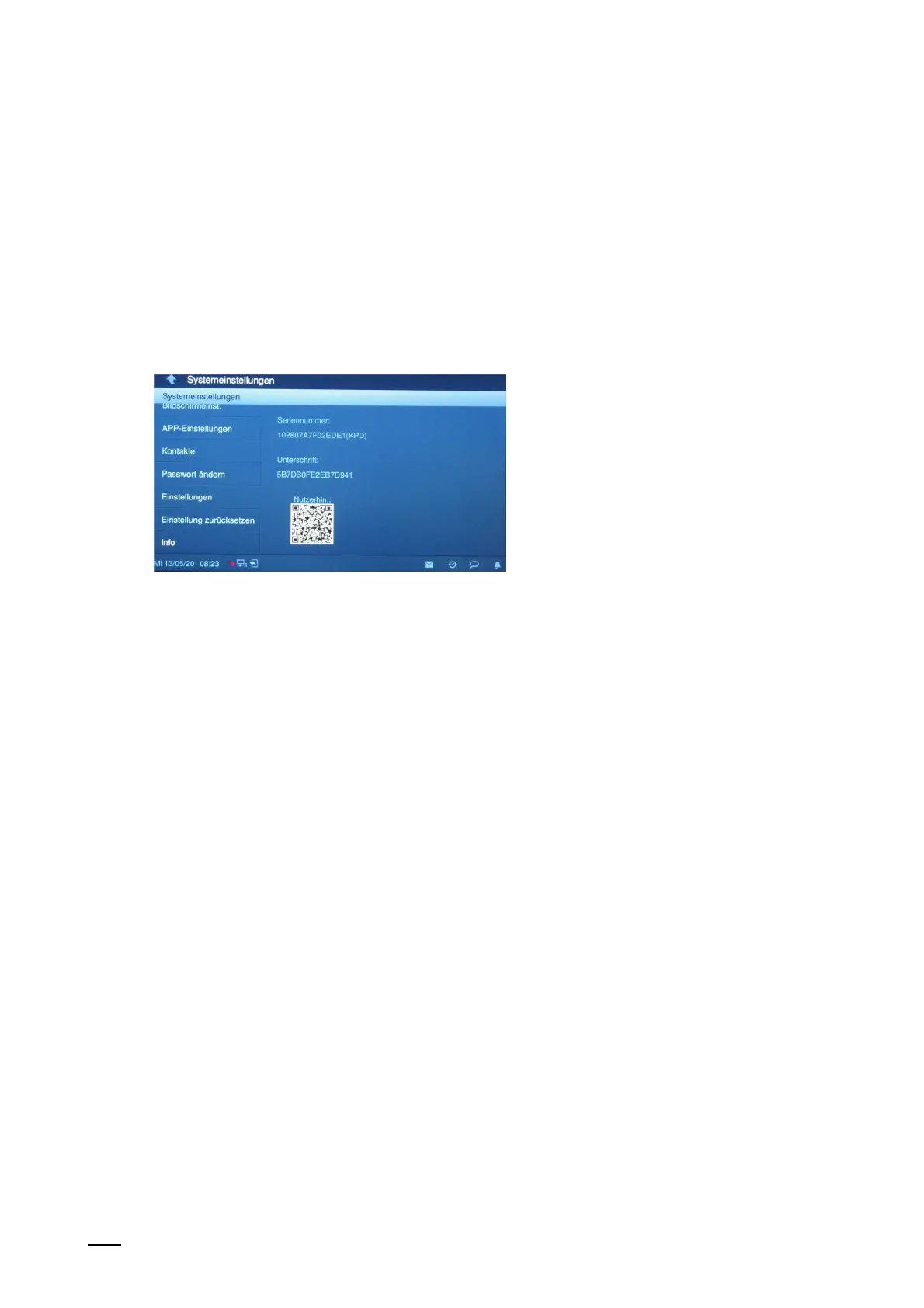
Fig. 135: Indoor station: Certificate
– Check on the additional indoor station (extension unit) whether it has received the
certificate.















 To Next Page