Case studies
System Manual
178
1. "Smart Home" mode = free@home
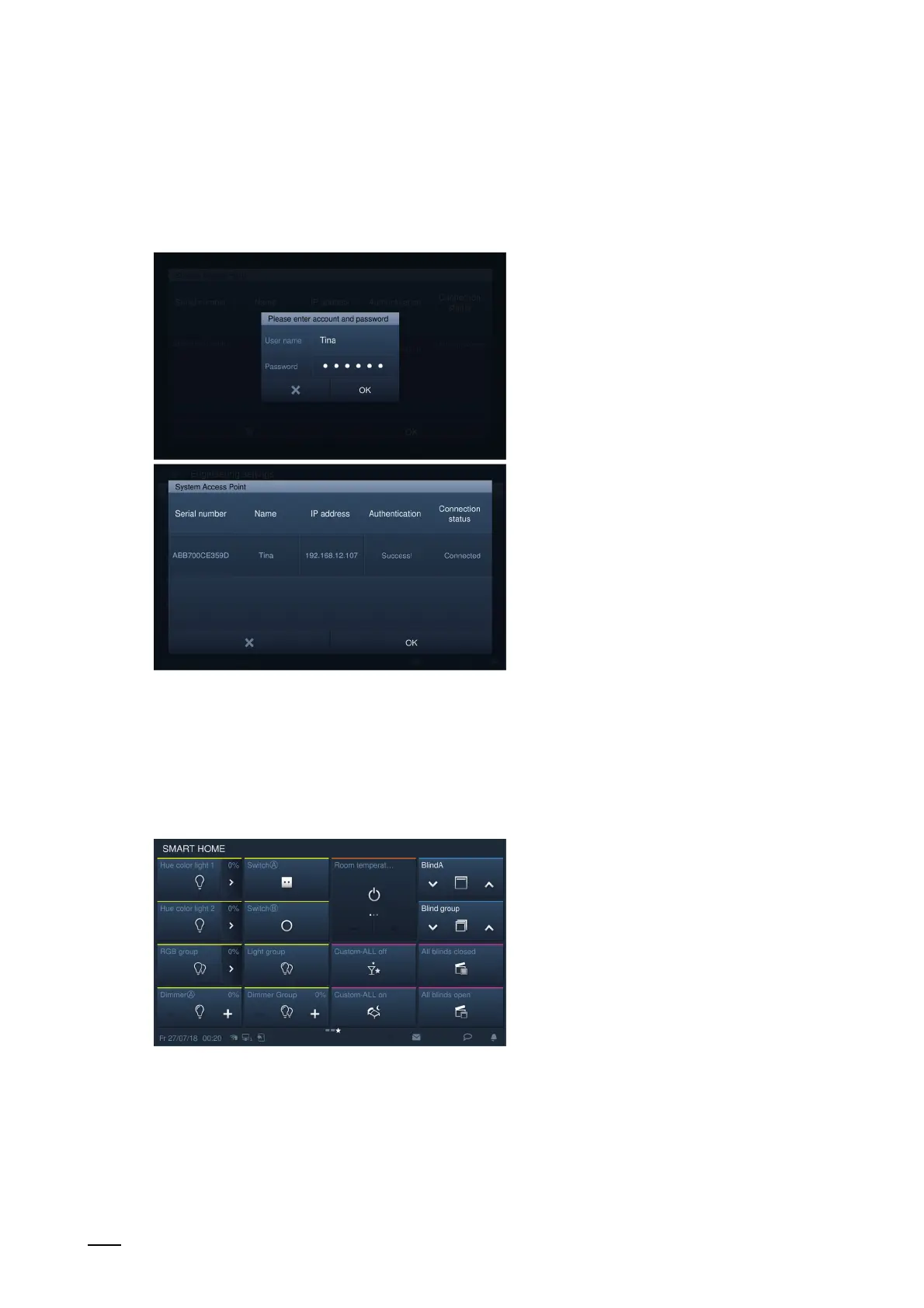
– On the "Smart home settings" screen, click on "System Access Point" and then on the
name.
Fig. 167: Password on the IP Touch 7
2. Enter the user name and password, and click on "OK".
free@home: ABB-free@homeTouch 4.3":
Fig. 168: Start page ABB-free@homeTouch 4.3"
3. The start page of free@home is set on "SysAP". Additional details are available in the
product manual.















 To Next Page