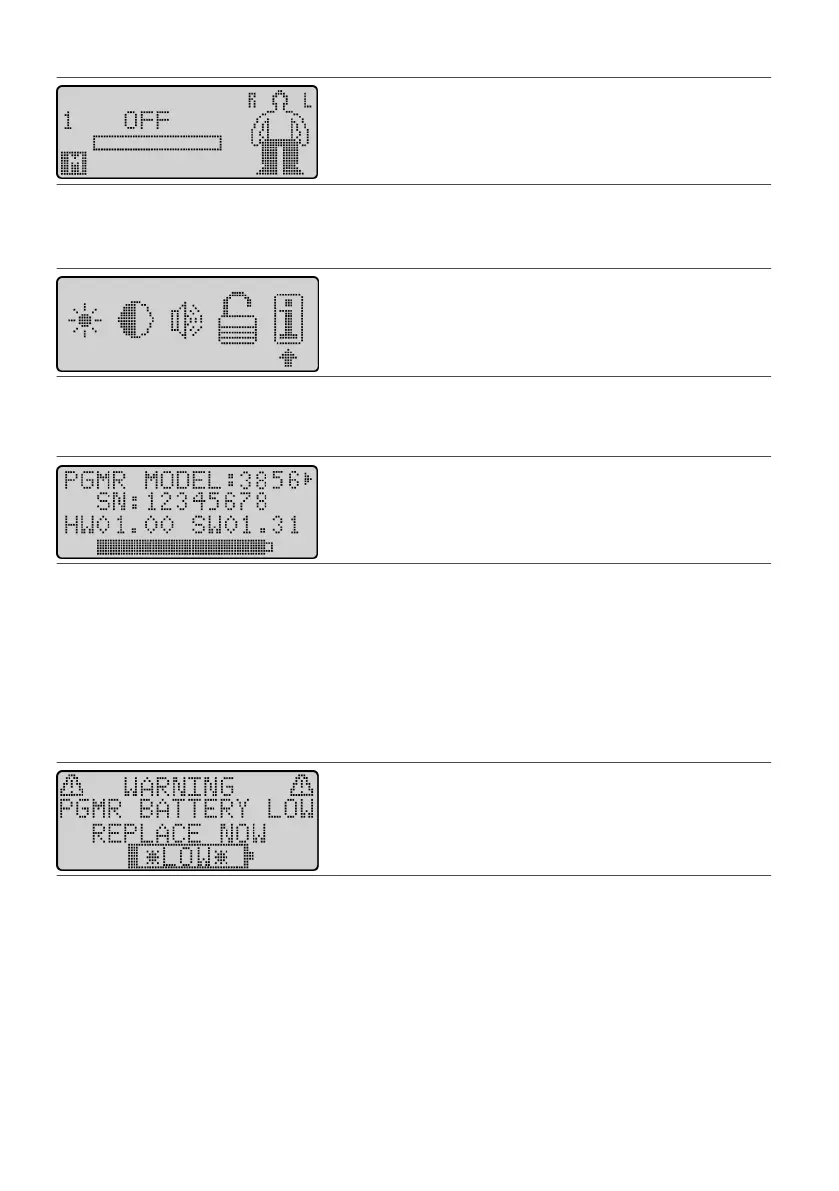
Figure 21. Scroll to the Menu icon (M)
2. Press the Select key. The Menu screen appears.2.
3. Press either Scroll key unl the arrow is under the Informaon icon.3.
Figure 22. Select the informaon icon
4. Press the Select key. A screen appears showing informaon about the programmer and its remaining
4.
baery power.
Figure 23.
Programmer informaon screen
5. To view the screen showing IPG informaon, press the Scroll key on the right. To view the screen showing5.
the programmer informaon again, press the Scroll key on the le.
6.
When you are nished viewing the informaon screens, press the Select key.
6.
Replacing the Programmer Baeries
The programmer is powered by three disposable AAA alkaline baeries contained in a baery pack. When the
baery power is low, an alarm will sound and the following screen appears. If this occurs, you should replace
your AAA baeries.
Figure 24.
Programmer Baery Low screen
NOTE: Do not dispose of baeries as general waste. Follow local regulaons about disposing of baeries
safely.
To replace the baeries in the programmer:
1.
Ensure the programmer power is o.
1.
2.
Push and hold the baery release latch on the boom of the baery pack, and li the baery pack from
2.
the baery compartment.
13











 To Next Page