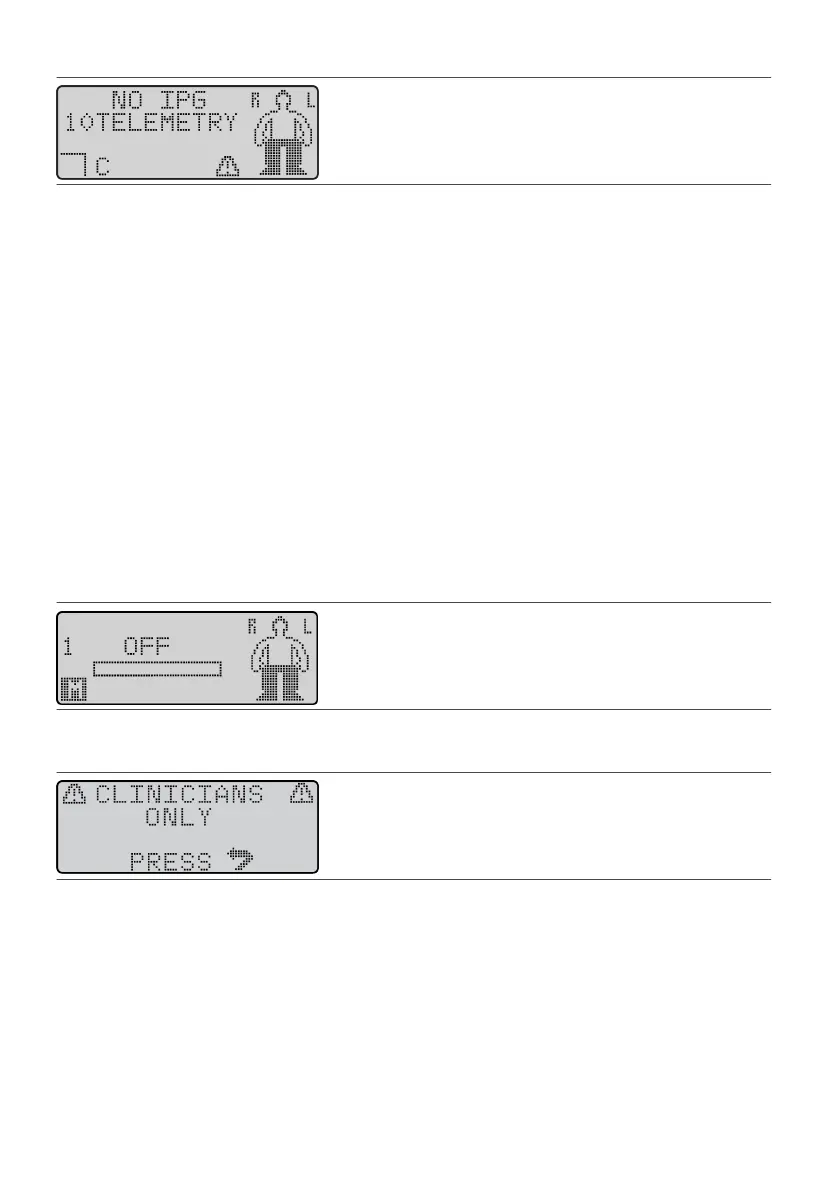
Figure 37. NO IPG TELEMETRY screen
Creang and Eding Programs
The paent programmer can run two types of smulaon programs: tonic programs and BurstDR™
smulaon programs.
▪ Tonic program. A program where the smulaon frequency consists of a single, repeang pulse.
▪
▪
BurstDR
smulaon program. A program where the smulaon frequency consists of a group of pulses in
▪
rapid succession followed by a period without pulses before repeang the pulse group.
Using a paent programmer, you can create and edit tonic programs only. You must use the
Rapid
Programmer
™ system to create and edit
BurstDR
smulaon programs.
Accessing Programming Mode
To access programming mode:
NOTE: The current program (the one shown on the Operaonal Display screen) is the only one that you can
modify or copy aer accessing programming mode.
1.
Select a program that you want to modify or copy from the Program Selecon screen. See the steps in
1.
“Selecng a Program” (page 14).
2.
From the Operaonal Display screen, press a Scroll key unl the Menu icon (M) appears in the user opon
2.
window.
Figure 38.
Scroll to the Menu icon (M)
3. Press the Balance key; then press the Select key. The CLINICIANS ONLY warning screen appears.3.
Figure 39.
CLINICIANS ONLY screen
NOTE: To prevent inadvertent program changes, do not show the paent how to access the Program
screen.
4. Press the Balance key; then press the Select key. When the programmer is in programming mode, the4.
Program screen appears, showing introductory informaon about the program.
18











 To Next Page