4. Press the Scroll keys to move to each polarity in the eld, and press the Amplitude Increase key or the4.
Amplitude Decrease key to change the polarity to zero.
5. Aer all polaries are set to zero, press the Select key. The Delete Sm‑Set screen appears.5.
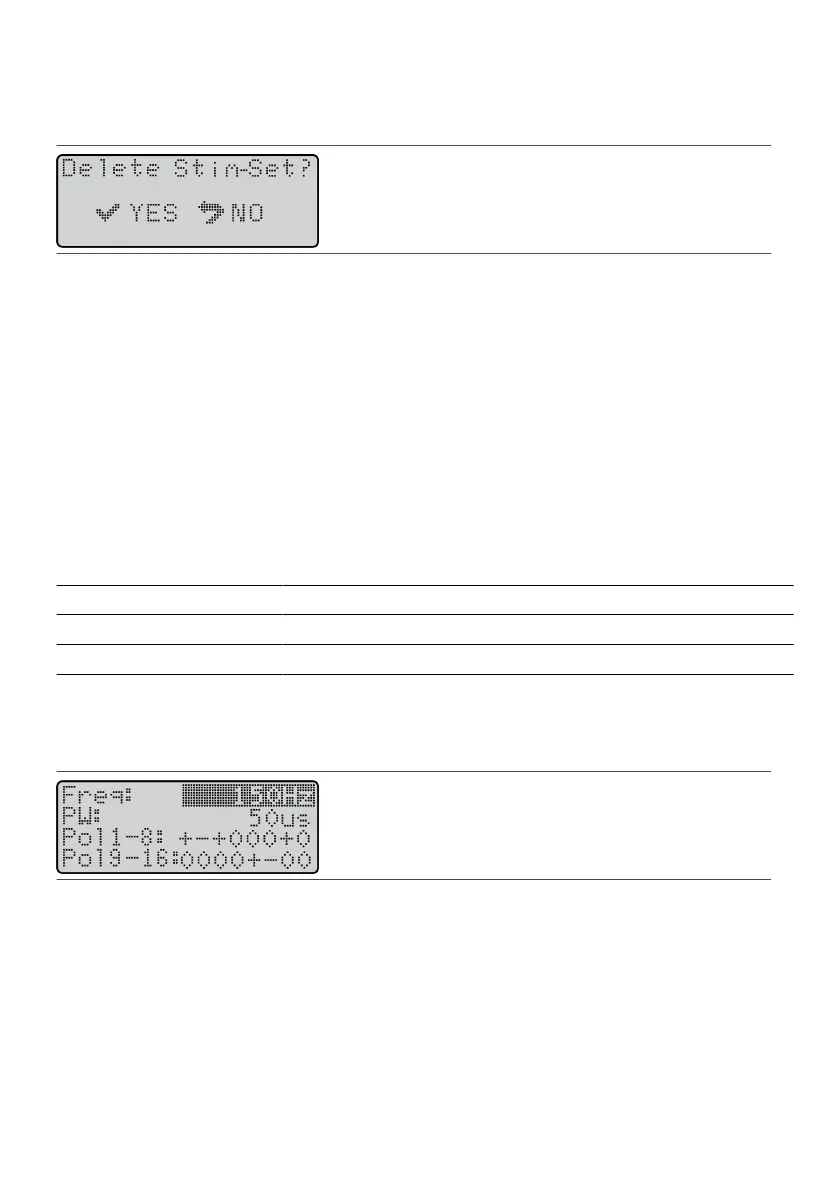
Figure 51.
Delete Sm-Set screen
6. Press the Select key. The Save-Connue screen appears.6.
7. Press the Select key. The programmer deletes the sm set, and the Program screen appears showing the7.
Total SmSets number decreased by one.
Seng Frequency
Frequency is the number of smulaon pulses that the system delivers each second and is measured in
hertz (Hz). Frequency can be set between 2 and 1200 Hz.
NOTE:
▪
While high frequencies may assist with paent comfort, they deplete the baery at a faster rate and
▪
make it necessary to recharge more frequently.
▪
Frequencies for sm sets in a
MulSm
™ smulaon program must be idencal and cannot exceed
▪
1200 Hz divided by the number of sm sets in the program.
Depending on the frequency seng, the following step-size adjustments are available.
Table 3. Step size increments by frequency range
Frequency Range Step Size
2–200 Hz 2 Hz
200–500 Hz 10 Hz
500–1200 Hz 20 Hz
To set the frequency for a sm set:
1.
From the Program screen, press the Balance key unl it highlights the Freq eld.
1.
Figure 52. Highlight the Freq eld
CAUTION: Rapid changes in frequency can cause uncomfortable sensaons for the paent.
2. Press the Amplitude Increase key or Amplitude Decrease key unl the screen shows the desired value.2.
3.
To save the sengs, press the Select key.
3.
4.
If the Save-Connue screen appears, press the appropriate key.
4.
NOTE: If the Freq/PW Limit screen appears, the frequency sengs are too high. Press the Select key to
automacally reduce the frequency sengs.
22











 To Next Page