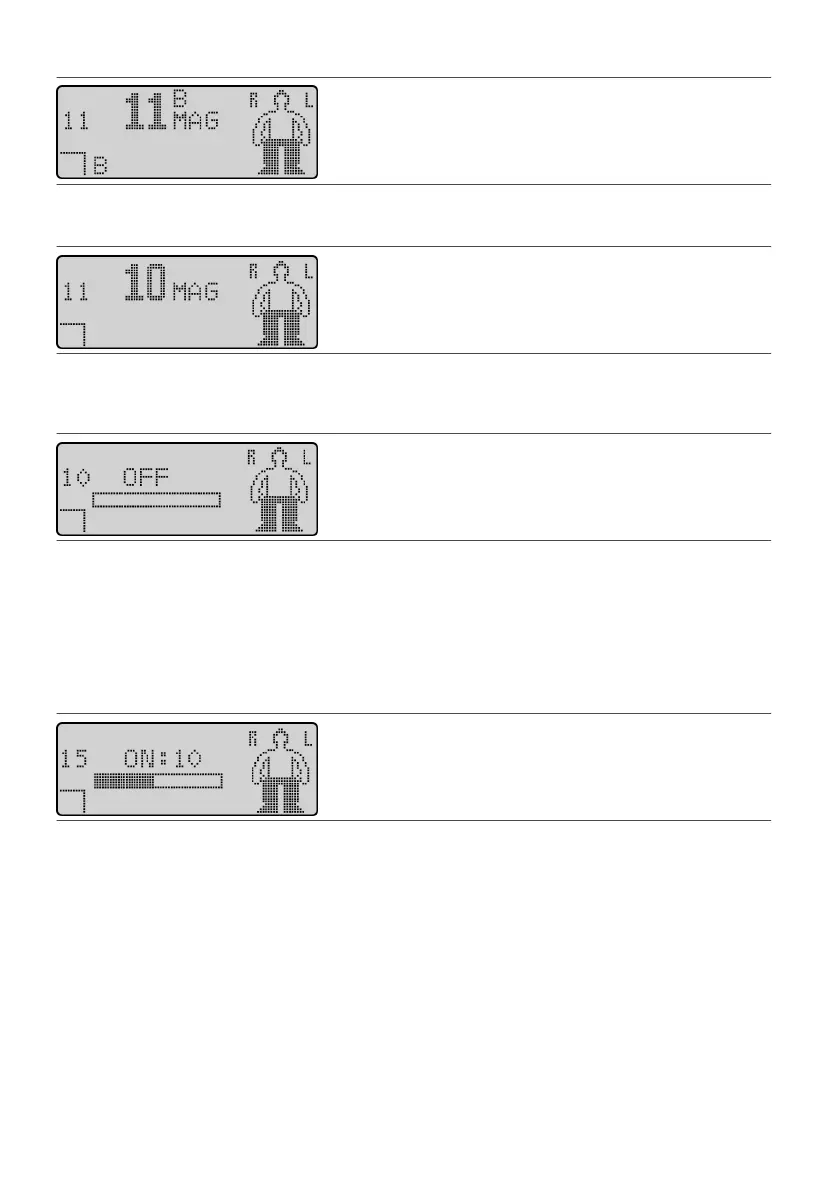
Figure 27. Access the Program Selecon screen
3. Press either Scroll key unl the program you want appears in the center of the screen.3.
Figure 28. Scroll to other programs
4.
Press the Select key. Smulaon stops, and the Operaonal Display screen appears showing the number
4.
of the newly selected program on the le side of the screen.
Figure 29.
Operaonal Display screen showing a new program
Starng Smulaon
To start smulaon:
1. From the Operaonal Display screen, press or press and hold the Amplitude Increase key. The amplitude1.
level shown on the acve amplitude bar increases.
2. Press the Amplitude Increase key to increase smulaon or the Amplitude Decrease key to decrease2.
smulaon to a comfortable level.
Figure 30. Acve amplitude bar on the Operaonal Display screen
The amplitude for each program is divided incrementally into 26 levels. When you start smulaon for a tonic
program, the amplitude slowly increases to the prescribed percepon level for that program (level 6). When
you start smulaon for a BurstDR™ smulaon program, the amplitude slowly increases to a prescribed
target level. From here, you can increase smulaon up to level 26 or decrease smulaon to 1.
Stopping Smulaon
You can turn o the IPG and stop smulaon by using either the programmer or the magnet. With the
magnet, you can stop smulaon immediately.
Stopping Smulaon Using the Programmer
To stop smulaon using the programmer, perform either of the following acons from the Operaonal
Display screen:
▪
Press the Power key.
▪
15











 To Next Page