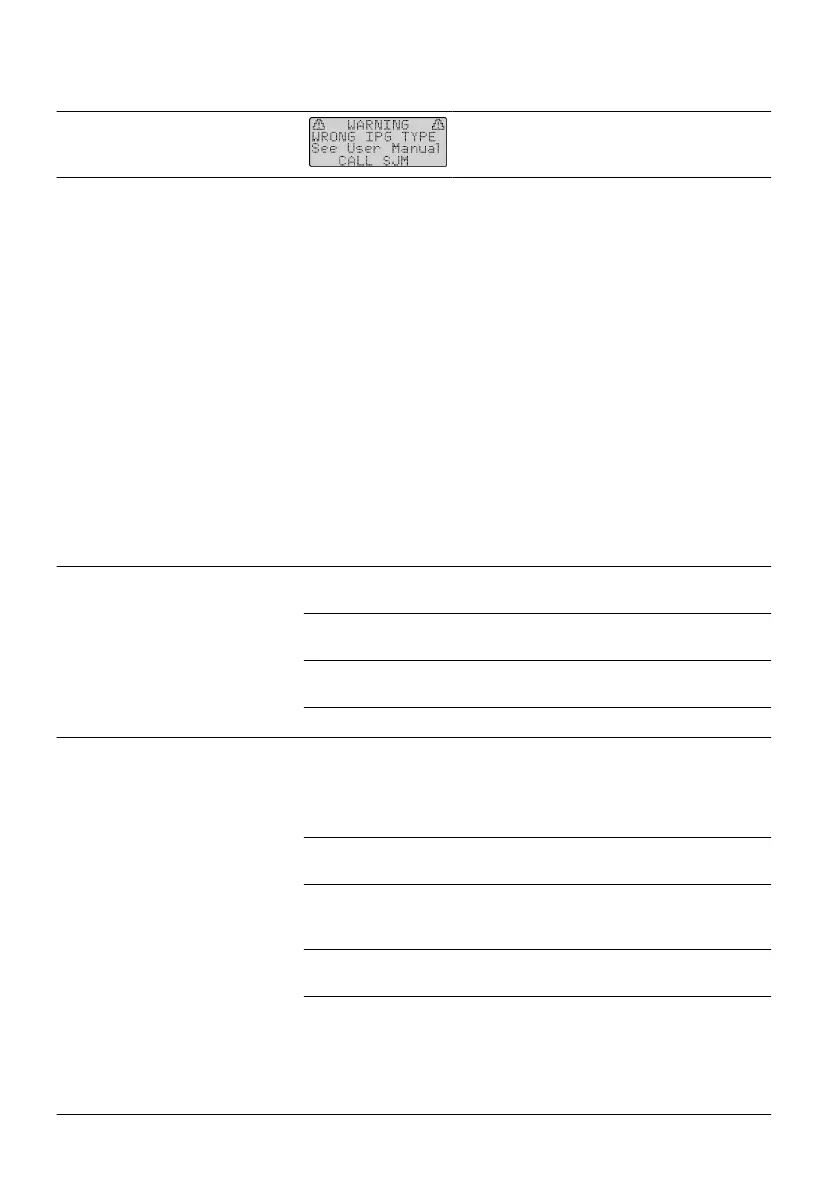
Table 6. Troubleshoong for Diagnosc Messages
Programmer Message Screen Soluon
Wrong IPG type Contact Technical Support.
IPG Heang During Charging
During a charging session, it is normal if some paents perceive an increase in the temperature of the IPG.
However, if the temperature of the IPG becomes uncomfortable for them, you should advise paents to try
these troubleshoong ps:
▪ Stop charging unl the discomfort subsides and then resume charging.
▪
▪ Use the charger belt and antenna holder that is provided with the charging system to hold the antenna in
▪
place.
▪ Reposion the charger antenna over the IPG site.▪
▪
Consider recharging more frequently for less me.
▪
▪ Avoid ghtly inserng the charger antenna between the body and a surface that may trap heat, such as a▪
bed or chair.
Troubleshoong Chart for Intraoperave Tesng
The following table idenes soluons for problems that could occur during intraoperave tesng using the
programmer.
Table 7. Troubleshoong during intraoperave tesng
Problem Possible Cause Possible Soluon
Programmer has no power and
does not show anything on the
screen.
Programmer power is o or has med
out aer one minute of inacvity.
Press the Power key.
Baeries are depleted. Replace the programmer
baeries.
Baery pack or baeries are not
inserted properly.
Reinsert the baery pack or
baeries.
Programmer is damaged. Replace the programmer.
Programmer is not communicang
correctly with the IPG.
Programmer is in browse mode. Allow the programmer to
turn o. Turn on the
programmer and establish
communicaon with
the IPG.
Program did not load correctly. Edit the program or select
another one.
Electrical interference is interrupng
communicaon between the
programmer and IPG.
Move to another area away
from the electrical
interference, and try again.
IPG is implanted too deep in the
pocket.
Reduce the implant depth of
the IPG.
Communicaon wand or programmer
is damaged.
Check the programmer
screen for a diagnosc
message and try to correct
the problem. If this acon is
not eecve, replace the
want or programmer.
34











 To Next Page