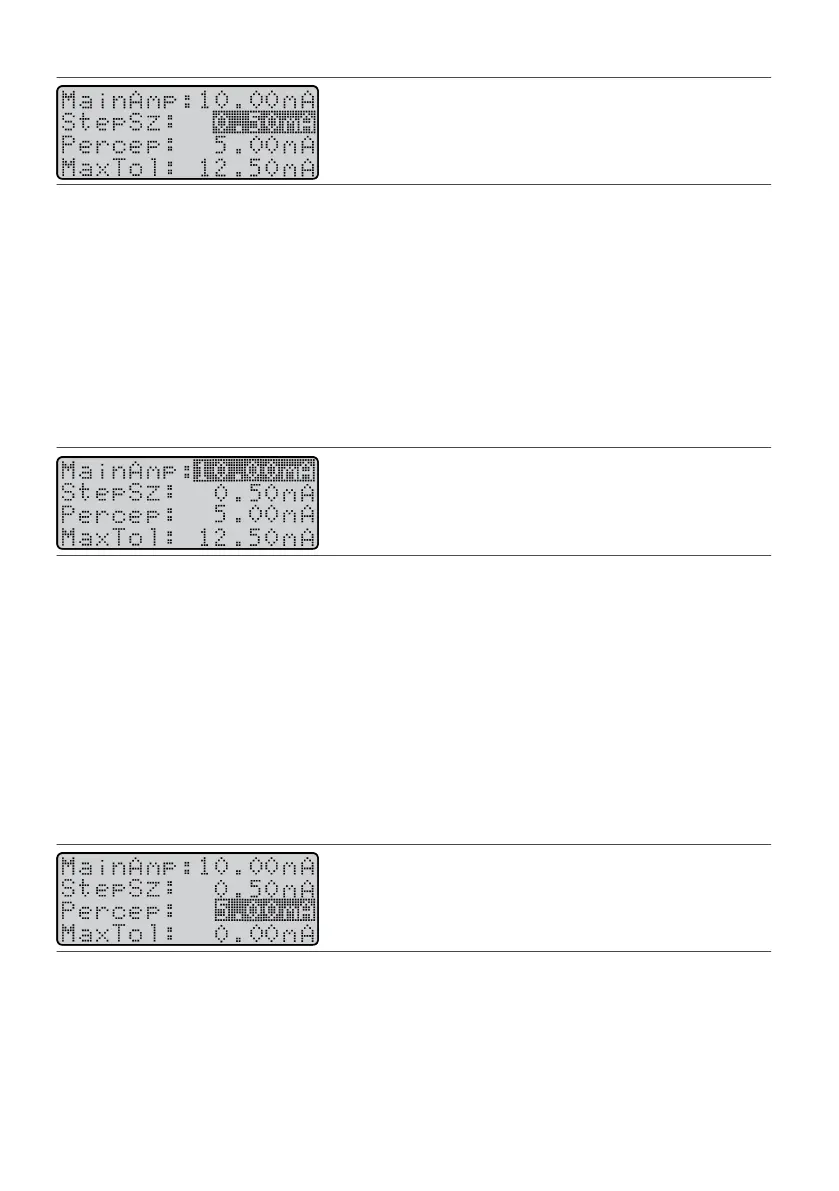
Figure 58. Highlight the StepSz eld
NOTE: When you do not know the paent's percepon or maximum tolerable levels, use small step sizes to
prevent oversmulang the paent.
2.
Press the Amplitude Increase key or the Amplitude Decrease key unl you reach the desired value.
2.
Seng Main Amplitude (MainAmp)
Main amplitude controls the acve amplitude. When you use this parameter, the programmer is acvely
controlling the smulaon that is being delivered. The MainAmp parameter enables you to test smulaon
parameters during a programming session. You can use main amplitude to determine percepon amplitude
and maximum tolerable amplitude values before seng them.
To set main amplitude:
1.
From the Program screen, press the Balance key unl it highlights the MainAmp eld.
1.
Figure 59.
Highlight the MainAmp eld
CAUTION: Do not select an amplitude value that may be too high or the paent may receive unwanted
smulaon.
2. Press the Amplitude Increase (or Decrease) key unl you reach the desired value. The amplitude changes2.
in increments according to the StepSz value.
NOTE: To immediately stop smulaon, press the Power key or use the magnet.
Seng Percepon Amplitude (Percep)
Percepon amplitude is the level at which the paent rst perceives smulaon. The IPG automacally ramps
up to this value when the paent turns on the programmer and pushes the Amplitude Increase key once.
To set percepon amplitude:
1.
Use MainAmp to establish a percepon level.
1.
2.
Press the Balance key unl it highlights the Percep eld.
2.
Figure 60. Highlight the Percep eld
CAUTION: Do not set the percepon amplitude value too high or the paent may receive unwanted
smulaon.
3.
Press the Amplitude Increase (or Decrease) key and set the value at the level at which the paent rst
3.
perceives smulaon.
NOTE: The percepon amplitude value cannot exceed the value of the maximum tolerable amplitude
value.
25











 To Next Page