Chapter 9 Analyze the Comparative C
T
Experiment
View the Amplification Plot
167
Applied Biosystems 7500/7500 Fast Real-Time PCR System Getting Started Guide for Relative Standard Curve
and Comparative C
T
Experiments
Notes
View the Plot
1. In the navigation pane, select Analysis Amplification Plot.
Note: If no data are displayed, click Analyze.
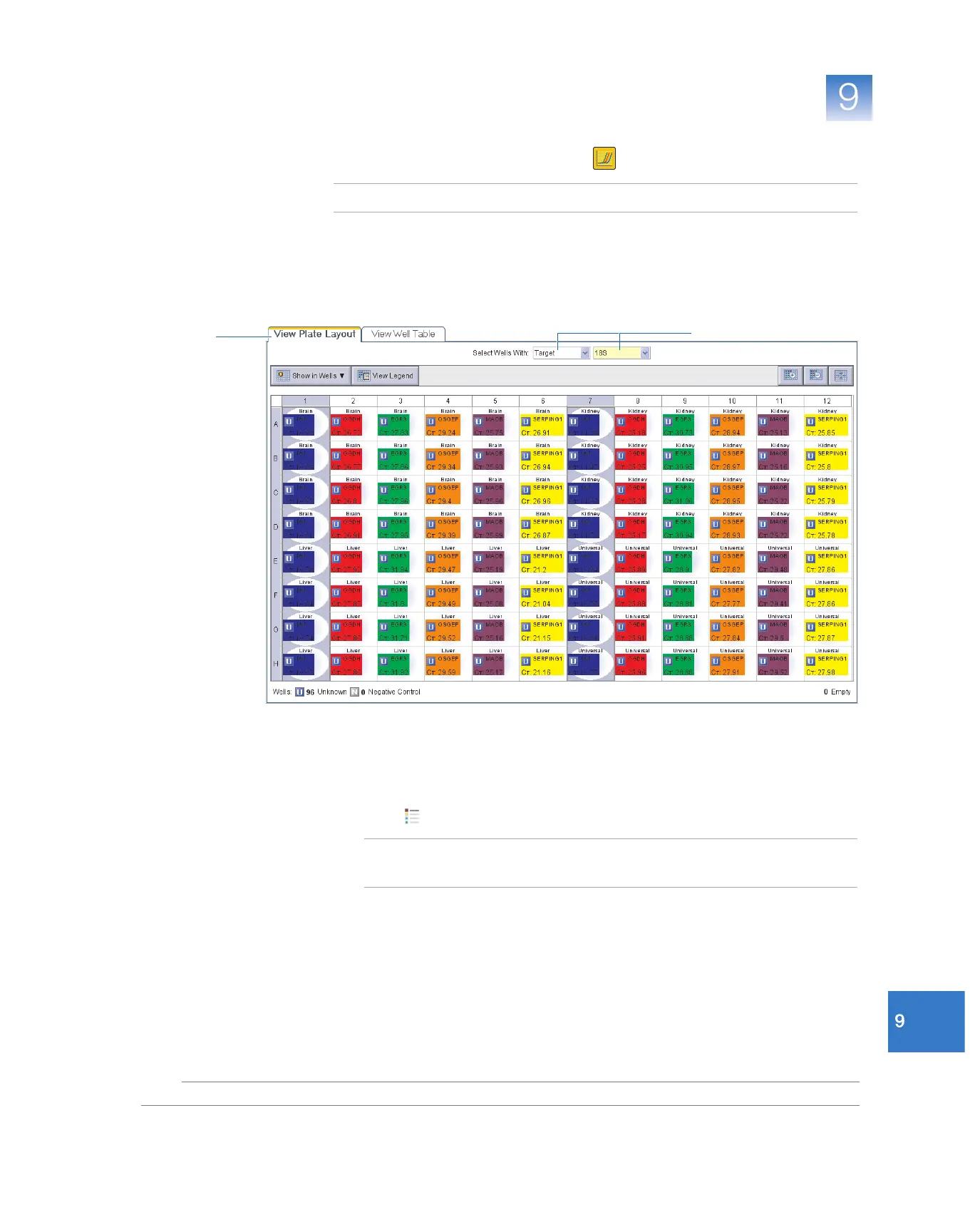
2. Display the 18S wells in the Amplification Plot screen:
a. Select the View Plate Layout tab.
b. In the Select Wells With drop-down lists, select Target , then 18S.
3. In the Amplification Plot screen, Plot Settings:
a. In the Plot Type drop-down list, select ∆Rn vs Cycle (default).
b. In the Plot Color drop-down list, select Wel l (default).
c. Click (Show a legend for the plot).
Note: This is a toggle button. When the legend is displayed, the button changes
to Hide the plot legend.
2a
2b



 To Next Page