Real Time Triplex Stand Alone DVR
36
CHAP 3. SETUP MENU
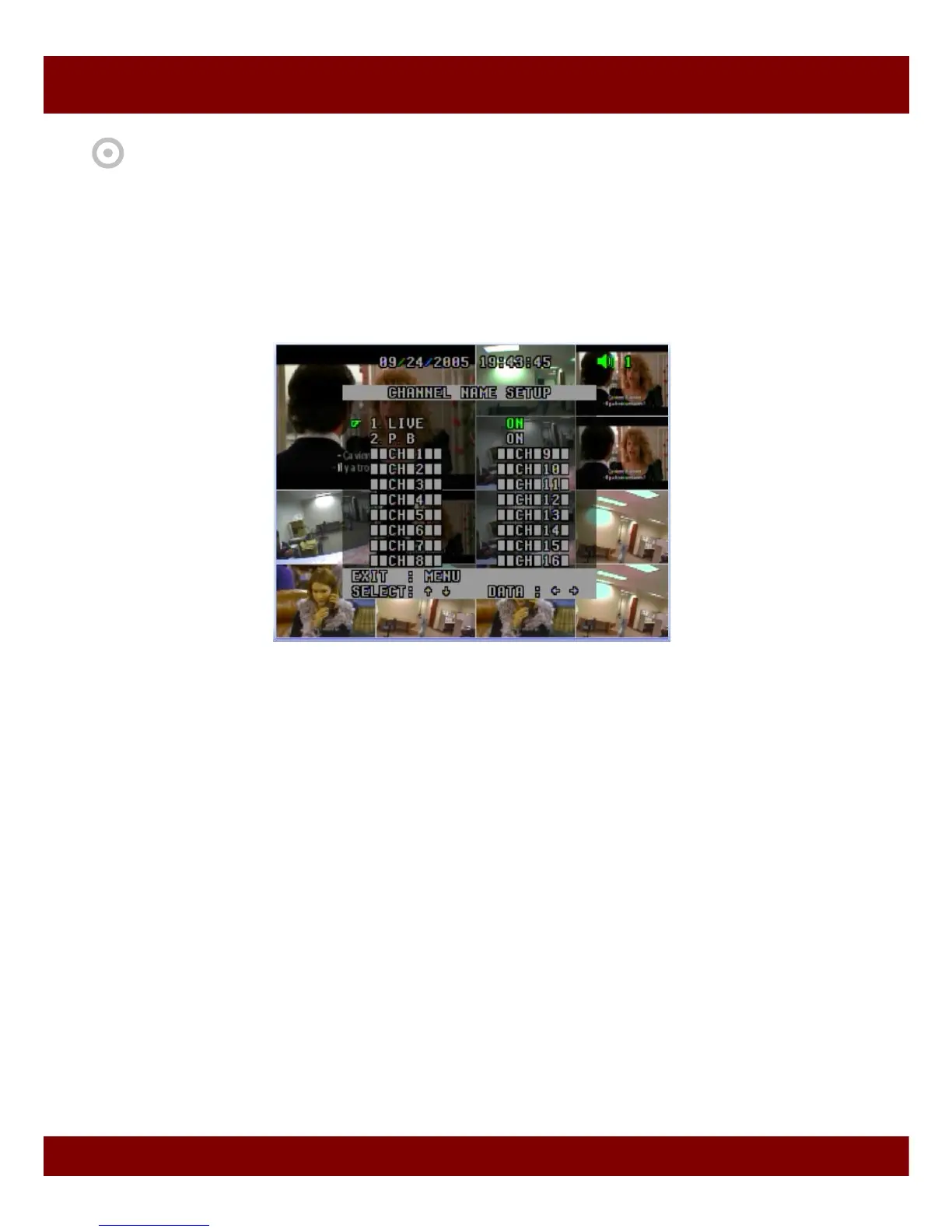
2.3 Channel Name Setup
To make camera names easy to remember, you can assign names to individual channels up to 8
characters per channel. For example, if your one external camera is located in a factory, you can
name it as “factory”. You can see videos with this name on the screen during operation.
1) Live ON/OFF
2) PB ON/OFF
- When turned ON, it enables display of camera names.
- When turned OFF, it disables display of camera names.
3) CH 1 ~ CH 16 ■■CH ■1/2/…/16 ■■
- When the pointer is located next to CAMERA1/2/3/4…/14/15/16,
1. Press ENTER button
2. See the active cursor on the first letter of ■ which means a blank.
3. Surf along letters by pressing Up/Down button.
4. When you find your desired letter, press Right/Left button to move the active cursor to the next
letter.
5. After the naming process is complete, press ENTER button and then press Up/Down button
to move to other cameras.
To exit main menu, press MENU button.



 To Next Page