Real Time Triplex Stand Alone DVR
63
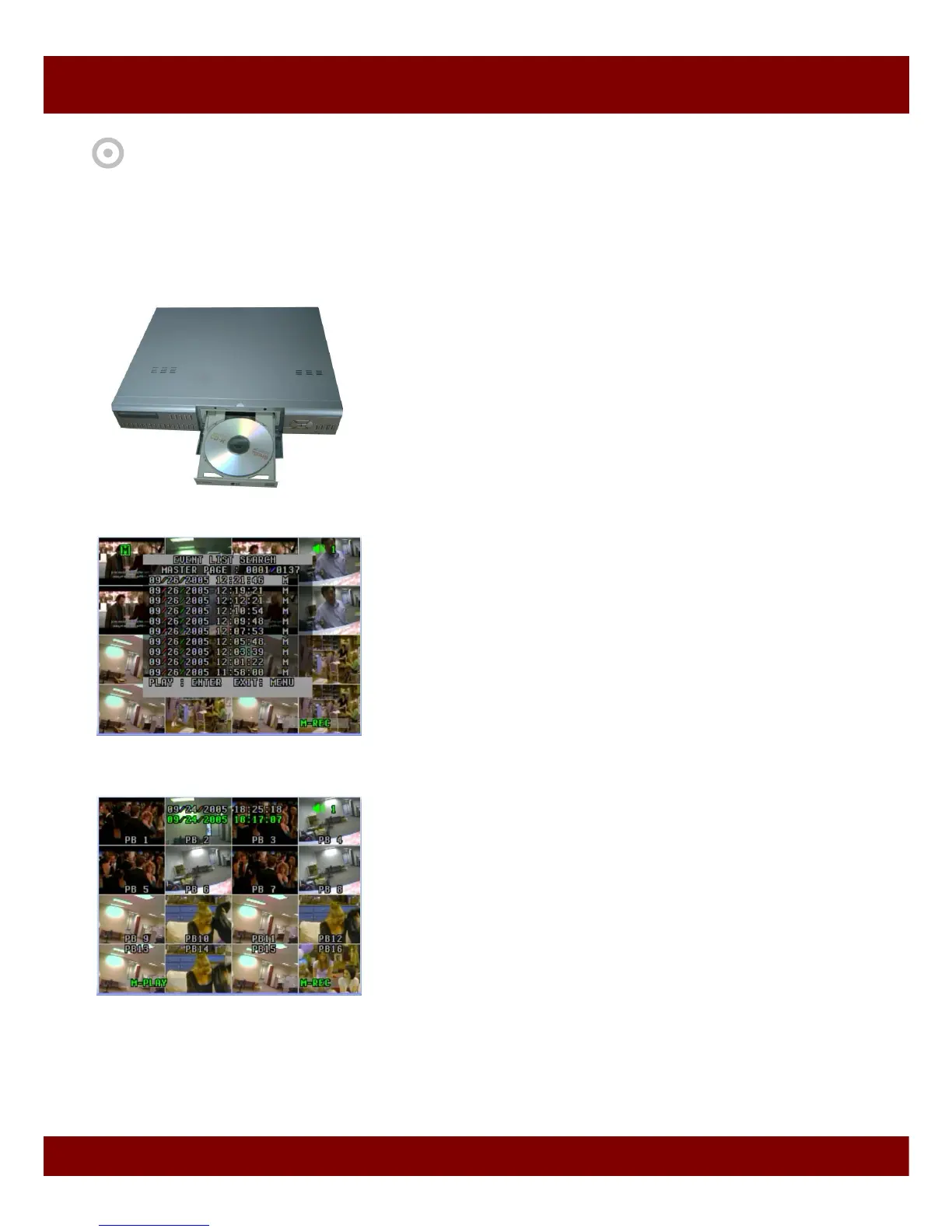
You can copy video stored in DVR into CD or USB memory stick in Playback mode. During CD/USB backup,
all other operation are prohibited. You can retrieve video from CD/USB memory stick using our Net Viewer
easily. You can burn whole blank CD / USB memory stick or stop burning in the middle of burning process.
CHAP 9. CD / USB BACKUP MODE
1. Insert blank CD into CD-Burner or insert USB memory stick
to USB port.
2. Press SER button and select your desired video in the list.
3. Play the selected video.



 To Next Page