Real Time Triplex Stand Alone DVR
73
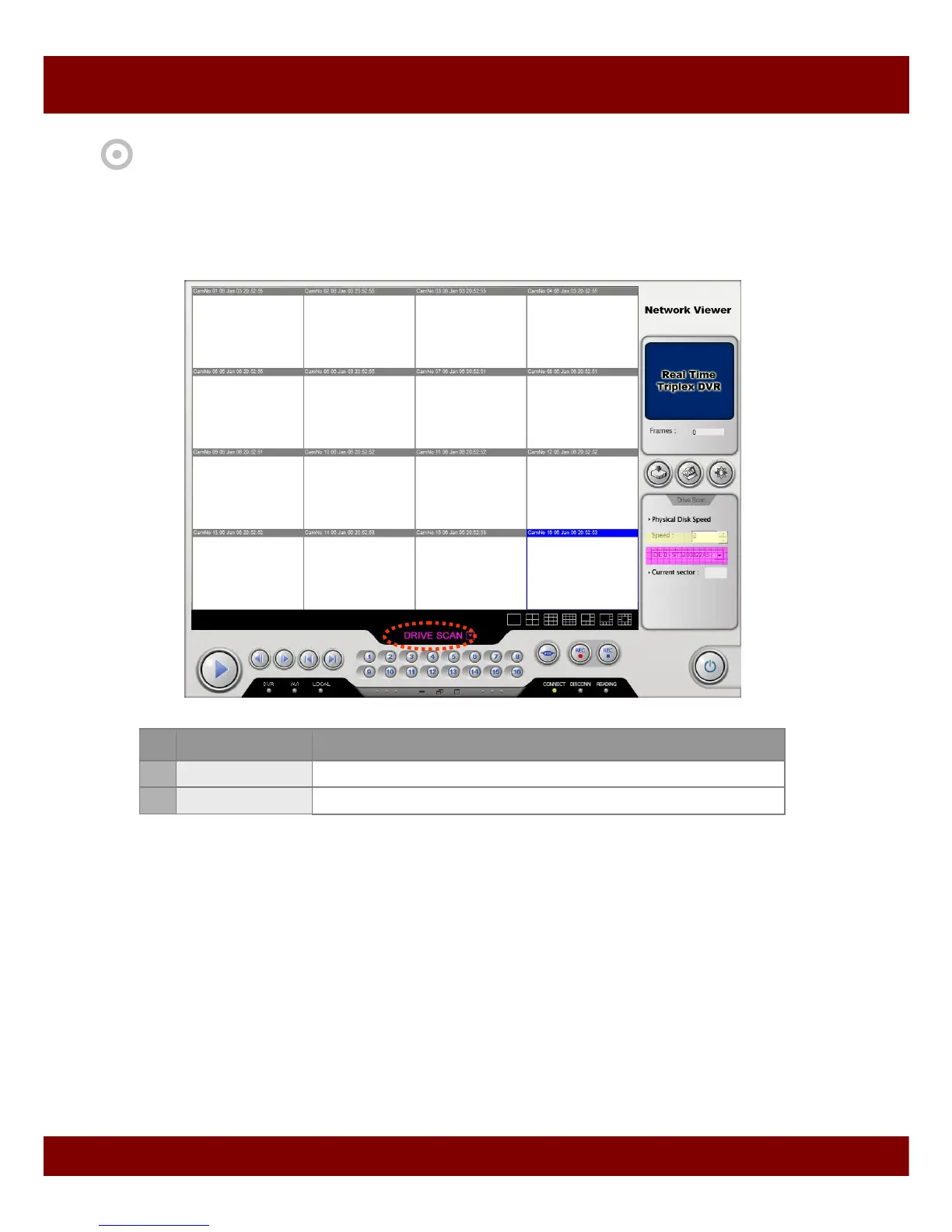
5.3 Drive Scan Mode
You can take out HDD from DVR and plug it into your PC. And you can see the video from that HDD
using this function.
• To connect to Drive Scan mode,
1. Click operation mode and select Drive Scan mode.
2. Set playback speed and select HDD which was used in DVR to record video.
3. Press Play button.
4. You will get the videos from the HDD.
CHAP 10. NETWORK VIEWER
No Names Description
1 Playback Speed
Select playback speed
2 HDD Selection
Select the HDD
1
2



 To Next Page