Real Time Triplex Stand Alone DVR
71
5.1 Live View Mode
5. Operation
This NetViewer program has 5 types of operation modes.
[ Live View / Playback / Drive Scan / File / USB Backup Playback / CD Backup Playback ]
Each operation mode is designed for its own purpose.
Please refer to the details for your use.
If you want to disconnect Remote access connected from unknown client, press INFO button then
press STOP button at DVR side.
CHAP 10. NETWORK VIEWER
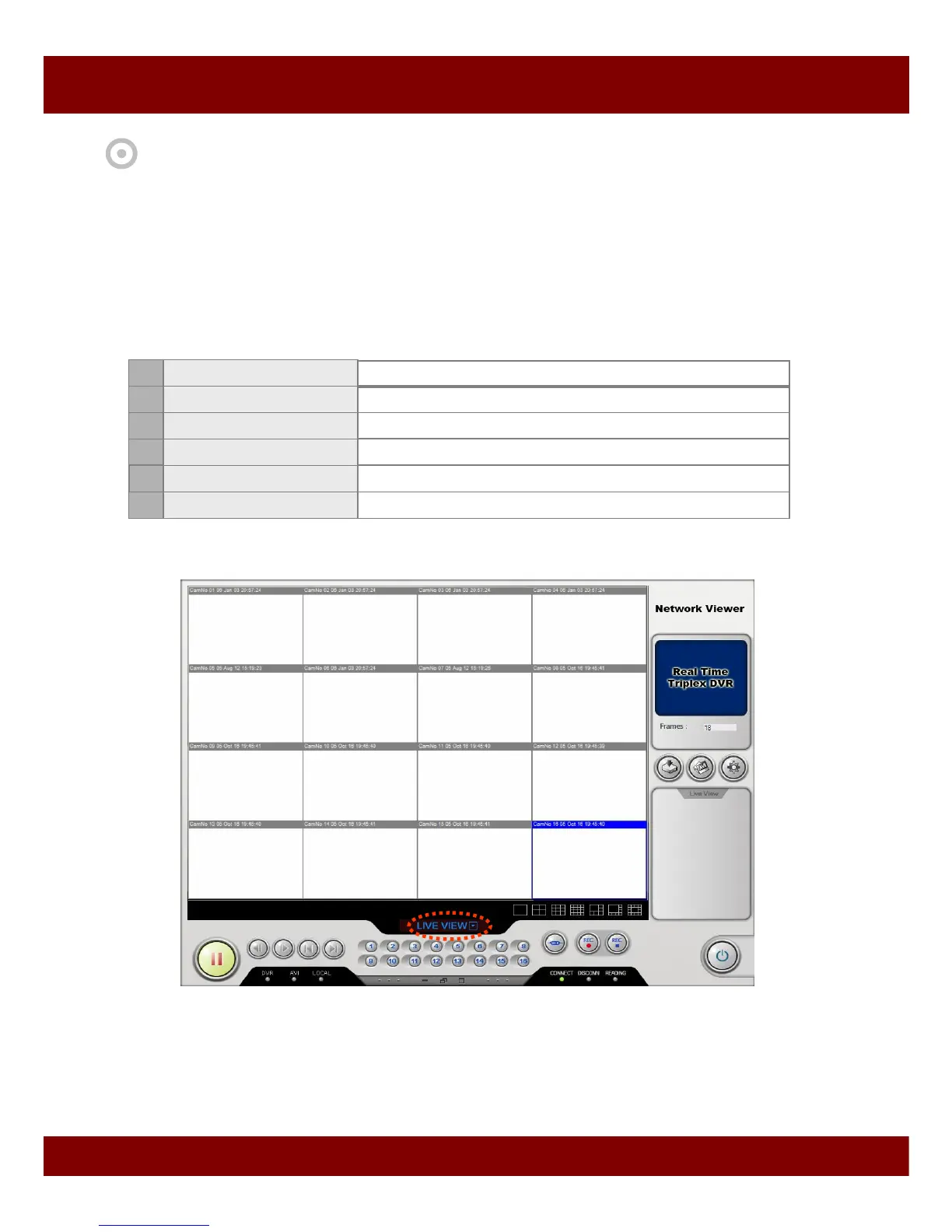
1 Live View
To monitor live display
No Mode
Description
2 Playback
To playback videos in the HDD of DVR
3 Drive Scan
File / USB Backup Playback
5 CD Backup Playback
To play videos stored in CD
To search videos from DVR HDD in connection with local PC
To connect to DVR,
1. Press Setup button and select options.
2. Press Log In (Connect) button and type in your ID and password.
* DVR sends only channels which are displayed on NetViewer. If you choose only one channel, it
sends only selected channel to increase frame rate over the network.
To play videos stored in Local PC or USB memory stick
4



 To Next Page