Real Time Triplex Stand Alone DVR
42
CHAP 3. SETUP MENU
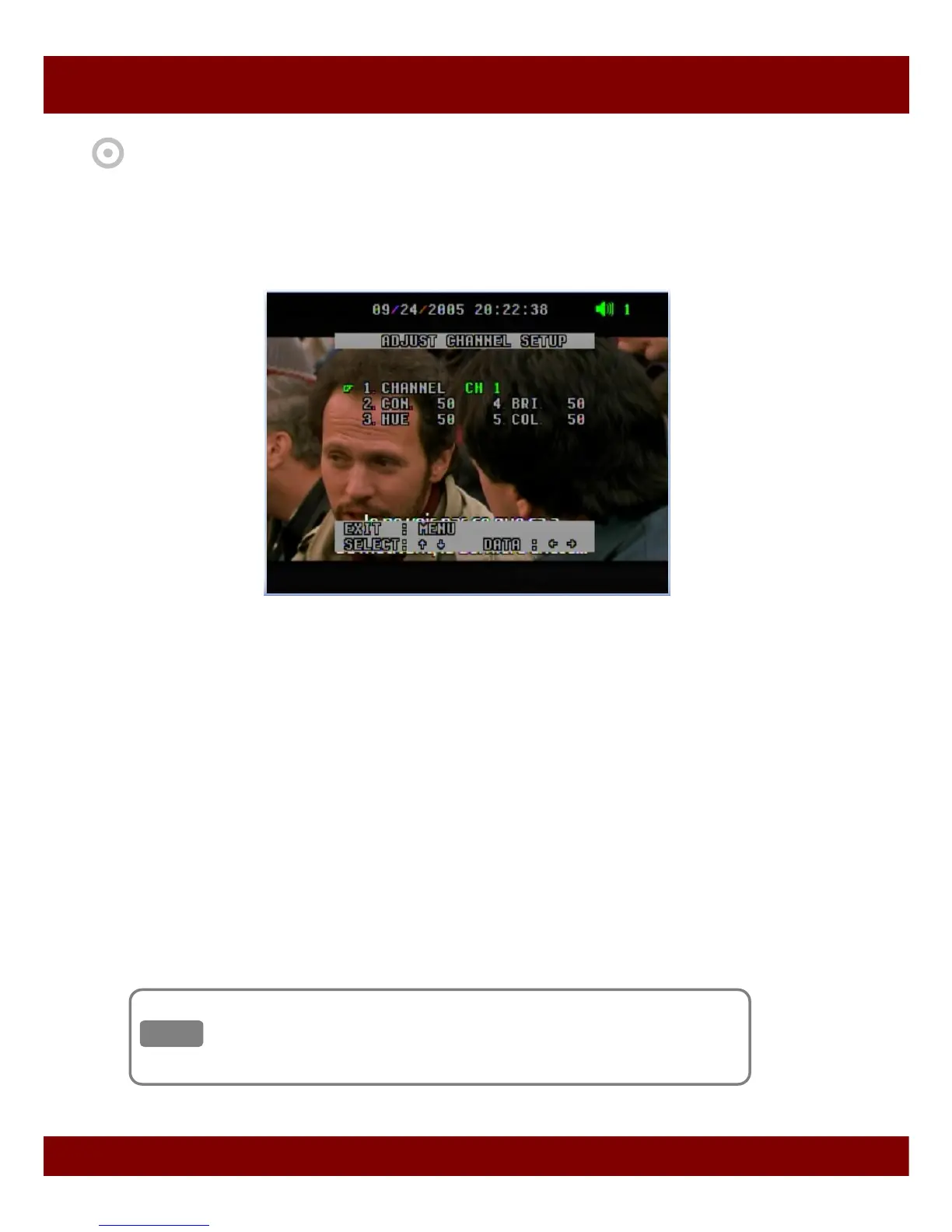
3.3 Adjust Channel Setup
This menu allows video adjustment options for individual cameras.
1) Channel CH1 ~ CH 16
- To select your desired channel to adjust video display.
2) CON (Contrast) 50
- To control light and shade of video display.
3) HUE 50
- To control color tone of video display.
4) BRI (Brightness) 50
- To control brightness of video display.
5) COL (Color) 50
- To control saturation of color of video display.
• To return to main menu, press MENU button.
Default factory mode was set to 50.
Remember that the values range from 01 to 99.
Note
Note



 To Next Page