Real Time Triplex Stand Alone DVR
66
CHAP 10. NETWORK VIEWER
1. System Requirement
- Pentium III or above recommended
- O/S : Microsoft Windows XP, 2000
- 256MB RAM or above recommended
- Super VGA 16M or above recommended
- 10/100 Base T network card for LAN operation
2. Network Environment
Recommend
Client PC DVR
Minimum
More than 3 Mbps More than 3 Mbps
More than 128 Kbps
More than 128 Kbps
3. Network Viewer Installation
To start network viewer installation,
1. Start Microsoft Windows.
2. Insert installation CD into the CD-ROM drive.
3. Execute Setup.exe, then it installs NetViewer automatically and generates Icon on the Desk Top screen.
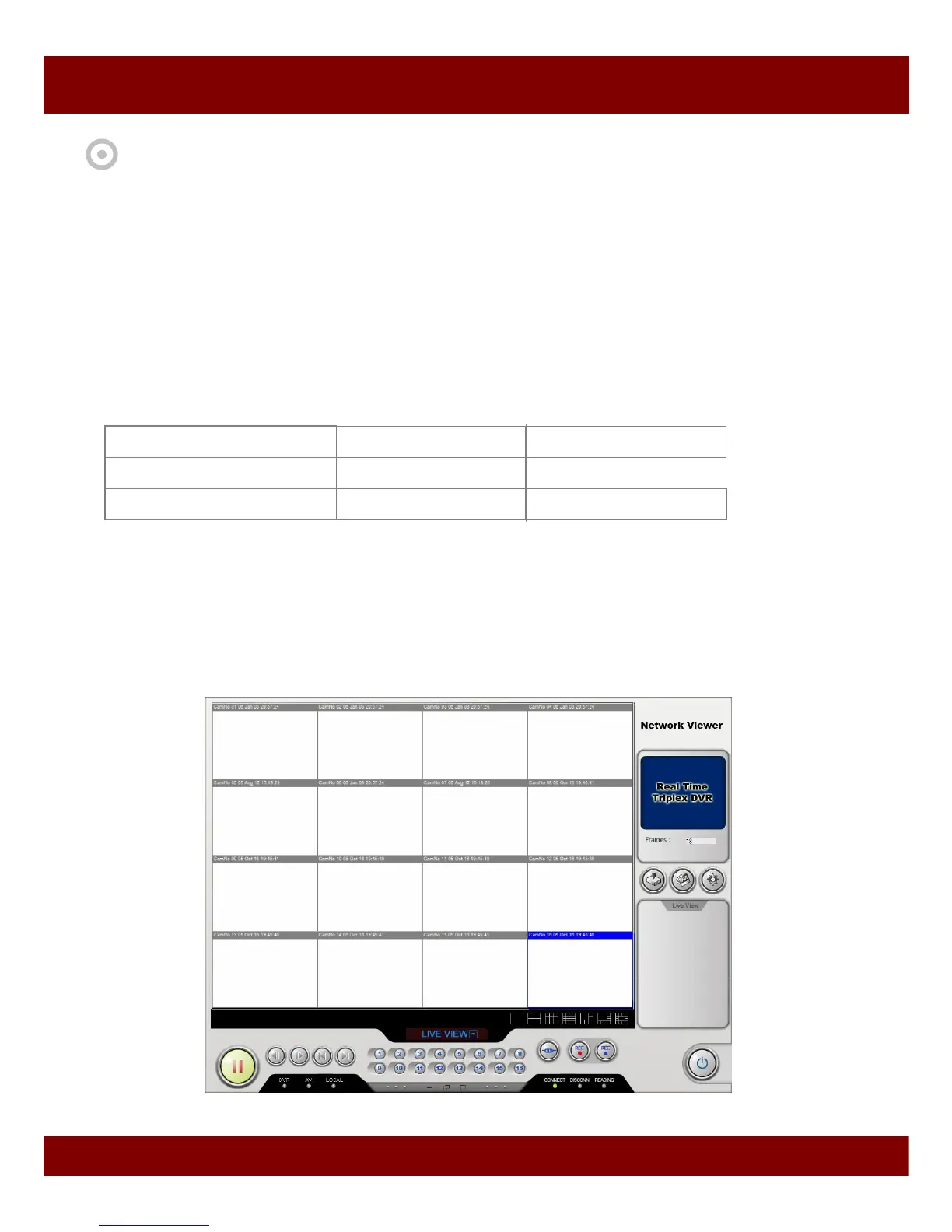
4. Click the NetViewer Icon, then network viewer will appear on the screen as below.



 To Next Page