Real Time Triplex Stand Alone DVR
64
CHAP 9. CD / USB BACKUP MODE
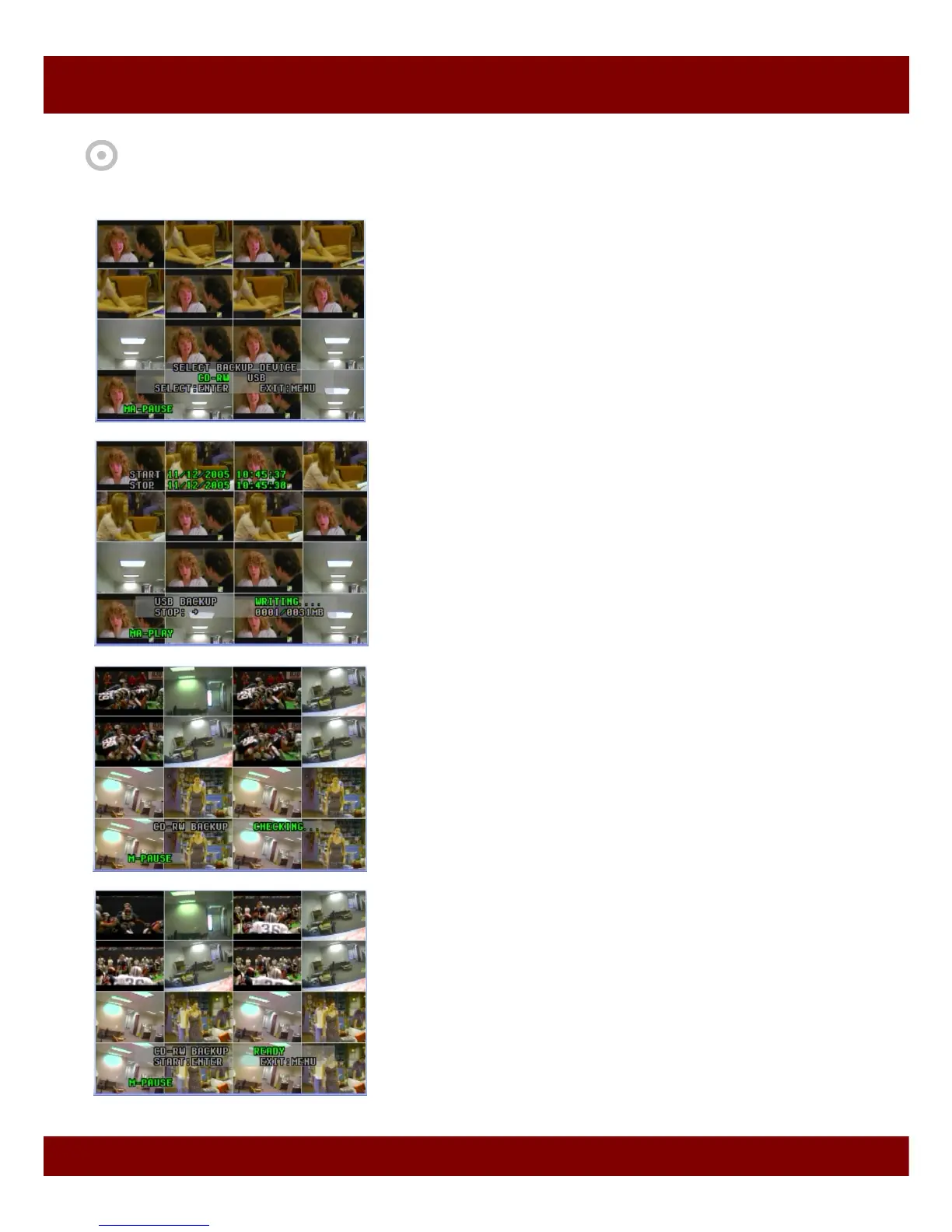
4. Press Info button of Front panel, then you will see menu to select
either CD or USB backup.
Or press CD Backup / USB Backup button of Remote Controller,
then you can get in its Backup mode.
7. If DVR is ready to burn CD, you will see the READY condition.
- Ready : shows that it is ready for CD backup.
5. To backup to USB memory stick, select USB using Left (Æ) button,
and press Select button on the Remote Control Unit.
Then it starts writing playback video/audio to USB memory stick.
When it completes burning, it goes into Pause mode. Also you can
stop USB backup using Left (Æ) button on Remote Control Unit.
6. To backup to CD, select CD and press Select button on the Remote
Control Unit. Then DVR checks the CD burner and blank CD available.



 To Next Page