111
Image name
The image name can be provided with a user-defined part name at the beginning (prefix).
Upload picture / video
Check one or both options to upload media to the FTP server.
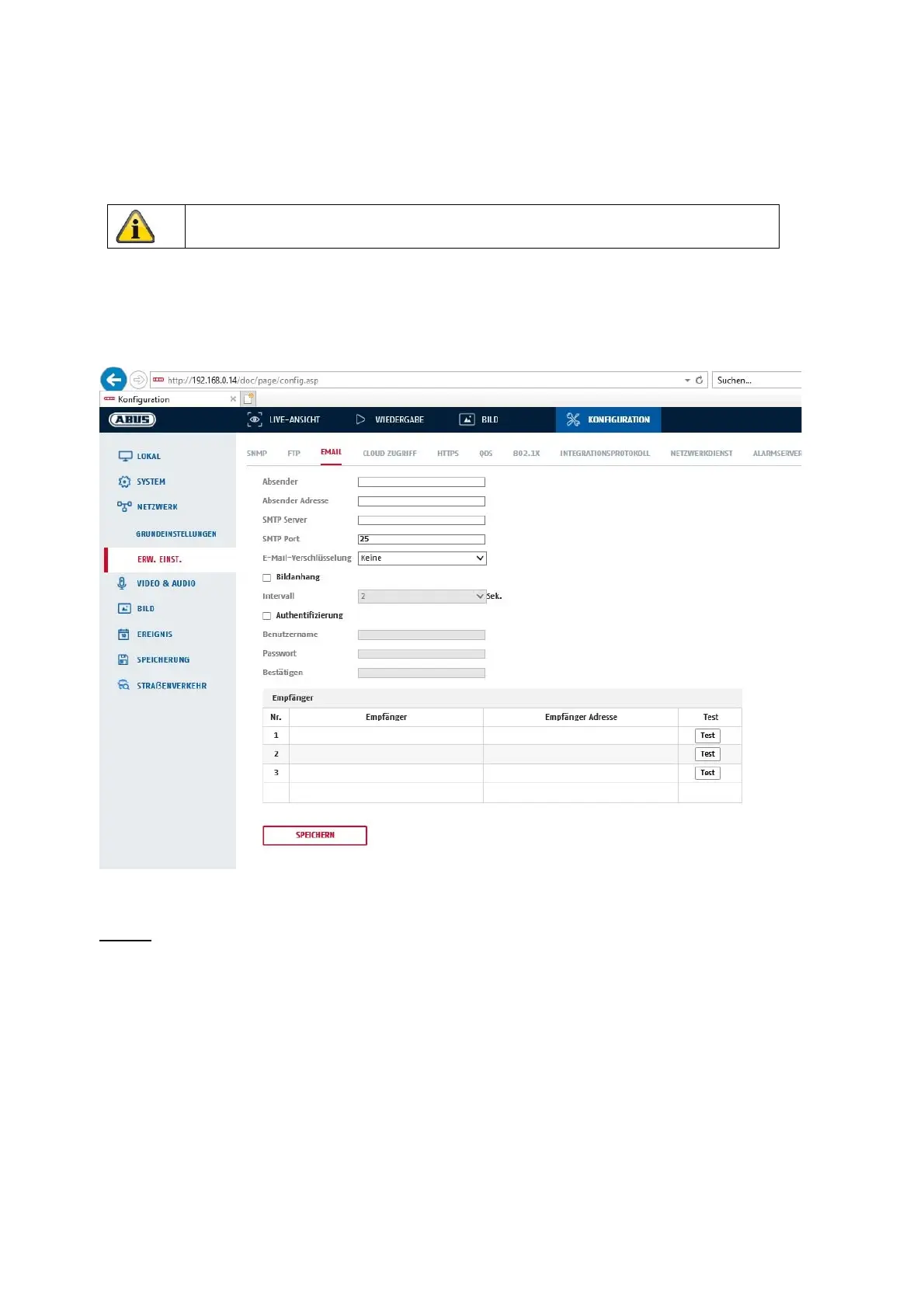
8.3.8 E-mail
Here you have the option of making the settings for sending e-mails.
Sender
Sender
Enter a name here which is to be displayed as the sender.
Sender address
Enter the sender's e-mail address here.
SMTP server
Enter the SMTP server IP address or host name here. (e.g. smtp.googlemail.com)
SMTP port
Enter the SMTP port here, by default this is configured to 25.
E-mail encryption
Select the encryption required by the e-mail server (SSL, TLS, STARTTLS)
Accept the settings you have made by clicking on "Save".



 To Next Page