115
8.4 Video & Audio
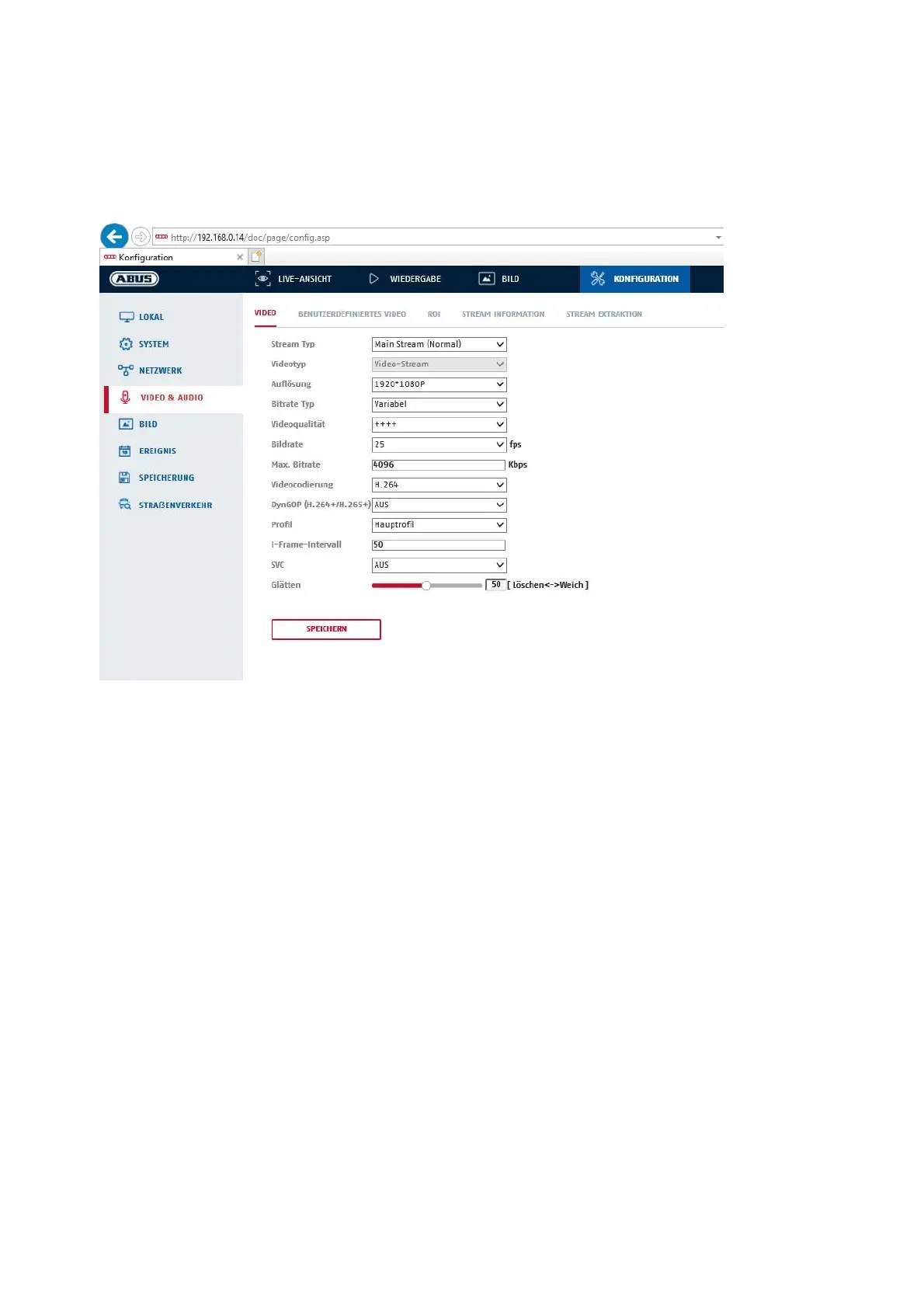
8.4.1 Video Stream Settings
Stream type
Select the stream type for the camera. Select "Main Stream (Normal)" for recording and live view with good
bandwidth. Select "Sub Stream" for live view with limited bandwidth. A total of 5 video streams are available,
but their use depends on the client.
Video type
This camera type does not have an audio function. The video type is fixed to "video stream".
Resolution
Set the resolution of the video data here. Depending on the camera model, you have the choice between
1280*720p; 1280*960; 1920*1080p.
Bit rate type
Specifies the bit rate of the video stream. The video quality can be higher or lower depending on the intensity
of the movement. You can choose between a constant and variable bit rate.
Video quality
This menu item is only available if you have selected a variable bit rate. Set the video quality of the video data
here. The video quality can be higher or lower depending on the intensity of the movement. You can choose
between six different video qualities, "Minimum", "Lower", "Low", "Medium", "Higher" or "Maximum"
(represented by "+").
Frame rate
Indicates the frame rate in frames per second.



 To Next Page