113
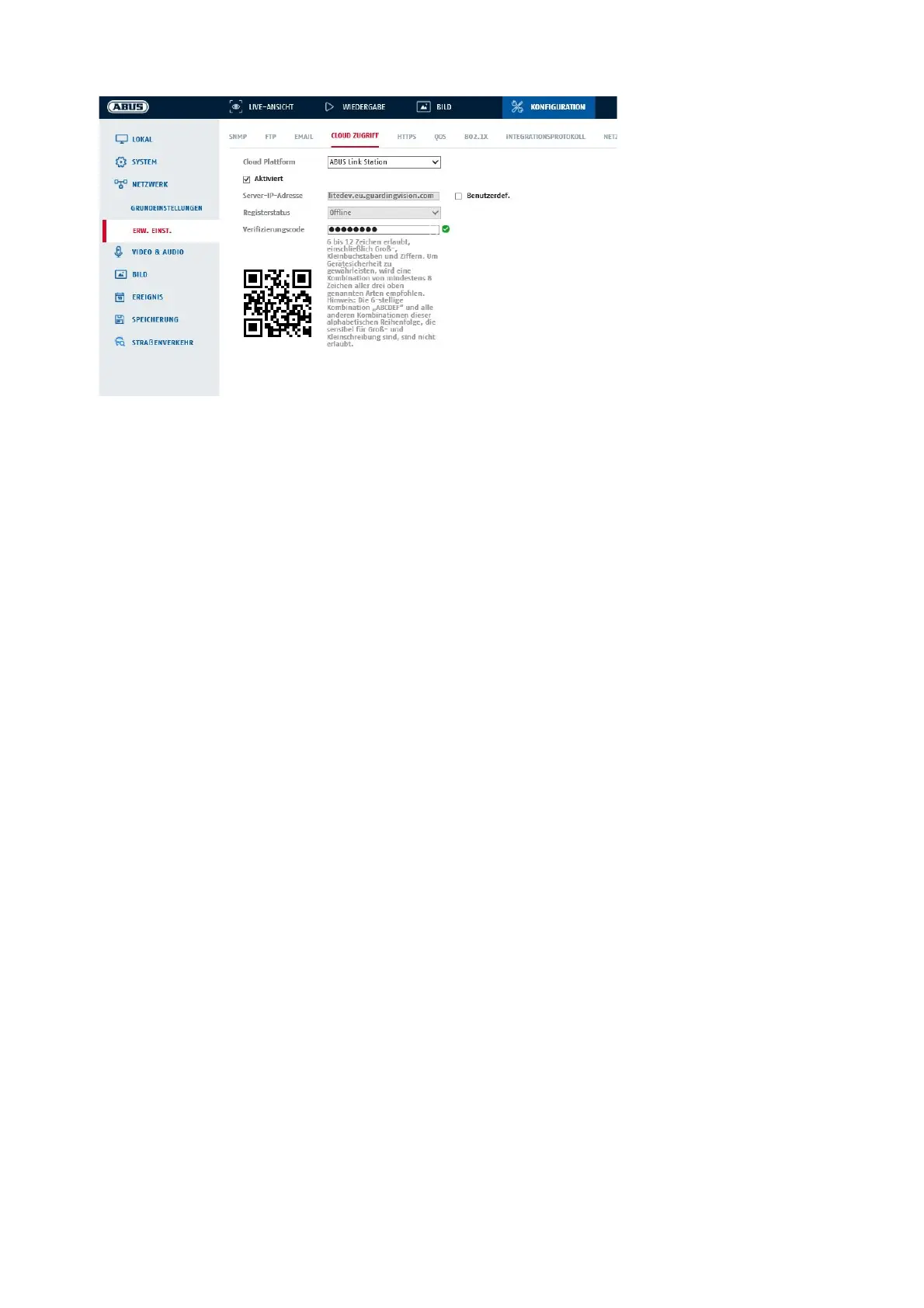
Push function in ABUS Link Station APP
1. activate ABUS Link Station function in IP camera
2. add IP camera to ABUS Link Station app via QR code or 9-digit serial number part.
3. activate push notification in APP (More/Functional Settings/Push Notification)
4. activate "Alarm notification" in the individual camera settings in the Link Station app.
Activate and configure the desired detector in the IP camera (motion detection, tripwire or intrusion
detection).
6. Activate "Event-controlled single image recording" in IP camera under Storage/Single image
recording/Capture parameters.
7. Add rule in Event Manager in IP Camera and select "Notify NVR/CMS" as action.
Push result in the smartphone:
- Push info in status bar
- 1 single image under "News" in Link Station App
- optional: with SD card installed and duration or event video recording, short video sequence can also be
viewed
8.3.10 HTTPS
Enable HTTPS: Enables the HTTPS function. This enables a secure connection with connection
certificate. Please note that further steps are necessary to configure the
HTTPS function.
Enable HTTPS surfing: If this option is enabled, the camera only accepts access via HTTPS.
8.3.11 QoS
Video/Audio DSCP: (Differentiated Service Code Point) (0~63): Priority for video/audio IP packets. The
higher the value, the higher the priority.
Event/Alarm DSCP: (0~63): Priority for event/alarm IP packets. The higher the value, the higher the
priority.
DSCP Management: (0~63 ): Priority for management IP packets. The higher the value, the higher the
priority.



 To Next Page