117
8.5 Image
8.5.1 Display settings (optical channel)
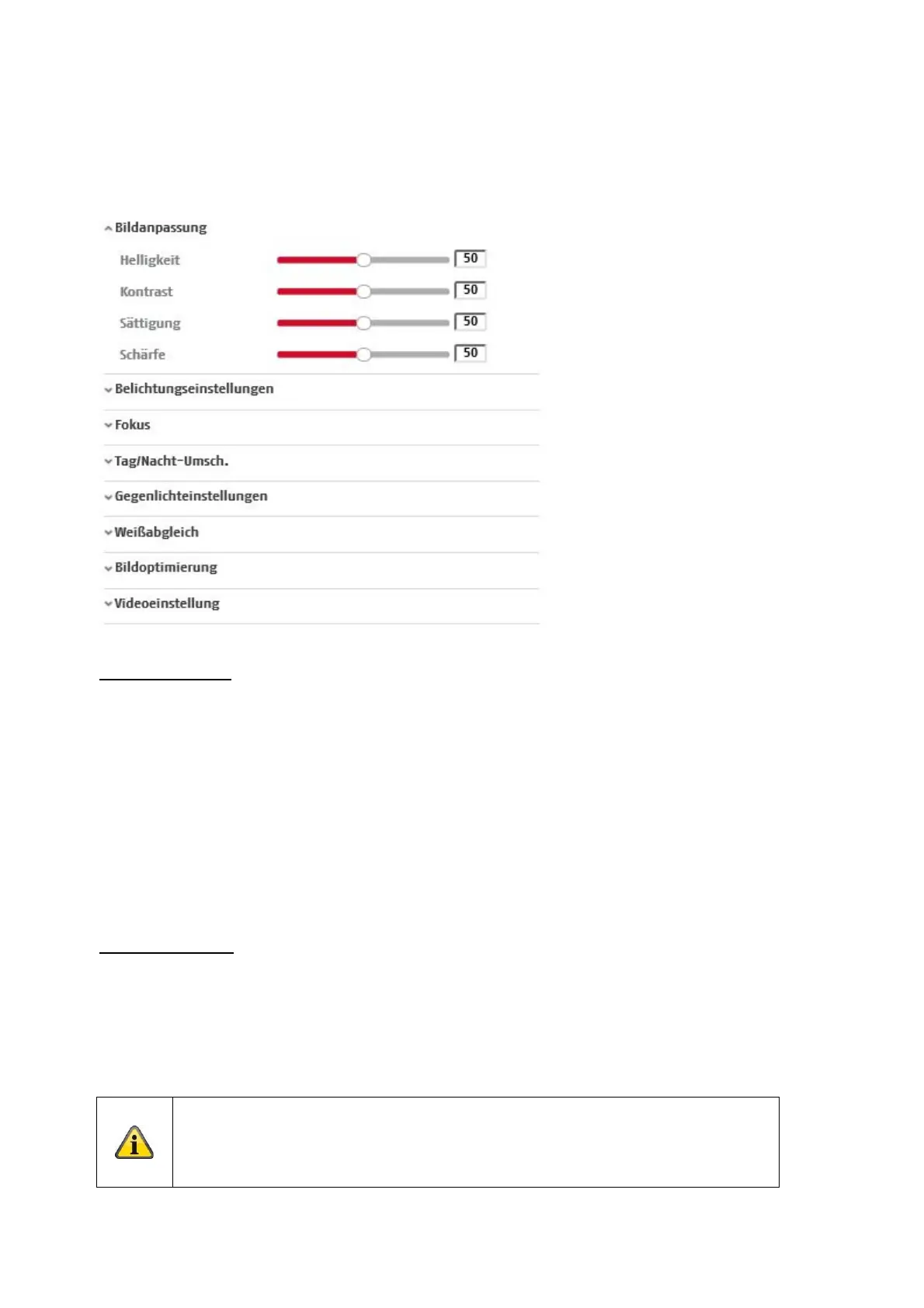
Image adjustment
Brightness
Setting for the picture brightness. Values between 0 and 100 can be set.
Contrast
Setting for the image contrast. Values between 0 and 100 can be set.
Saturation
Setting for the image saturation. Values between 0 and 100 can be set.
Sharpness
Setting for the image sharpness. A higher sharpness value can increase image noise.
Values between 0 and 100 can be set.
Exposure settings
Iris mode
Only manual setting of the exposure parameters is possible for this camera.
Exposure time
Setting the max. exposure time. This setting is independent of the iris mode.
The higher the speed of the objects in the picture, the shorter the exposure time must
be set. This reduces the brightness of the image. Additional lighting may then be
necessary. A common value for the exposure time for fast-moving objects is 1/250.



 To Next Page