138
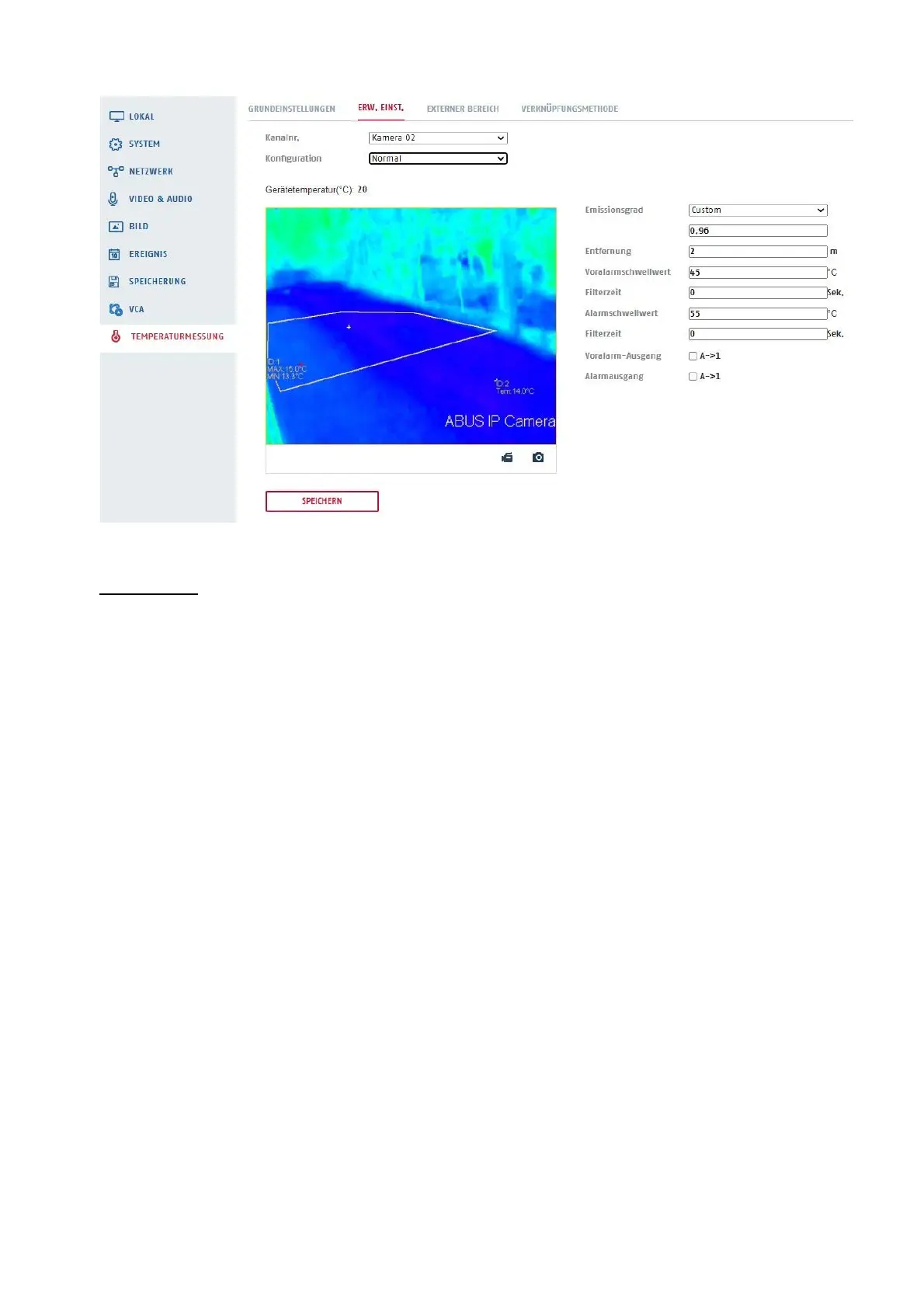
Expert mode:
In expert mode, up to 21 different ranges can be configured for temperature measurement. The following
types of measuring ranges can be used:
Range: (Max. number 10)
Point: (Max. number 10)
Line: (Max. number 1)
Preview image: Marking the desired area type
Enabled: A configured measuring range can be activated or deactivated.
ID: Consecutive number
Name: Assignment of a name for the measuring range
Type: Selection of area, point or line
Emissivity: The emissivity depends on the material and indicates how well a body can
emit thermal radiation.
The practical value of 0.96 is preset.
Options: Custom, or by surface roughness (Rough ~ Smooth) Rougher,
Rough, Smooth, Smoother (see section 8.9.5 for examples).
Distance: Distance between thermal imaging camera and measuring object
Reflected temperature (°C): If there is a high emissivity object in the scene, check the reflection and set
it a temperature value to correct the temperature. The reflected temperature
should be set as the temperature of the high emissivity object.
Alarm response: Activate or deactivate an alarm response.



 To Next Page