MAX_Kurzanleitung_Brief_Overview_V1.03_de_en 63 / 105
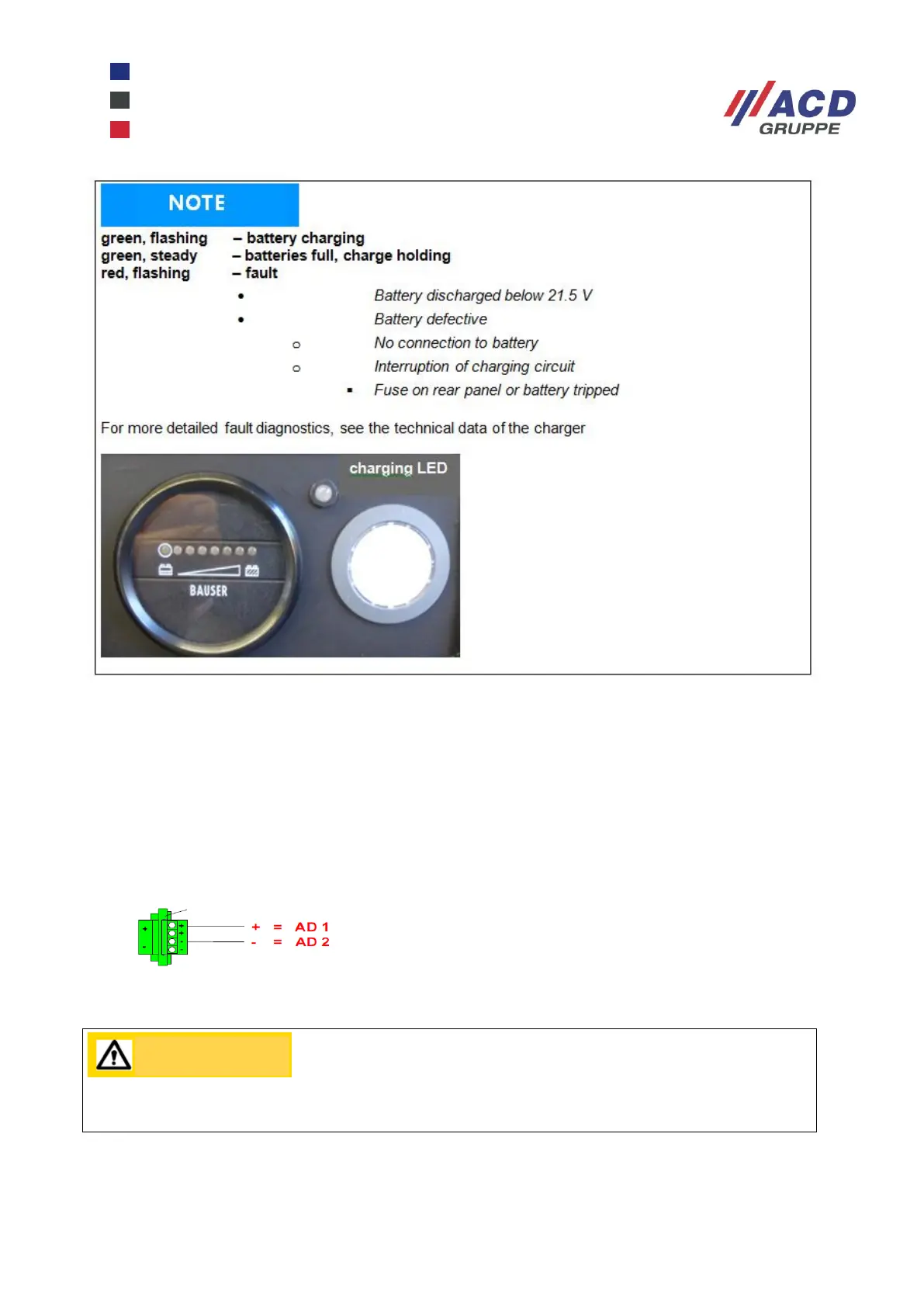
Figure 4: Charging Status LED
After successful charging (depending on the charge state, the charging time can be between 5 and 10 hours)
the charger switches automatically to charge holding, and the status LED on the panel lights up steady
green.
Disconnect the plug and close the rear panel of the mobile workstation. Now the mobile workstation is ready
for operation again.
24.2 Interfaces
The connector for the 24 V DC output is located on the rear of the mobile workstation.
Figure 5: 24 V DC output connector
Ensure correct polarity! Observe maximum load (see technical data).


 To Next Page