MAX_Kurzanleitung_Brief_Overview_V1.03_de_en 90 / 105
27.6 MAX with key switch (option)
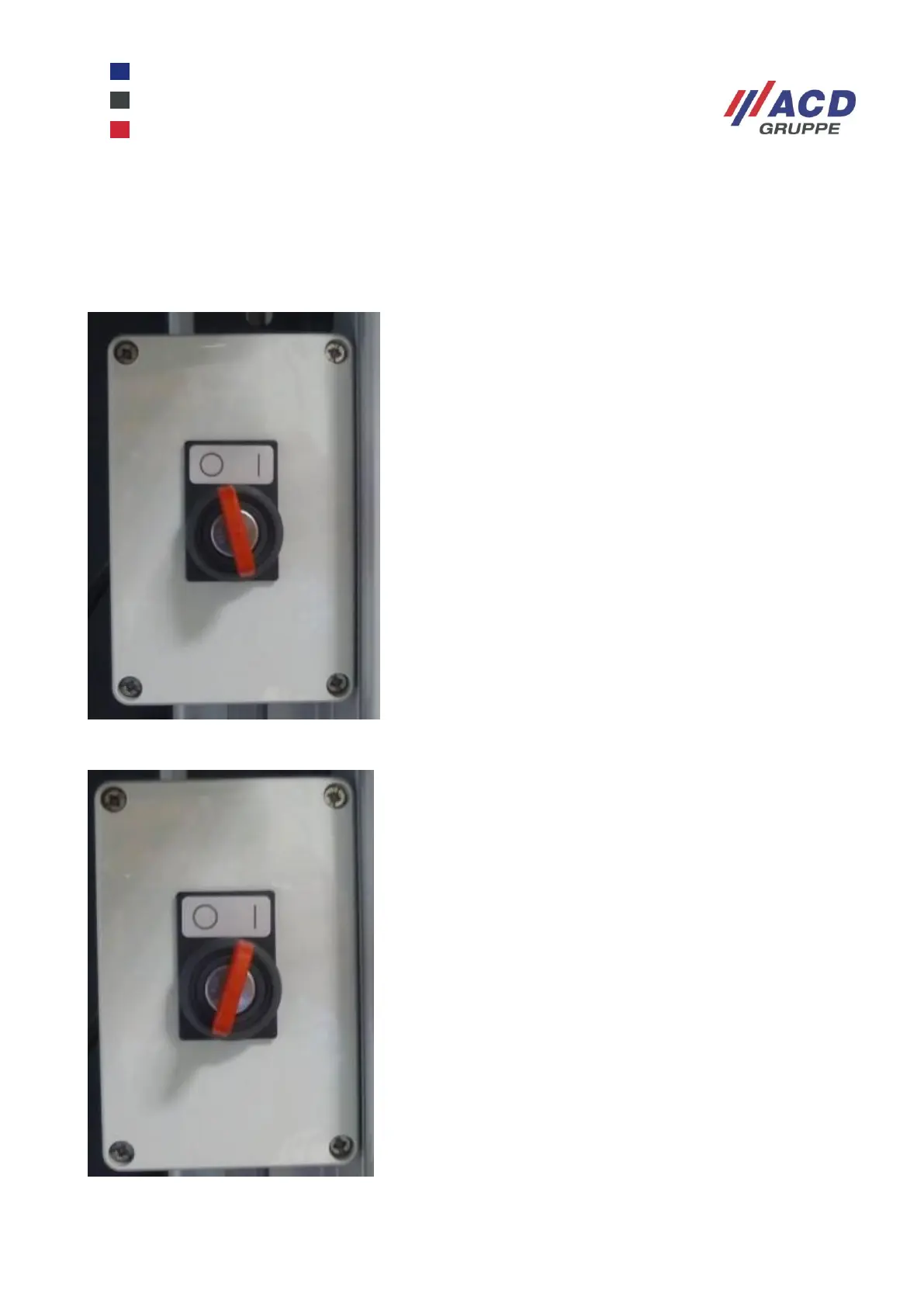
The MAX mobile workstation in the version “with key switch” is switched on by turning the key switch to
position “1”, in position “0” it is switched off.
The light on the front provides feedback for the “On” position; the button has no function.
Figure 34: MAX with key switch in position “Off”
Figure 35: MAX with key switch in position “On”


 To Next Page