MAX_Kurzanleitung_Brief_Overview_V1.03_de_en 71 / 105
Now the mobile workstation is ready for operation again.
26.1.2 Charging the battery changing tray
Plug the charger plug into the socket of the battery changing tray. Switch the charger on and check the
charging process by looking at the status display. For more details of the status display, please see the
external charger manual.
When the charging process is finished, switch the charger off and unplug the battery tray connection cable.
Now the mobile workstation battery changing tray is ready for use again.
26.2 Battery changing with MAX powerstation
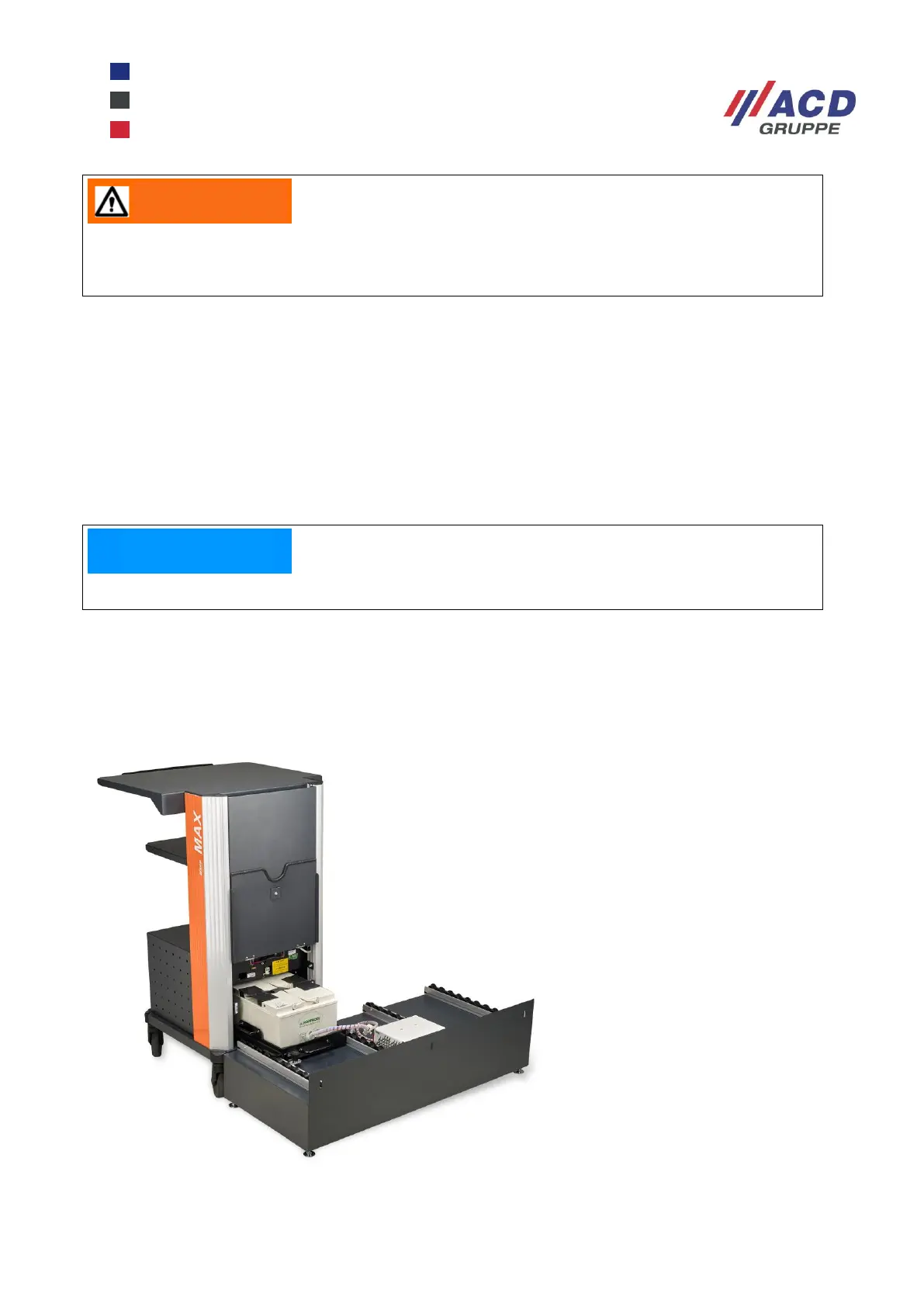
The battery changing station provides a user-friendly way of changing the battery tray.
Battery changing station for two battery trays
Modular design: therefore capable of expansion with pairs of modules
Figure 15: Battery changing station with two places
After changing the battery tray, ensure it is properly locked in place. If the battery tray is not
locked, it can cause damage, including making the cart topple over.
The external charger must be designed for the battery type installed (see Technical data).


 To Next Page