MAX_Kurzanleitung_Brief_Overview_V1.03_de_en 73 / 105
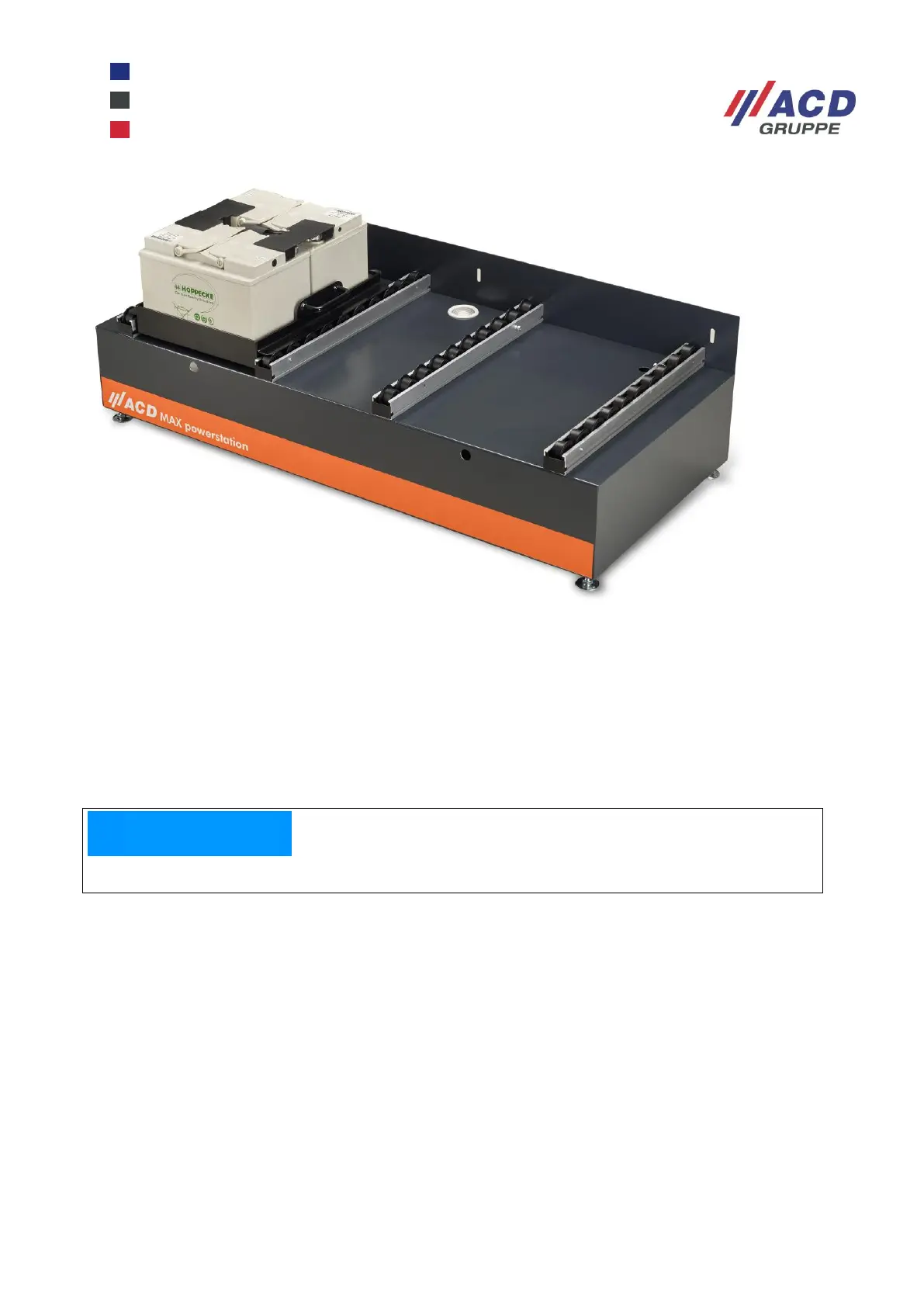
Figure 18: Feet on the MAX powerstation
26.2.3 Putting the empty changing tray down for loading
1. Move the MAX mobile workstation to the MAX powerstation, open the rear panel.
2. Push the battery changing finger of the MAX cart into the station port.
3. Lock both rollers.
4. Unlock the changing tray using the release button, and pull it towards the station.
5. Lock the changing tray onto the MAX powerstation.
6. Plug the empty battery tray charging cable into the charger.
The external charger must be designed for the battery type (see Technical data).


 To Next Page