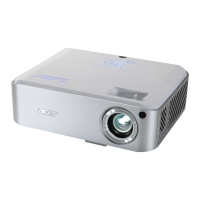
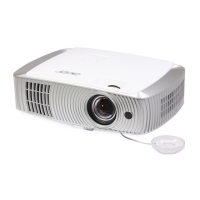
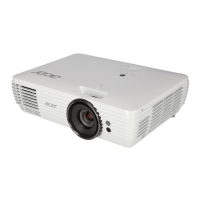
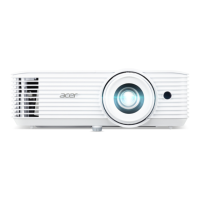
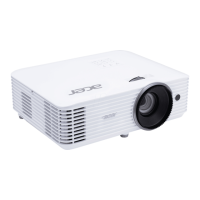
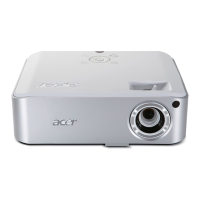
H7530/H7530D
Condential
v
Main Procedure 3-2
Beep Sound 3-6
Chapter 4 Function Test & Alignment Procedure
Test Equipment Needed 4-1
Service Mode 4-1
OSD Reset 4-1
Test Condition 4-2
Test Inspection Procedure 4-3
PC Mode 4-4
Calibration 4-7
Video Performance 4-9
Optical Performance Measure 4-10
Others 4-12
Chapter 5 Firmware Upgrade
Equipment Needed 5-1
Get into FW Download Mode 5-2
Install USB Driver 5-2
Firmware Upgrade Procedure 5-4
Waveform Download 5-6
Restore Fan Speed 5-6
Chapter 6 EDID Upgrade
EDID Introduction 6-1
Equipment Needed 6-2
Setup Procedure (VGA IN) 6-3
EDID Key-In Procedure (VGA) 6-3
Setup Procedure (HDMI) 6-5


 To Next Page