EasyManua.ls Logo

ACT apricot - Data Transfers

ACT apricot
328 pages
Print Icon
To Next Page IconTo Next Page
To Previous Page IconTo Previous Page
Loading...
Seek
Error
FLOPPY DISK INTERFACE
Logic
high
indicates a
matching
track
number
was
not
located
within
a sector ID field during
the
verification operation.
The
bit
is also set
*iggdf
the
FDC fails to
detect
a logic low
on
the
R
input
following a Restore command.
Protected Inverted copy of
the
WPR T
input
from
the
drive. Logic
high
indicates
that
the
selected
disk
drive
contains
a
write
protected disk.
Not
Ready
Inverted copy of
the
READY
input
from
the
drive. Logic
high
indicates
that
the
drive is
not
ready for a
data
transfer operation.
Data Transfers
Transfer of
data
to
and
from
the
disk
is controlled by
the
two
Type 2
commands,
Write Sector
and
Read Sector. Prior
to issuing
the
command
to
the
Command
Register,
the
Sector Register
must
be loaded
with
the
desired sector
number,
to
determine
the
source/destination
of
the
data.
Termination
of
the
command
(successful or otherwise) is
signified by
an
interrupt
request
to
the
PIC. Both
command
operations are
prematurely
terminated,
if
the
disk drive is
not
ready for
the
transfer operation, as indicated by
the
READY
input.
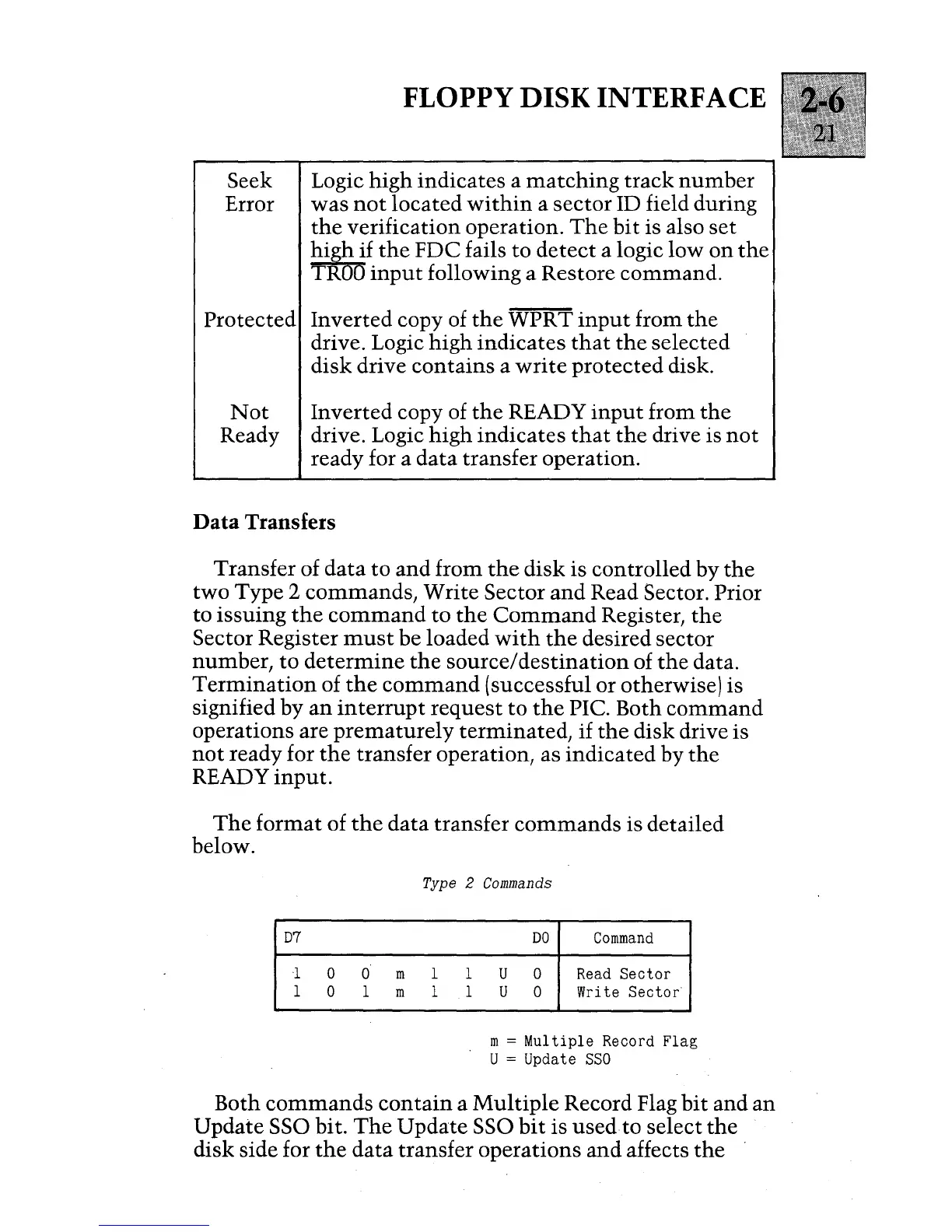
The
format
of
the
data
transfer
commands
is detailed
below.
D7
1
0
0
m
1
0 1 m
Type 2
Commands
1 1
1 1
DO
Command
U 0
Read
Sector
U 0 Write
Sector
m =
Multiple
Record Flag
U = Update
SSO
Both
commands
contain
a
Multiple
Record Flag
bit
and
an
Update SSG bit.
The
Update
SSG
bit
is used to select
the
disk side for
the
data
transfer operations
and
affects
the

Table of Contents

Other manuals for ACT apricot