EasyManua.ls Logo

ACT apricot - Mode Selection

ACT apricot
328 pages
Print Icon
To Next Page IconTo Next Page
To Previous Page IconTo Previous Page
Loading...
CRT
CONTROL
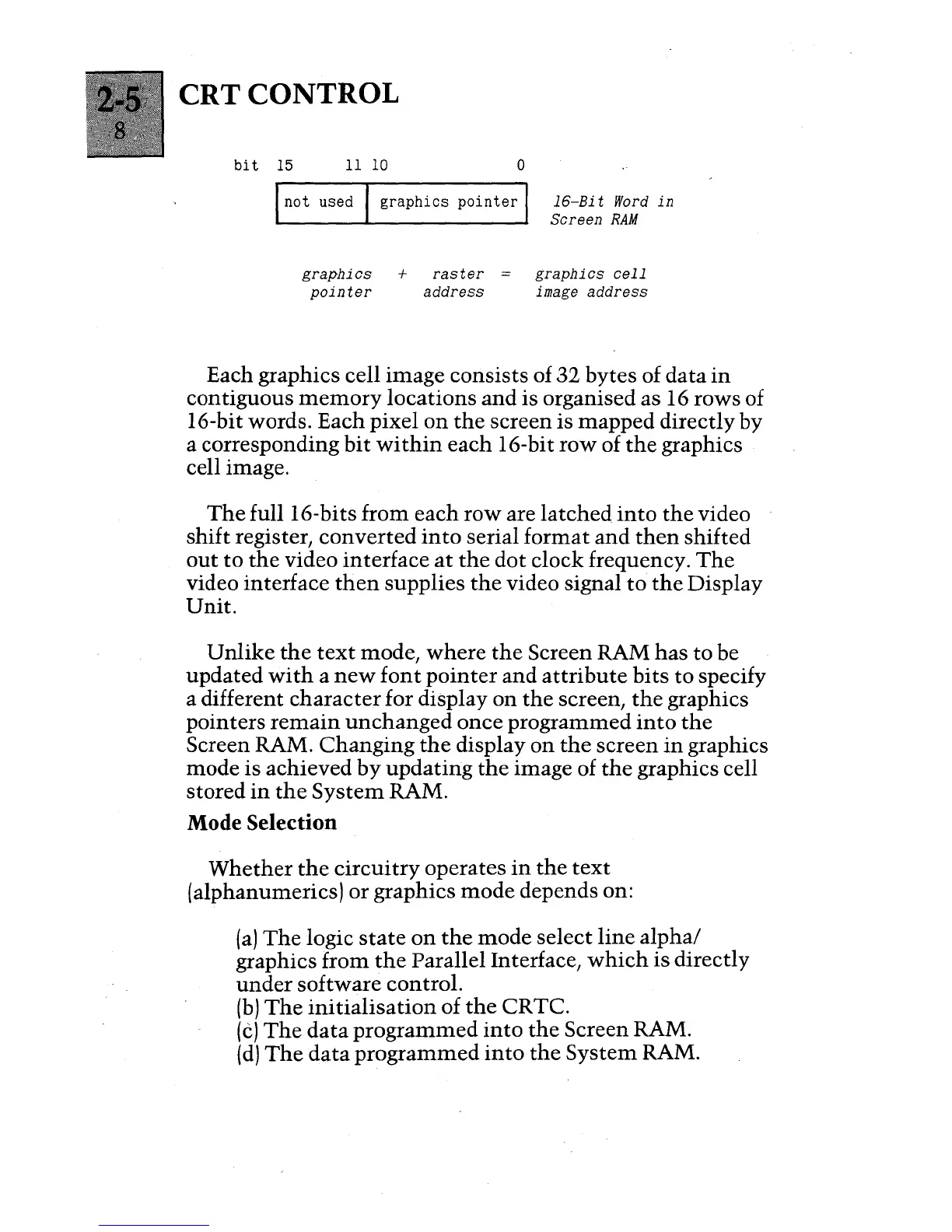
bit
15
1110
o
I
not
used I
graphics
pointer
I
graphics
+
raster
pointer
address
16-Bi t
Word
in
Screen
RAM
graphics
cell
image address
Each graphics cell image consists of
32
bytes of data
in
contiguous
memory
locations
and
is organised as 16 rows of
16-bit words. Each pixel
on
the
screen is
mapped
directly by
a corresponding
bit
within
each 16-bit
row
of
the
graphics
cell image.
The
full 16-bits from each
row
are
latched
into
the
video
shift register,
converted
into
serial format
and
then
shifted
out
to
the
video interface
at
the
dot
clock frequency.
The
video interface
then
supplies
the
video signal
to
the
Display
Unit.
Unlike
the
text
mode,
where
the
Screen RAM
has
to
be
updated
with
a
new
font
pointer
and
attribute
bits
to
specify
a different
character
for display
on
the
screen,
the
graphics
pointers
remain
unchanged
once programmed
into
the
Screen RAM.
Changing
the
display
on
the
screen
in
graphics
mode is achieved
by
updating
the
image of
the
graphics cell
stored
in
the
System
RAM.
Mode Selection
Whether
the
circuitry
operates
in
the
text
(alphanumerics)
or
graphics
mode
depends on:
(a)
The
logic
state
on
the
mode
select
line
alpha/
graphics from
the
Parallel Interface,
which
is
directly
under
software control.
(b)
The
initialisation
of
the
CRTC.
(e)
The
data
programmed
into
the
Screen RAM.
(d)
The
data
programmed
into
the
System
RAM.

Table of Contents

Other manuals for ACT apricot