EasyManua.ls Logo

ACT apricot - Page 249

ACT apricot
328 pages
Print Icon
To Next Page IconTo Next Page
To Previous Page IconTo Previous Page
Loading...
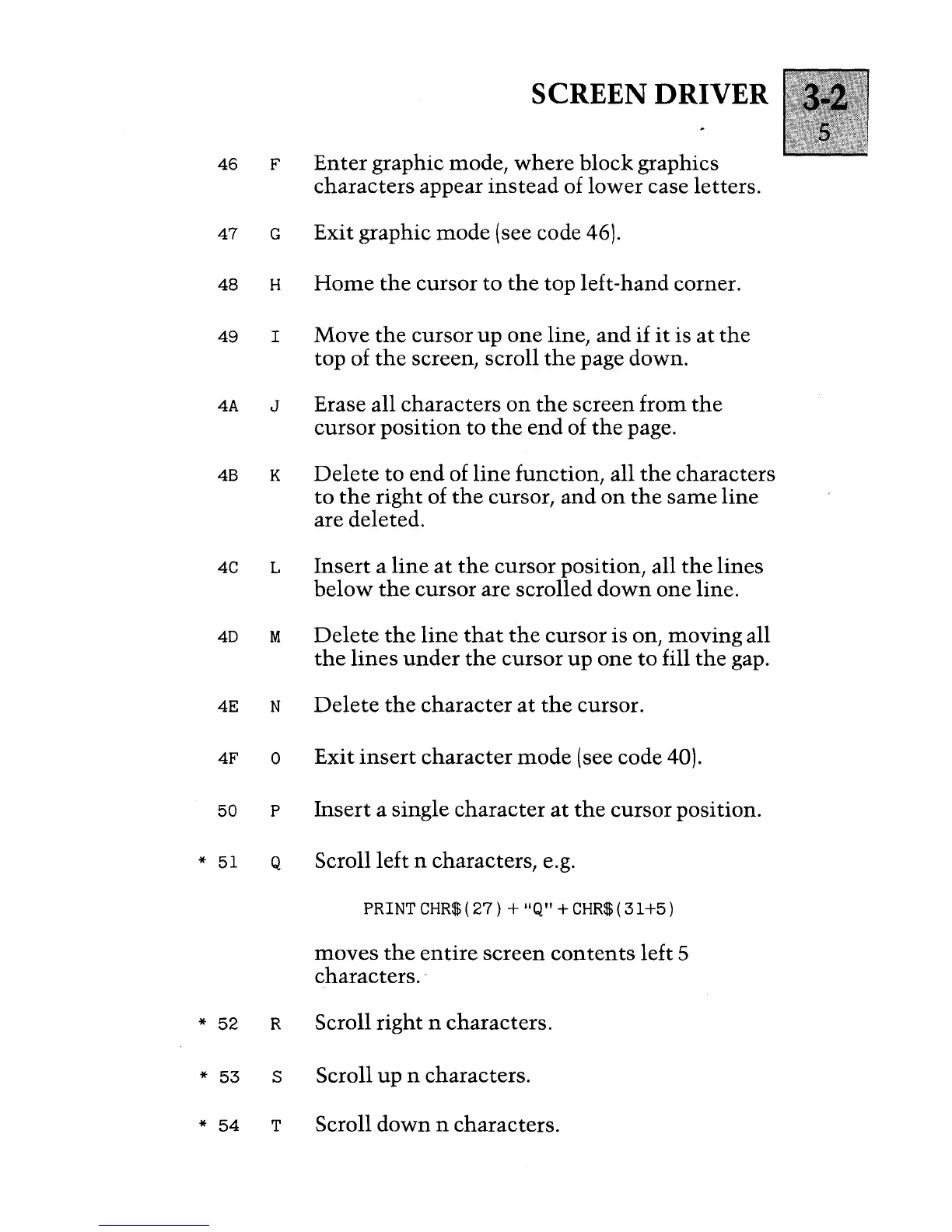
SCREEN DRIVER
46
F
Enter
graphic mode,
where
block graphics
characters appear
instead
of lower case letters.
47
G Exit graphic
mode
(see code 46).
48
H
Home
the
cursor
to
the
top left-hand corner.
49
I Move
the
cursor
up
one line, and
if
it
is
at
the
top of
the
screen, scroll
the
page down.
4A
J
Erase all characters
on
the
screen from
the
cursor
position
to
the
end
of
the
page.
4B K
Delete
to
end
of
line
function, all
the
characters
to
the
right
of
the
cursor,
and
on
the
same
line
are deleted.
4C L
Insert
a
line
at
the
cursor position, all
the
lines
below
the
cursor are scrolled
down
one line.
4D
M
Delete
the
line
that
the
cursor is on, moving all
the
lines
under
the
cursor
up
one
to
fill
the
gap.
4E N
Delete
the
character
at
the
cursor.
4F
0
Exit
insert
character
mode
(see code 40).
50
P
Insert
a single character
at
the
cursor position.
*
51
Q
Scroll left n characters, e.g.
PRINT
CHR$(27)
+ IlQ"
+CHR$(31+5)
moves
the
entire
screen
contents
left 5
characters
..
*
52
R
Scroll right n characters.
*
53
S
Scroll
up
n characters.
*
54
T
Scroll
down
n characters.

Table of Contents

Other manuals for ACT apricot