Functional Description
© 2018 ACTIA I+ME GmbH │ Ref. IR:14938 29 / 92
9.2.4 Visual Indicators and Instructions
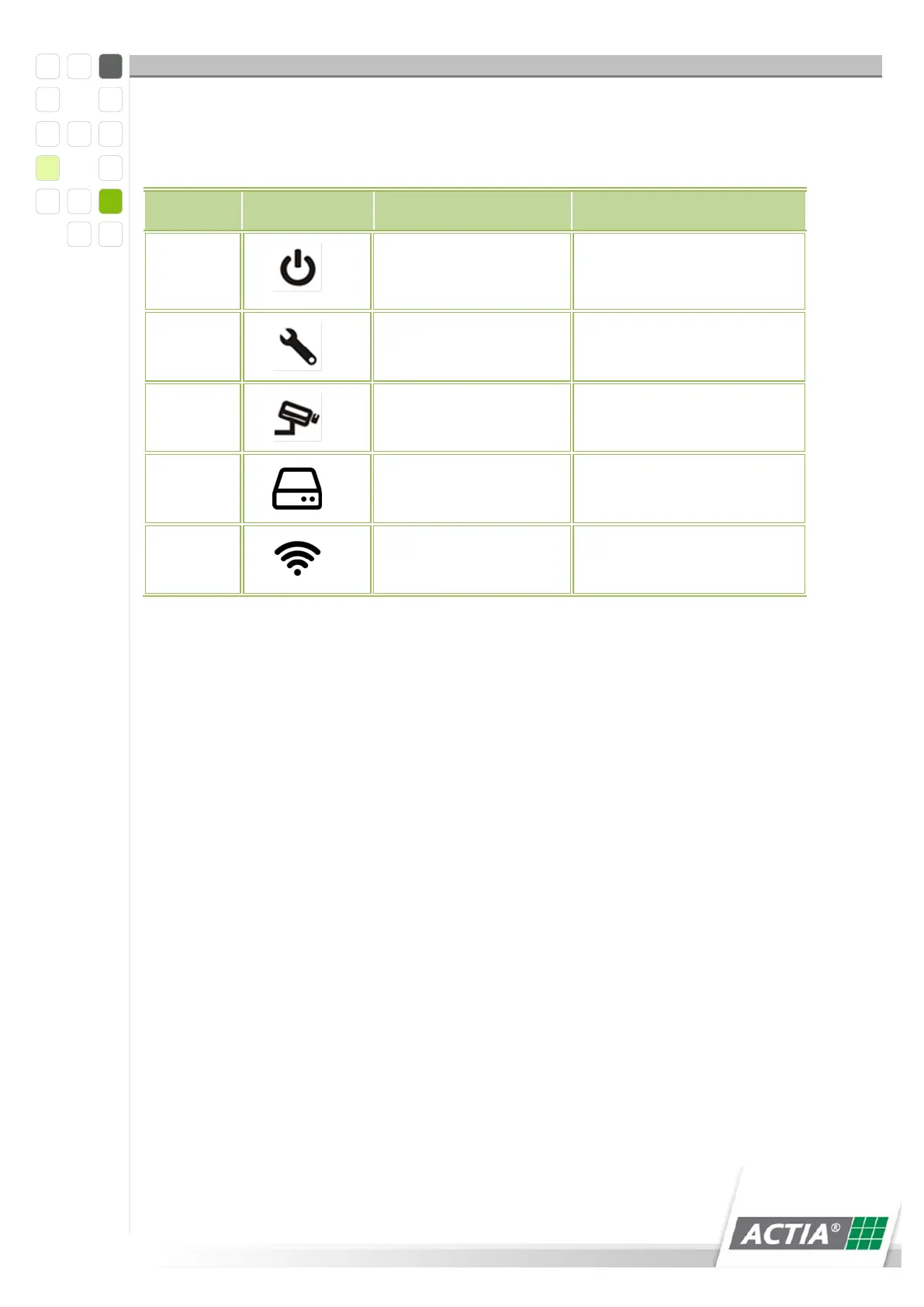
Eight light diodes indicate the operating status of BOP xD.
Lit in green when the
power connection is
active.
Blinks red when there
is a malfunction
Blinks green when data
is being recorded
Hard disk lit in blue
when active
Lit in yellow when Wi-Fi
is active.
Table 4) Visual Indicators, Light Diodes
9.3 BOP xD Operation
After putting the system into operation, BOP is switched to operating mode
>RECORDING< via the key switch. During normal operation, BOP can be switched on
and off with the ignition (terminal 15).
BOP is switched to >RECORDING< via the key switch.
1 Ignition on > BOP switches to >RECORDING<
2 Ignition off > after expiry of the switch-off delay time, BOP switches to >OFF<
3 BOP is switched to >OFF< via the key switch
4 Ignition on > BOP remains switched off
9.4 Installing/Changing the Slide Disk
The slide disk is electromagnetically locked. You can remove the slide disk, when BOP
XD is switched-off from the key switch.



 To Next Page