Web Interface
© 2018 ACTIA I+ME GmbH │ Ref. IR:14938 79 / 92
Confirm the identification name with [OK].
3 The key file is being generated
4 The USB stick is written over
5 The USB stick is logged out and the ejected
6 Remove the USB stick
12.3 Admin
Access to the BOP xD web interface is password protected.
In the [Admin] area, individual passwords can be granted, there is direct access to
the data storage and the storage devices can be formatted.
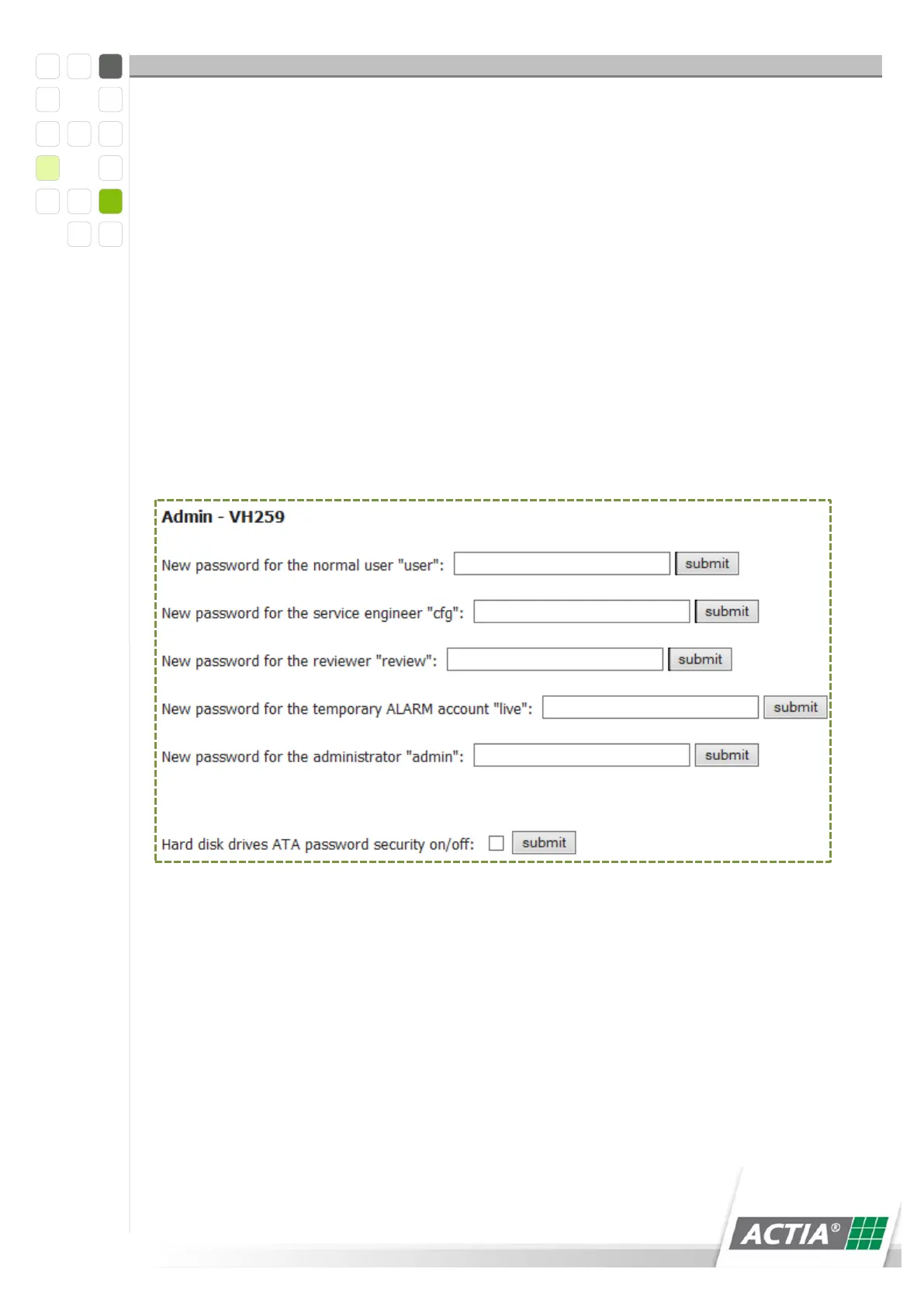
Figure 34) Passwords
Normal user - “user”
Service technician “cfg”
Reviewer - “review”
Temporary ALARM access “live”
Administrator - “admin”



 To Next Page