Web Interface
© 2018 ACTIA I+ME GmbH │ Ref. IR:14938 74 / 92
[Reload]
Load the last saved configuration data. All changes that have not been saved will be
reset.
[Save]
Save the configuration data. The BOP xD real-time clock is set to the current date
and time of the connected PC. The system time is applied to BOP xD after a restart.
[Save + Restart]
Save the configuration data. After that, BOP xD is restarted thus enabling any
changes applied to the configuration.
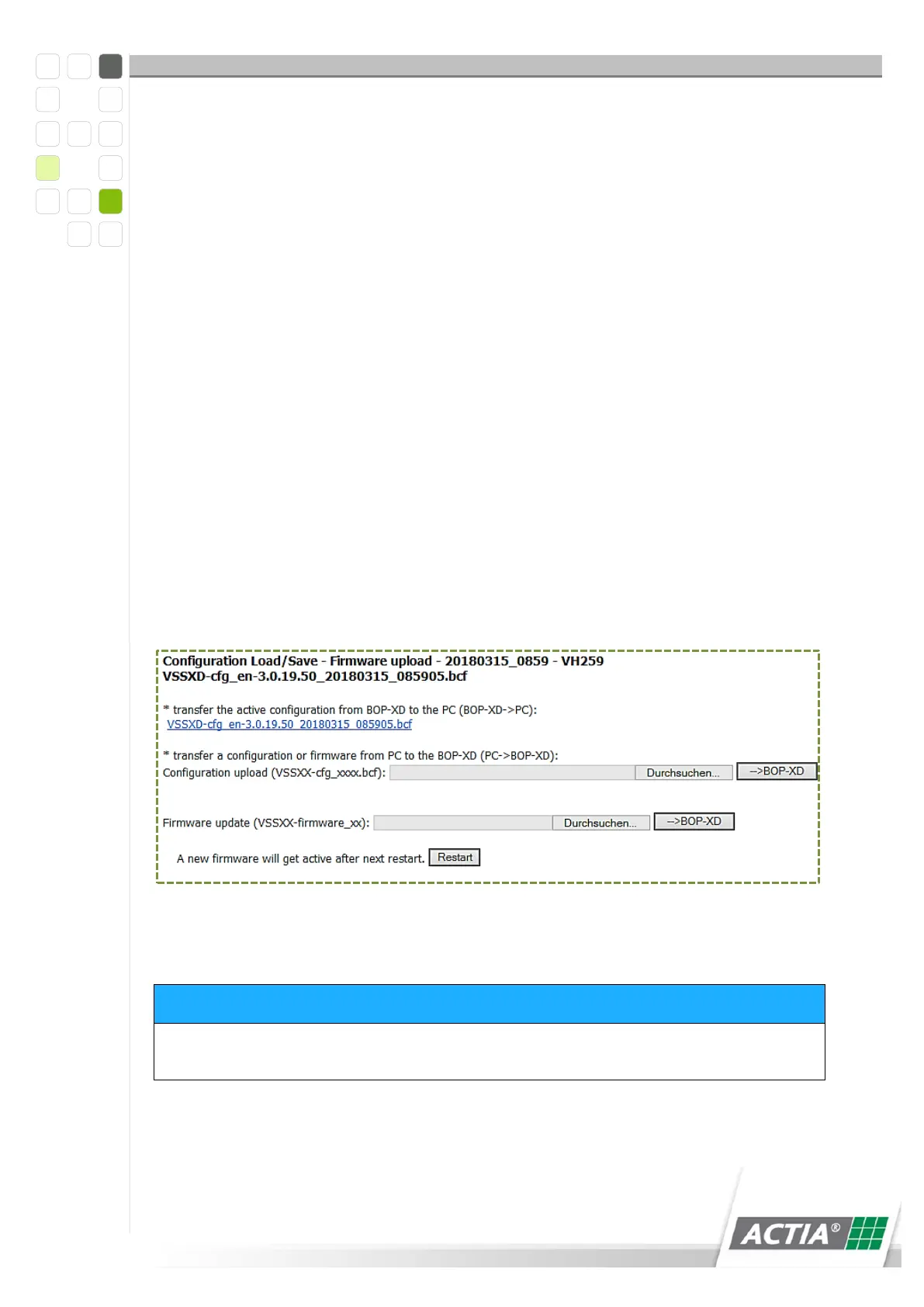
12.1 Load/Save Configuration – Firmware Upload
The current configuration of the BOP system can be loaded to a PC over a link. A
current configuration can be saved to BOP from a PC or a firmware update may be
installed on the system.
Figure 31) Firmware upload
Pay attention to the order!! Begin by uploading the firmware first and the
configuration second.
The new firmware is enabled only after a restart.



 To Next Page